

How to secure your online accounts after a data breach is one of the most important steps you can take to protect your personal information, financial accounts, and online identity. Whether your email address, passwords, or other sensitive data were exposed, acting quickly can significantly reduce your risk of identity theft and account takeovers. In this guide, you’ll learn the essential steps to secure your accounts, strengthen your online security, and discover the best tools to help protect your information long after a data breach occurs.
Table of Contents
🔥 Quick Answer: How To Secure Your Online Accounts After A Data Breach
If you’re wondering how to secure your online accounts after a data breach, the most important thing is to act quickly. A data breach doesn’t always mean someone has already stolen your identity, but it does increase the risk that cybercriminals could use your exposed information to access your accounts, commit fraud, or target you with phishing scams.
The first priority is securing your most important accounts, including your email, banking, and financial services. Change compromised passwords immediately, enable two-factor authentication (2FA), review recent login activity, update your account recovery information, and monitor your credit and financial accounts for suspicious activity. According to the Cybersecurity and Infrastructure Security Agency (CISA), enabling multi-factor authentication and using strong, unique passwords are two of the most effective ways to protect your online accounts after a security incident.
If your personal information was exposed, consider using identity protection services that offer dark web monitoring, fraud alerts, and continuous account monitoring. These tools can notify you if criminals attempt to use your information again, helping you respond before serious damage occurs instead of discovering fraud weeks or months later.
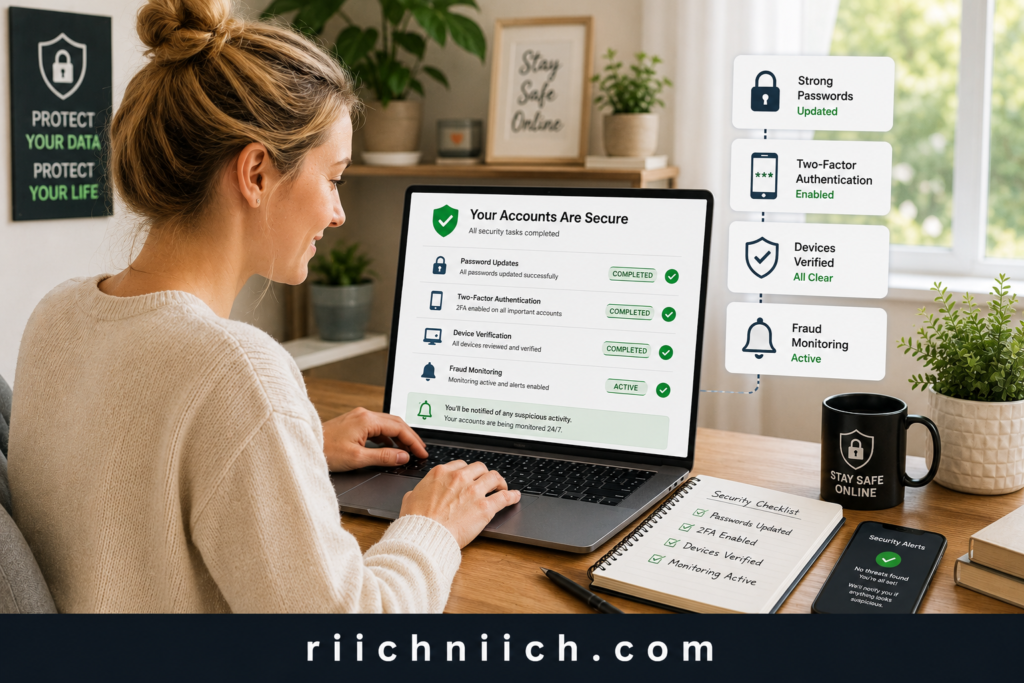
Throughout this guide, you’ll learn how to secure your online accounts after a data breach using practical, step-by-step strategies to protect your email, banking, social media, shopping, and other online accounts. You’ll also discover when it makes sense to use identity protection tools and ongoing monitoring services to reduce your risk of becoming a victim of identity theft. If you’re unsure whether your information may have already been exposed online, the Federal Trade Commission’s IdentityTheft.gov recommends taking immediate action to secure affected accounts and monitor for signs of fraud.
What Happens After Your Information Is Exposed?
When your personal information is exposed in a data breach, it doesn’t always mean your accounts will be hacked immediately. However, it does mean your information may be sold, shared, or traded on criminal marketplaces where cybercriminals look for valuable data they can use to commit fraud. That’s why learning how to secure your online accounts after a data breach should be your first priority.
Depending on the breach, exposed information may include your email address, passwords, phone number, Social Security number, banking information, home address, or even answers to your security questions.
One of the biggest risks after a data breach is credential stuffing. This happens when hackers take stolen usernames and passwords from one breach and automatically test them on hundreds of other websites. If you reuse the same password on multiple accounts, criminals may gain access to your email, online banking, shopping accounts, cloud storage, or social media profiles without needing to hack anything else.
Your email account is usually the primary target because it controls password resets for many of your other accounts. If a hacker gains access to your email, they may be able to reset passwords for your bank, investment accounts, online stores, and subscription services, making it much harder to recover your digital identity.
In many cases, criminals don’t use stolen information immediately. Instead, they may wait weeks or even months before attempting fraud to avoid detection. This delayed activity is one reason why how to secure your online accounts after a data breach involves more than simply changing one password. It requires ongoing account security, identity monitoring, and regular reviews of your login activity.
The good news is that taking action early can significantly reduce your risk.
Understanding what happens after your information is exposed helps you respond before criminals have the opportunity to misuse your data. The remaining steps in this guide will show you exactly how to secure your online accounts after a data breach, strengthen your online account security, and reduce the likelihood of identity theft or financial fraud.
If you’re still unsure what typically happens after companies lose customer data, read our complete guide on What Happens After a Data Breach to understand the risks and what to expect next.
Which Online Accounts Should You Secure First?
After a data breach, not every account carries the same level of risk. Some accounts act as gateways to many others, which means securing them first can prevent hackers from taking control of your digital life. If you’re serious about how to secure your online accounts after a data breach, start with the accounts that contain sensitive information or allow password resets for other services.
1. Your Email Account
Your email account should be your top priority. Most websites use your email address to send password reset links, security alerts, and account verification codes. If a cybercriminal gains access to your inbox, they may be able to reset passwords for dozens of other accounts.
Immediately:
- Change your email password.
- Enable two-factor authentication (2FA).
- Review recovery email addresses and phone numbers.
- Check for unfamiliar forwarding rules or filters.
- Sign out of devices you don’t recognize.
2. Banking and Financial Accounts
Next, secure any account connected to your money, including:
- Online banking
- Credit card accounts
- Investment accounts
- Retirement accounts
- Payment apps
- Cryptocurrency wallets
Review recent transactions, update your passwords, enable fraud alerts if available, and report any suspicious activity immediately. The faster you respond, the easier it is to stop unauthorized transactions before they become larger financial problems.
3. Password Manager
If you use a password manager, protect it immediately. It often stores the login credentials for nearly every account you own. Change the master password if necessary, enable two-factor authentication, and review any recent login history.
A secure password manager also makes how to secure your online accounts after a data breach much easier because it allows you to create strong, unique passwords for every website instead of reusing the same one.
4. Shopping Accounts
Retail accounts such as Amazon, Walmart, Target, and other online stores often store saved payment methods and shipping addresses. Criminals frequently target these accounts to make fraudulent purchases without immediately drawing attention.
Remove any payment methods you don’t use, review recent orders, and change your password if it has been reused elsewhere.
5. Social Media Accounts
Social media accounts may not seem as valuable as bank accounts, but they can be used to impersonate you, scam your friends and family, or gather additional personal information.
Secure platforms like Facebook, Instagram, X, LinkedIn, TikTok, and Snapchat by updating your password, enabling two-factor authentication, and reviewing active login sessions.
6. Government, Healthcare, and Insurance Accounts
Finally, protect accounts that contain highly sensitive personal information, including:
- IRS accounts
- Social Security accounts
- Health insurance portals
- Medical provider accounts
- State government services
These accounts often contain information that criminals can use for identity theft, tax fraud, or medical identity fraud.
Prioritizing these accounts helps you respond efficiently instead of trying to secure everything at once. By protecting the accounts that give hackers the greatest leverage first, you’ll make how to secure your online accounts after a data breach faster, more effective, and far less stressful.
1. Change Your Passwords Immediately
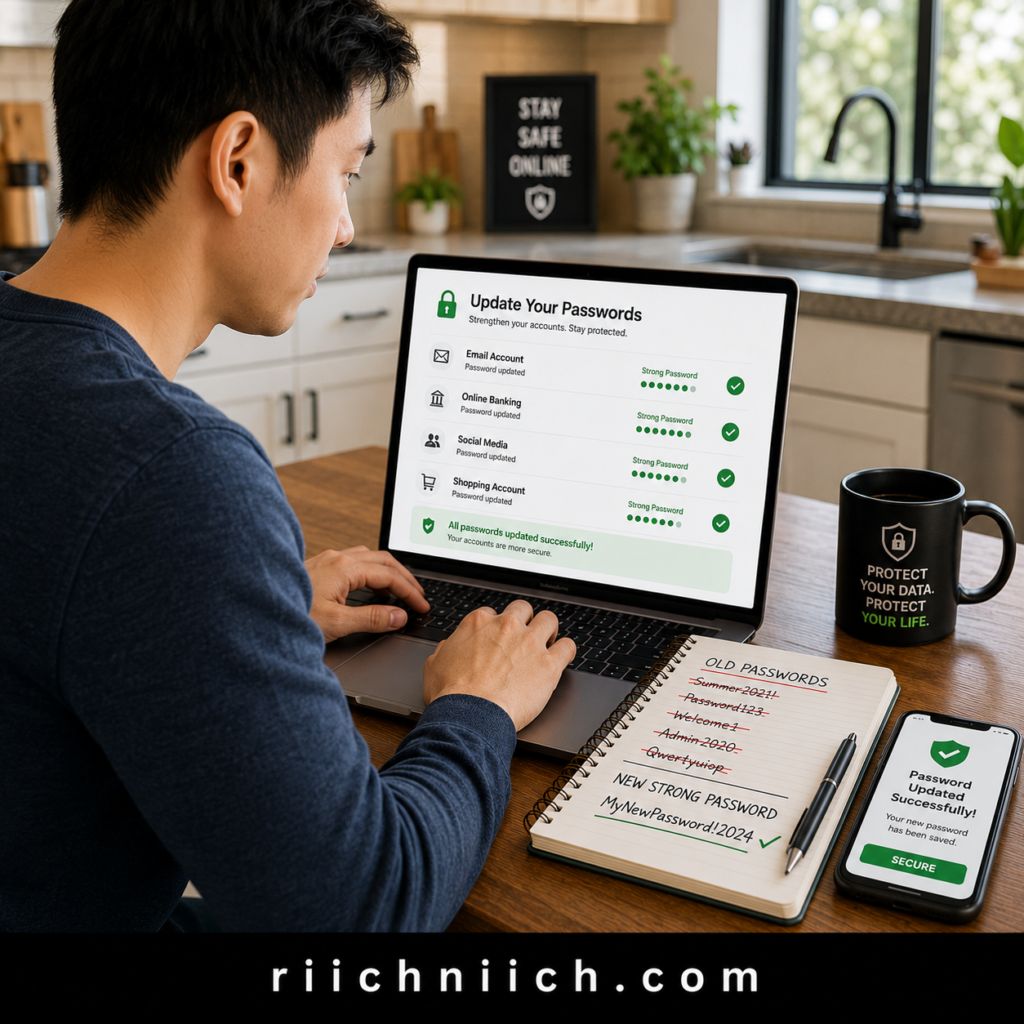
One of the first and most important steps in how to secure your online accounts after a data breach is changing your passwords immediately. If your login credentials were exposed, hackers may already be attempting to access your accounts using automated tools that test stolen usernames and passwords across hundreds of websites.
The biggest mistake people make is changing only the password for the affected account. If you’ve reused that same password on other websites, every one of those accounts could also be at risk. This type of attack, known as credential stuffing, is one of the most common ways cybercriminals take over online accounts.
Start with Your Most Important Accounts
Don’t try to change every password at once. Prioritize the accounts that contain your most sensitive information:
- Email accounts
- Online banking and credit card accounts
- Investment and retirement accounts
- Password manager
- Shopping websites with saved payment methods
- Social media accounts
- Healthcare and government portals
Once these are secured, continue updating passwords for your remaining online accounts over the next few days.
Create Strong, Unique Passwords
A strong password should be:
- At least 16 characters long when supported.
- Unique for every website.
- Difficult to guess.
- Never based on personal information such as your birthday, phone number, or pet’s name.
Instead of creating complicated passwords that are hard to remember, consider using a long passphrase made up of several unrelated words combined with numbers and symbols.
Don’t Reuse Old Passwords
Changing a password is only effective if the new password has never been used before. Many people simply add a number or change one character, such as:
- Password123 → Password124
- Summer2025! → Summer2026!
Unfortunately, these small changes are predictable and may still be vulnerable if criminals already know your previous passwords.
Consider Using a Password Manager
Managing dozens of unique passwords can quickly become overwhelming. A reputable password manager can generate strong passwords, store them securely, and automatically fill them in when you sign in. This not only improves convenience but also makes how to secure your online accounts after a data breach much easier over the long term because every account can have its own unique credentials.
For many people, using a password manager is one of the most effective ways to improve online account security while reducing the temptation to reuse passwords.
Need help choosing one? See our guide to the Best Password Managers to compare the top options for creating and storing strong, unique passwords.
Changing your passwords immediately is one of the fastest ways to cut off unauthorized access after a breach. Combined with the additional steps in this guide, it helps protect your accounts from future attacks and significantly lowers your risk of identity theft and financial fraud.
2. Enable Two-Factor Authentication Everywhere
After changing your passwords, the next critical step in how to secure your online accounts after a data breach is enabling two-factor authentication (2FA) on every account that supports it. Even if a hacker obtains your password, two-factor authentication adds a second layer of security that makes it much more difficult for them to access your account.
Instead of relying on only a password, 2FA requires an additional verification step before anyone can sign in. This might include a code from an authentication app, a security key, a fingerprint, or facial recognition.
Which Accounts Should You Protect First?
If you can’t enable two-factor authentication on every account immediately, start with the accounts that would cause the most damage if compromised:
- Email accounts
- Online banking and credit card accounts
- Password manager
- Social media accounts
- Cloud storage services
- Shopping websites with saved payment methods
- Healthcare portals
- Government accounts
These accounts often contain sensitive personal information or provide access to other online services.
Use an Authenticator App Whenever Possible
Not all forms of two-factor authentication provide the same level of protection.
Whenever available, choose:
- Authenticator apps
- Security keys (hardware authentication devices)
- Biometric authentication
Although text message (SMS) verification is better than using only a password, security experts generally consider authenticator apps more secure because they are less vulnerable to attacks such as SIM swapping.
Save Your Backup Recovery Codes
Many websites provide backup recovery codes when you enable two-factor authentication. These codes allow you to regain access if you lose your phone or cannot receive authentication codes.
Store these recovery codes:
- In your password manager.
- In a secure offline location.
- Never in an unsecured note on your phone or computer.
Having backup codes available can prevent you from being locked out of your own accounts during an emergency.
Review Trusted Devices Regularly
After enabling two-factor authentication, review the list of devices currently signed in to each account. Remove any devices you no longer use or don’t recognize. If an unfamiliar device appears, change your password immediately and sign out of all active sessions.
Regularly reviewing trusted devices is another important part of how to secure your online accounts after a data breach, especially if your credentials may have been exposed before you enabled additional security.
Adding two-factor authentication greatly reduces the likelihood that stolen passwords alone can be used against you. Combined with strong, unique passwords and ongoing account monitoring, it creates a much stronger defense against account takeovers, identity theft, and financial fraud after a data breach.
3. Check for Unauthorized Logins
Even after changing your passwords and enabling two-factor authentication, you should check whether someone has already accessed your accounts. An unauthorized login may indicate that a hacker signed in before you secured your information. That’s why reviewing your account activity is an essential step in how to secure your online accounts after a data breach.
Many online services keep a record of recent login activity, including the device used, location, browser, and date of each sign-in. Reviewing this information can help you identify suspicious activity before it leads to identity theft or financial loss.
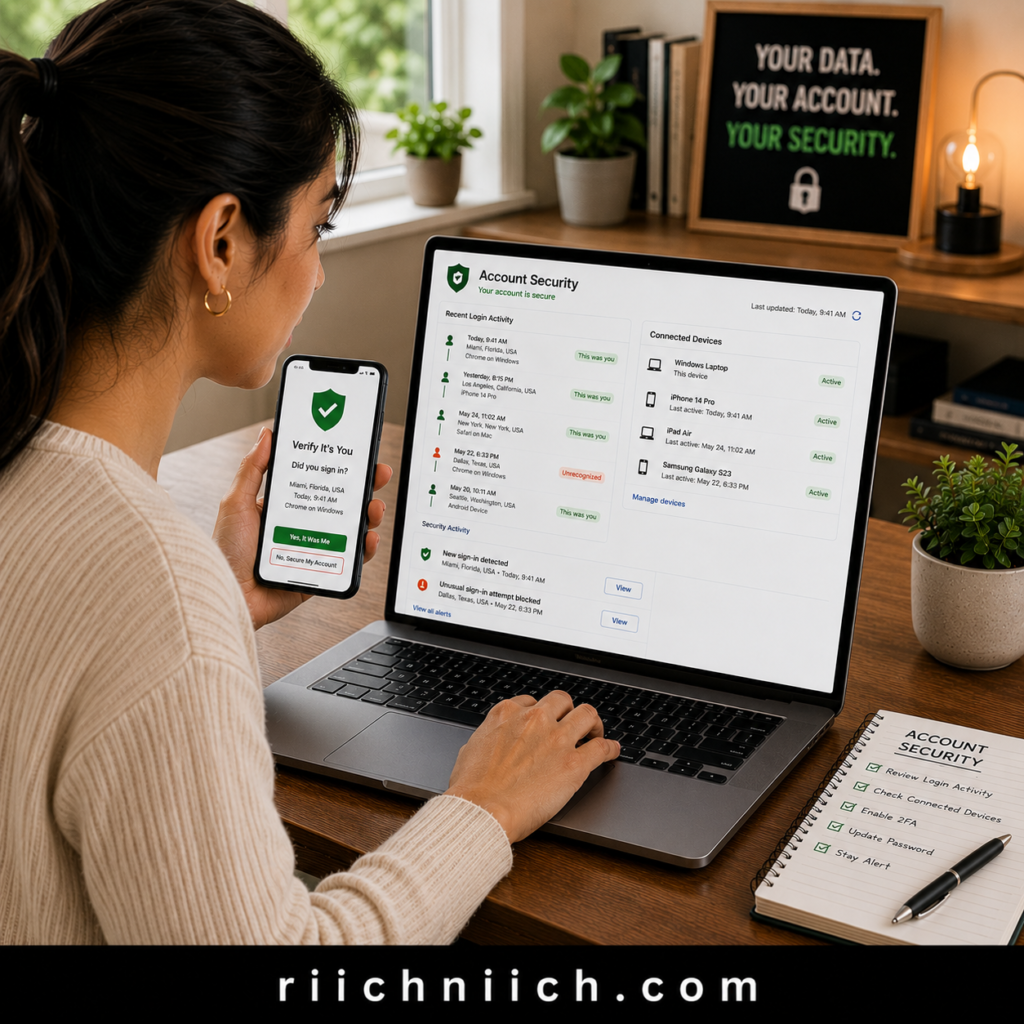
Review Your Recent Login History
Start by checking the security settings of your most important accounts, including:
- Email accounts
- Online banking and financial accounts
- Social media platforms
- Cloud storage services
- Password manager
- Shopping websites with saved payment methods
Look for:
- Logins from unfamiliar cities or countries.
- Devices you don’t recognize.
- Sign-ins at unusual times.
- Browsers or operating systems you’ve never used.
- Multiple failed login attempts.
Most major online services provide security pages where you can review recent account activity. The Cybersecurity and Infrastructure Security Agency (CISA) recommends regularly reviewing account activity and security alerts to help detect unauthorized access as early as possible.
Sign Out of Unknown Devices
If you discover a device you don’t recognize, don’t ignore it.
Immediately:
- Sign out of that device.
- Sign out of all active sessions if the option is available.
- Change your password again.
- Confirm that two-factor authentication is enabled.
- Review your recovery email address and phone number to ensure they haven’t been changed.
These steps help remove anyone who may still have access to your account.
Check Account Security Notifications
Many websites send alerts when:
- A new device signs in.
- Your password changes.
- Your recovery information is updated.
- Two-factor authentication is disabled.
- A login occurs from a new location.
Review your recent emails and account notifications for any security messages you don’t recognize. If you find an alert for an action you didn’t perform, investigate immediately before additional changes are made.
Look for Changes You Didn’t Make
Unauthorized access isn’t always obvious. Criminals often try to maintain access without attracting attention.
Review your accounts for:
- New forwarding rules in your email.
- Unknown recovery email addresses or phone numbers.
- New linked devices.
- Connected third-party applications you didn’t authorize.
- Profile information that has been modified.
- Purchases or transactions you don’t recognize.
The sooner you identify these changes, the easier it is to regain control of your accounts.
Turn On Login Alerts
Many online services allow you to receive real-time notifications whenever someone signs in from a new device or location. Enabling these alerts gives you an early warning if someone attempts to access your accounts in the future.
Checking for unauthorized logins is a critical part of how to secure your online accounts after a data breach because it helps you determine whether criminals have already accessed your information. Combined with strong passwords, two-factor authentication, and continuous account monitoring, regularly reviewing your login history can help you detect suspicious activity early and prevent more serious identity theft or financial fraud.
4. Review Your Password Manager
If you use a password manager, reviewing it should be one of your highest priorities after a data breach. A password manager stores the login credentials for many—or even all—of your online accounts. If it isn’t properly secured, it could become a valuable target for cybercriminals. As part of how to secure your online accounts after a data breach, taking a few minutes to review your password manager can help strengthen your overall online account security.
Fortunately, reputable password managers are designed with strong encryption and multiple security features. However, you should still verify that your account hasn’t been compromised and that your stored credentials remain protected.
Verify Your Master Password
Your master password protects everything stored inside your password manager. If there’s any chance it was exposed during a data breach, change it immediately.
Your master password should:
- Be long and unique.
- Never be reused on any other website.
- Avoid personal information or predictable phrases.
- Be stored only in your memory or a secure offline location.
Enable Two-Factor Authentication
If your password manager supports two-factor authentication (2FA), make sure it is enabled.
Adding a second layer of verification means that even if someone learns your master password, they will still need your authentication code or security key before accessing your stored passwords.
Whenever possible, use:
- An authenticator app.
- A hardware security key.
- Biometric authentication.
These methods generally provide stronger protection than relying on passwords alone.
Check Your Password Health Report
Many password managers include built-in security tools that scan your stored credentials and identify:
- Weak passwords.
- Reused passwords.
- Old passwords that should be updated.
- Accounts affected by known data breaches.
Take the time to review these reports and replace any passwords that are flagged as weak or duplicated. Eliminating password reuse is one of the simplest ways to improve your online account security after a breach.
Review Saved Accounts and Secure Notes
While reviewing your password manager, look through your stored information for anything that no longer needs to be saved.
Consider removing:
- Old accounts you no longer use.
- Expired credit card information.
- Outdated secure notes.
- Login credentials for closed services.
Keeping your password manager organized reduces unnecessary exposure and makes it easier to manage your most important accounts.
Check Login Activity
Most reputable password managers allow you to review recent login history.
Look for:
- New devices you don’t recognize.
- Logins from unfamiliar locations.
- Access attempts you didn’t authorize.
- Changes made to your account settings.
If you notice suspicious activity, change your master password immediately, sign out of all active sessions if possible, and verify that your recovery information has not been changed.
Use Your Password Manager to Update Remaining Accounts
One of the biggest advantages of a password manager is its ability to generate strong, unique passwords for every account you own. As you continue how to secure your online accounts after a data breach, use your password manager to replace reused passwords with randomly generated ones that are much harder to guess or crack.
👉 If you’re still creating passwords yourself, NordPass can generate, store, and automatically fill strong passwords for all of your online accounts, making it much easier to stay protected after a data breach.
A password manager is one of the most valuable tools for protecting your digital life, but only if it’s properly secured. Regularly reviewing your password manager, updating weak passwords, and enabling additional security features can significantly reduce your risk of future account compromises and make how to secure your online accounts after a data breach much more manageable.
5. Secure Your Email Account First
If there’s one account you should protect before anything else, it’s your email account. Your email is the control center for your digital life because it’s connected to your banking, shopping, social media, healthcare, government, and work accounts. If a cybercriminal gains access to your inbox, they can often reset passwords for dozens of other services. That’s why securing your email is one of the most important steps in how to secure your online accounts after a data breach.
Even if the data breach didn’t involve your email provider, criminals frequently use stolen email addresses and passwords in credential stuffing attacks to see whether they can access additional accounts. If you’ve ever reused a password, your email account should be secured immediately.
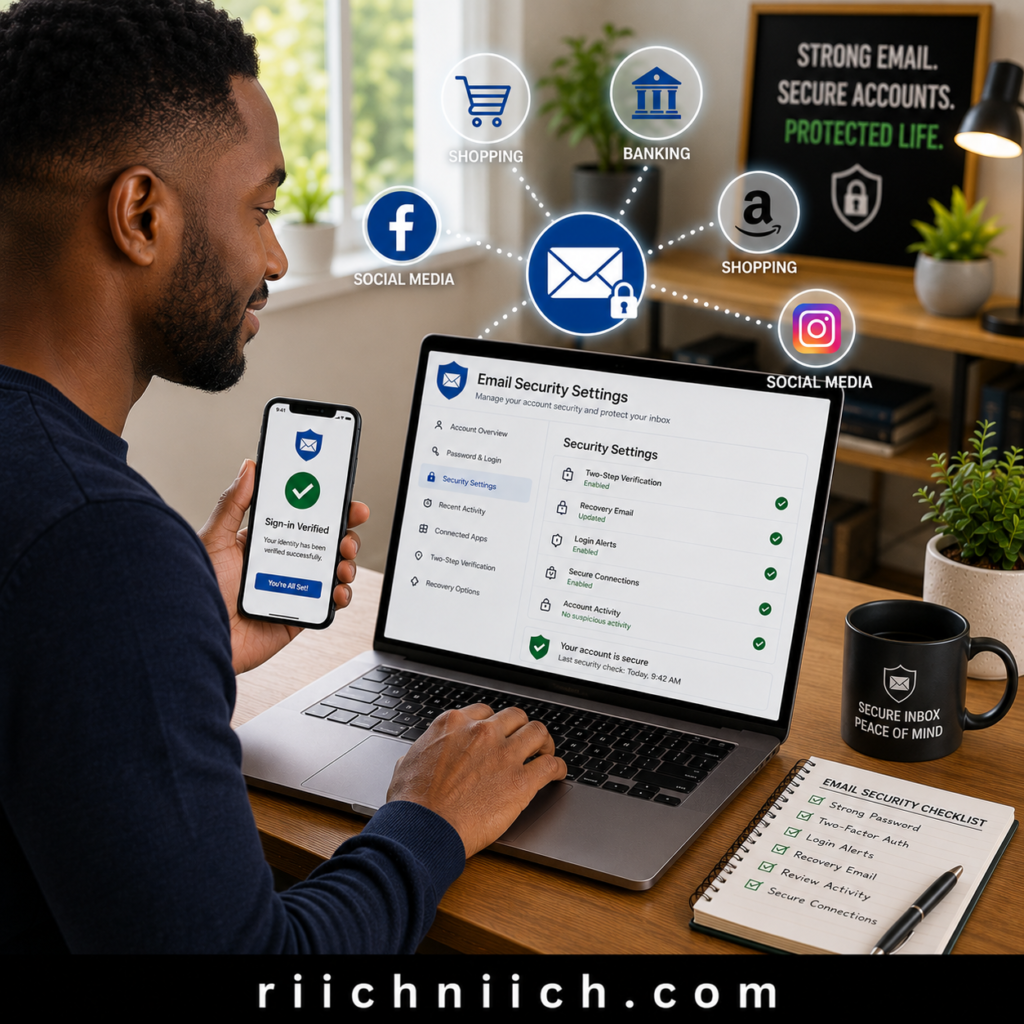
Change Your Email Password Immediately
Start by changing your email password to one that is:
- Unique.
- At least 16 characters long when supported.
- Never reused on another website.
- Stored securely in a trusted password manager.
Enable Two-Factor Authentication (2FA)
If your email provider supports two-factor authentication, enable it immediately.
This extra layer of protection requires a second verification step before someone can sign in, making it much more difficult for hackers to access your inbox even if they know your password.
Authenticator apps or hardware security keys generally provide stronger protection than text message verification.
Review Your Recovery Information
Hackers who gain access to an email account often try to lock the owner out by changing recovery settings.
Verify that:
- Your recovery email address is correct.
- Your recovery phone number belongs to you.
- No unfamiliar recovery options have been added.
If anything looks unfamiliar, update it immediately.
Check for Forwarding Rules and Filters
One commonly overlooked sign of email compromise is the creation of automatic forwarding rules.
Criminals may secretly configure your inbox to:
- Forward copies of your emails to another address.
- Hide security alerts.
- Move bank notifications into folders you rarely check.
- Delete password reset emails before you see them.
Review your forwarding settings, filters, and inbox rules to ensure nothing has been added without your knowledge.
Review Connected Devices and Active Sessions
Most major email providers allow you to see where your account is currently signed in.
Look for:
- Unknown devices.
- Unfamiliar locations.
- Older devices you no longer own.
- Sessions you don’t recognize.
Sign out of any suspicious or unused devices immediately. This simple step helps remove unauthorized access that may still exist after changing your password.
Watch for Suspicious Email Activity
Even after securing your account, continue monitoring it for unusual behavior, including:
- Password reset emails you didn’t request.
- Login alerts from unfamiliar locations.
- Emails sent from your account that you didn’t write.
- Missing emails or deleted messages.
- Unexpected security notifications.
Your email account is often the key that unlocks your entire online identity. By securing it first, you protect the account that criminals are most likely to target and make how to secure your online accounts after a data breach far more effective. Once your email is protected, you can confidently move on to securing your remaining online accounts with a much lower risk of additional compromise.
6. Update Security Questions and Recovery Information
Changing your password is only part of how to secure your online accounts after a data breach. You should also review and update your security questions and account recovery information. If cybercriminals gain access to these settings, they may be able to regain access to your accounts even after you’ve changed your password.
Many online accounts allow you to recover access using a recovery email address, phone number, or answers to security questions. If this information is outdated or has been changed without your knowledge, your accounts could remain vulnerable.
Verify Your Recovery Email Address
Your recovery email is often used to reset passwords and receive important security alerts.
Make sure:
- The recovery email belongs to you.
- There are no unfamiliar recovery email addresses.
- You still have access to the recovery account.
- The recovery email itself is secured with a strong password and two-factor authentication.
If a hacker adds their own recovery email, they could potentially regain access to your account even after you’ve secured it.
Confirm Your Recovery Phone Number
Many websites send verification codes by text message or phone call.
Check that:
- Your phone number is correct.
- No unfamiliar phone numbers have been added.
- You can still receive verification codes.
- The number is active and under your control.
If you recently changed your phone number, update it on your important accounts as soon as possible.
Review Your Security Questions
Although many companies are moving away from traditional security questions, some websites still use them during account recovery.
Avoid answers that can be easily found online, such as:
- Your mother’s maiden name.
- Your hometown.
- Your high school.
- Your favorite sports team.
- Your pet’s real name.
Instead, consider using random answers that only you know and storing them securely in your password manager. This prevents attackers from guessing the answers using information from social media or public records.
Remove Old Recovery Methods
Over time, you may accumulate recovery options that are no longer valid.
Review your accounts and remove:
- Old email addresses.
- Previous phone numbers.
- Devices you no longer own.
- Backup authentication methods you no longer use.
Removing outdated recovery methods reduces the number of potential ways someone could gain unauthorized access.
Test Your Recovery Process
After updating your recovery information, verify that it works correctly.
For your most important accounts:
- Confirm you can receive verification emails.
- Verify text message authentication codes arrive successfully.
- Ensure your authenticator app is functioning properly.
- Store backup recovery codes in a secure location.
Testing your recovery options now is much easier than discovering a problem when you’re locked out of your account.
Review Recovery Settings Regularly
Account recovery information should not be something you check only after a data breach. Make it a habit to review these settings several times a year, especially after changing your email address, phone number, or primary device.
Keeping your recovery information current is an often-overlooked part of how to secure your online accounts after a data breach, but it can prevent criminals from reclaiming access through forgotten recovery methods. Combined with strong passwords, two-factor authentication, and regular security reviews, updated recovery settings provide another important layer of protection against identity theft and unauthorized account access.
7. Freeze or Monitor Your Credit
If a data breach exposed sensitive personal information such as your Social Security number, date of birth, or financial information, protecting your credit should be one of your next priorities. While changing passwords helps secure your online accounts, it won’t stop someone from trying to open new credit accounts in your name. That’s why freezing or monitoring your credit is an important part of how to secure your online accounts after a data breach.
A credit freeze and credit monitoring serve different purposes, and many people choose to use both for maximum protection.
Not sure which option is right for you? Read our comparison of Credit Freeze vs. Credit Lock to understand the differences and when to use each one.
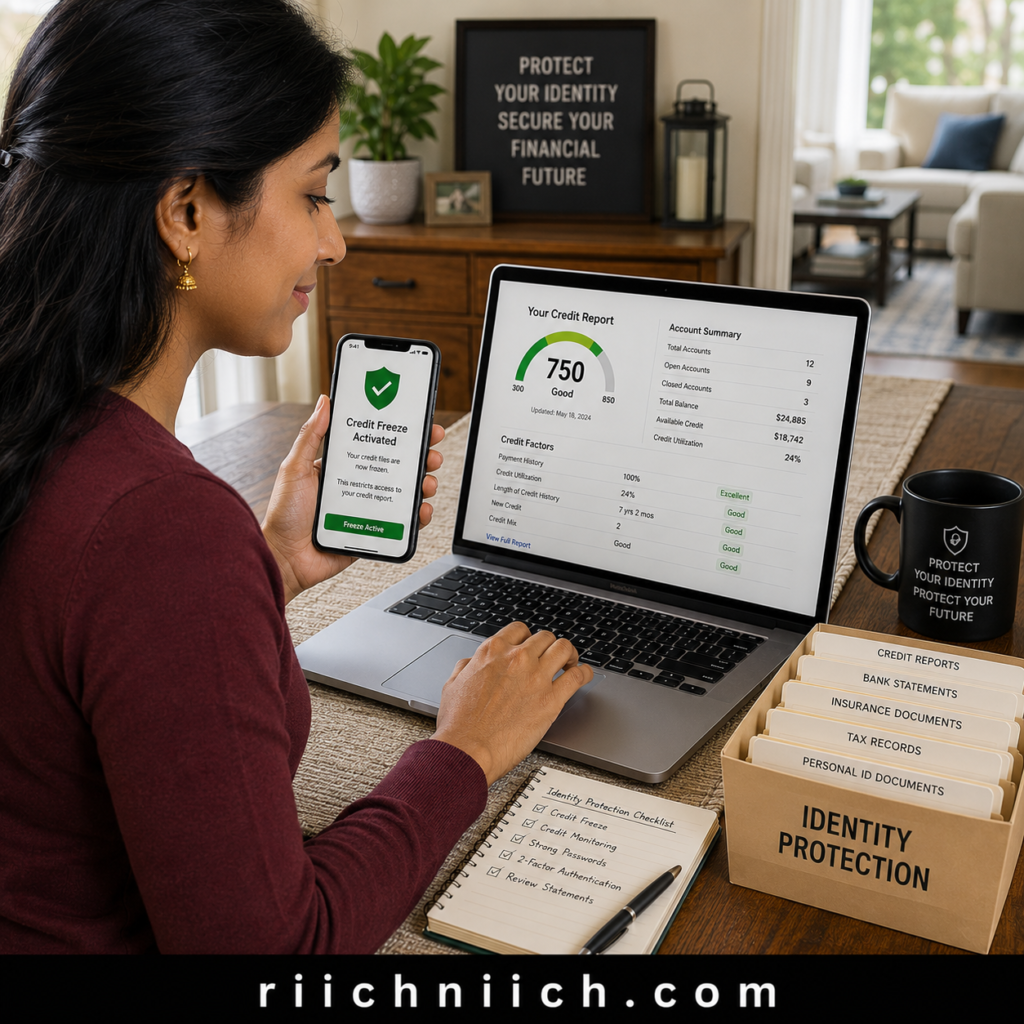
Consider Placing a Credit Freeze
A credit freeze (also called a security freeze) restricts access to your credit report. Since most lenders review your credit before approving new loans or credit cards, freezing your credit makes it much harder for identity thieves to open fraudulent accounts in your name.
A credit freeze:
- Helps prevent new account fraud.
- Can be temporarily lifted when you apply for credit.
- Does not affect your credit score.
- Remains in place until you remove it.
The Federal Trade Commission (FTC) recommends considering a credit freeze if your personal information has been exposed or if you suspect identity theft.
Monitor Your Credit Reports Regularly
Even if you decide not to freeze your credit, you should review your credit reports on a regular basis.
Look for:
- Credit accounts you don’t recognize.
- Hard inquiries you didn’t authorize.
- Incorrect personal information.
- New addresses or employers you never reported.
- Unexpected changes to your credit history.
Detecting suspicious activity early gives you a better chance of stopping identity theft before significant financial damage occurs.
Use Credit Monitoring for Early Alerts
Credit monitoring services continuously watch your credit file for important changes and notify you when activity occurs, such as:
- A new credit inquiry.
- A newly opened account.
- Changes to your personal information.
- New public records related to your identity.
👉 If you’d rather have one service monitor your credit, identity, dark web exposure, and financial activity around the clock, I recommend checking out Aura. It combines multiple layers of protection into one easy-to-use platform, making it an excellent choice after a data breach.
These alerts allow you to investigate suspicious activity much sooner than waiting until your next credit report review.
For people learning how to secure your online accounts after a data breach, credit monitoring adds another layer of protection by helping identify fraud that passwords alone cannot prevent.
Consider Identity Protection Services
Many identity protection services combine:
- Credit monitoring.
- Identity monitoring.
- Dark web monitoring.
- Fraud alerts.
- Identity theft insurance.
- Restoration assistance if your identity is stolen.
If highly sensitive information was exposed during the breach, these services can provide ongoing monitoring and faster notification when your personal information is misused. They are especially valuable if you don’t have time to manually monitor multiple accounts and reports.
Continue Monitoring Long After the Breach
Identity thieves don’t always act immediately. In many cases, stolen personal information is held or sold before being used months later.
Because of this, don’t assume you’re safe simply because nothing happened during the first few weeks. Continue checking your credit reports, monitoring financial accounts, and reviewing security alerts regularly. The Consumer Financial Protection Bureau (CFPB) also encourages consumers to review their credit information and address inaccuracies or suspicious activity promptly.
Freezing or monitoring your credit doesn’t directly secure your passwords or online accounts, but it protects another critical part of your financial identity. Combined with strong passwords, two-factor authentication, secure recovery settings, and ongoing account monitoring, this step strengthens how to secure your online accounts after a data breach and helps reduce the risk of long-term identity theft and financial fraud.
8. Watch Your Bank and Credit Card Accounts
A data breach doesn’t always stop at stolen usernames and passwords. If your financial information was exposed, criminals may attempt unauthorized purchases, transfers, or withdrawals. That’s why regularly monitoring your financial accounts is another essential step in how to secure your online accounts after a data breach.
Many cases of financial fraud begin with small transactions that are easy to overlook. Cybercriminals often make inexpensive purchases to test whether a stolen debit or credit card is still active before attempting larger fraudulent charges. Catching these warning signs early can save you significant time, money, and stress.
Review Your Transactions Frequently
After learning about a data breach, check your financial accounts daily for at least the first few weeks.
Look for:
- Small charges you don’t recognize.
- Duplicate transactions.
- Withdrawals you didn’t authorize.
- Online purchases you didn’t make.
- Unexpected subscription payments.
- ATM withdrawals from unfamiliar locations.
Even a small unauthorized charge deserves immediate attention because it may indicate that someone is testing your account.
Enable Real-Time Account Alerts
Most banks and credit card companies allow you to receive instant notifications whenever activity occurs on your account.
Consider enabling alerts for:
- Purchases above a certain dollar amount.
- Online transactions.
- International purchases.
- Card-not-present transactions.
- Large withdrawals.
- Changes to your account information.
- Failed login attempts.
Receiving real-time alerts allows you to respond much faster if suspicious activity occurs.
Monitor All Financial Accounts
Don’t limit your review to your primary checking account.
Also monitor:
- Savings accounts.
- Credit cards.
- Investment accounts.
- Retirement accounts.
- Health Savings Accounts (HSAs).
- Payment apps.
- Cryptocurrency accounts, if applicable.
Criminals may target any account that gives them access to your money or financial information.
Report Suspicious Activity Immediately
If you notice a transaction you don’t recognize:
- Contact your bank or credit card issuer immediately.
- Lock or temporarily freeze your card if your financial institution offers that feature.
- Change your online banking password.
- Review recent login activity.
- Monitor your account closely for additional unauthorized transactions.
The Consumer Financial Protection Bureau (CFPB) recommends reporting unauthorized transactions as soon as possible, since acting quickly can help limit financial losses and simplify the dispute process.
Continue Monitoring for Several Months
Financial fraud doesn’t always happen immediately after a data breach. Criminals sometimes wait weeks or months before attempting to use stolen financial information.
For that reason, continue reviewing your accounts regularly even after you’ve completed the other steps in how to secure your online accounts after a data breach. Maintaining this habit can help you identify suspicious activity before it develops into larger financial or identity theft problems.
Consider Ongoing Financial Monitoring
If the breach exposed highly sensitive information, ongoing identity protection services can provide an additional layer of security by monitoring your financial accounts, credit activity, and identity for suspicious changes. Many services also send real-time fraud alerts and offer identity restoration assistance if your information is misused.
Watching your bank and credit card accounts is one of the simplest yet most effective ways to detect fraud early. Combined with strong passwords, two-factor authentication, credit monitoring, and regular account reviews, this step strengthens how to secure your online accounts after a data breach and helps protect both your online accounts and your financial well-being.
9. Remove Your Personal Information From Data Broker Sites
Securing your passwords and financial accounts is only part of how to secure your online accounts after a data breach. Another important step is reducing the amount of personal information that is publicly available about you. Data broker websites collect and sell personal details such as your name, home address, phone number, email address, age, family members, and even past addresses. This information can make it easier for scammers and identity thieves to target you after a data breach.
Cybercriminals often combine information from a data breach with publicly available records to build a more complete profile of their victims. They can use this information to answer security questions, create convincing phishing emails, or impersonate you when contacting financial institutions.
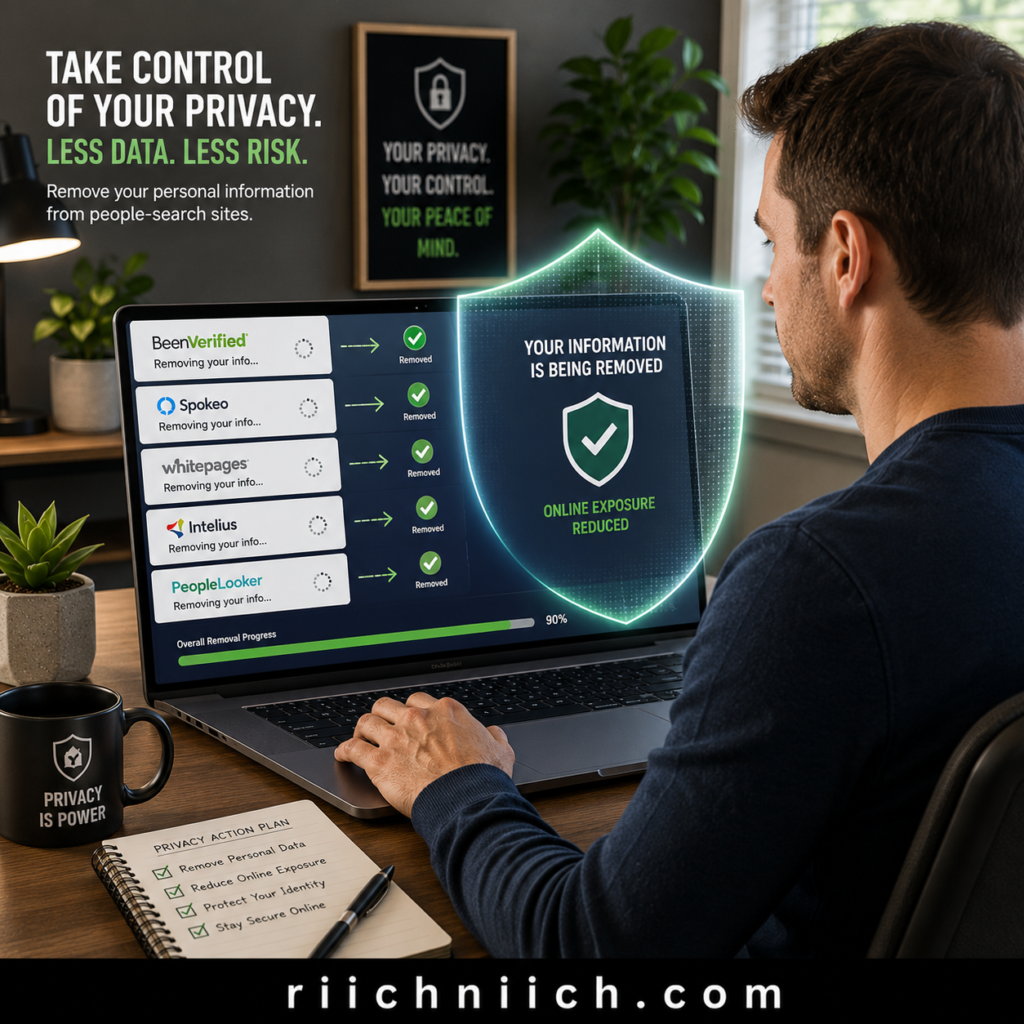
Why Data Broker Websites Increase Your Risk
Data brokers legally collect information from public records, marketing databases, loyalty programs, social media activity, and other commercial sources. They then package and sell this information to businesses—and in many cases, anyone willing to pay.
After a data breach, criminals may search these websites to find additional details such as:
- Current and previous home addresses.
- Phone numbers.
- Personal email addresses.
- Names of relatives.
- Date of birth.
- Property ownership records.
The more information they gather, the easier it becomes to carry out identity theft, phishing attacks, or account takeover attempts.
Remove Your Information Whenever Possible
Many data broker websites allow you to submit an opt-out request to remove your personal information from their databases. While each company has its own process, removing your information reduces the amount of publicly available data that criminals can use against you.
If you’d like a complete walkthrough, follow our step-by-step guide on How to Opt Out of Data Brokers to start removing your personal information from data broker websites.
Consider an Automated Data Removal Service
Submitting opt-out requests manually can be time-consuming because there are hundreds of data broker websites, and many continuously collect new information.
Automated data removal services can:
- Locate your personal information across numerous data broker websites.
- Submit removal requests on your behalf.
- Continue monitoring for new listings.
- Regularly request removal as your information reappears.
👉 If you don’t want to spend hours submitting removal requests yourself, Incogni can automatically remove your personal information from hundreds of data broker websites while continuously monitoring for new listings.
For many people, this is one of the easiest ways to reduce their online exposure while saving hours of manual work. It also complements how to secure your online accounts after a data breach by limiting the personal information available to cybercriminals.
👉 If you prefer professional assistance with removing your personal information from data broker and people-search websites, explore DeleteMe’s plans and see whether its ongoing removal service and detailed privacy reports fit your needs.
Continue Monitoring Your Online Presence
Removing your information once isn’t enough. Data broker websites frequently update their databases, meaning your information can reappear over time.
Make it a habit to:
- Search for your name periodically.
- Review people-search websites.
- Remove outdated or unnecessary personal information.
- Monitor for new listings after major life events such as moving or changing jobs.
Reducing your digital footprint makes it more difficult for criminals to gather the information needed for phishing, identity theft, and social engineering attacks.
Removing your personal information from data broker websites won’t erase information that was exposed in a data breach, but it can significantly reduce what criminals can learn about you afterward. Combined with strong passwords, two-factor authentication, credit monitoring, and ongoing account security, limiting your online exposure is another valuable step in how to secure your online accounts after a data breach while helping protect your identity over the long term.
10. Scan Your Devices for Malware
Changing your passwords and enabling two-factor authentication won’t fully protect you if your computer or smartphone is already infected with malware. Malicious software can silently steal passwords, record what you type, capture financial information, or even give cybercriminals remote access to your device. That’s why scanning your devices is a critical step in how to secure your online accounts after a data breach.
A data breach doesn’t always install malware on your devices, but many breaches are followed by phishing emails or fake software updates designed to infect victims. If you clicked a suspicious link or downloaded an unexpected attachment around the time of the breach, it’s a good idea to check your devices immediately.
Run a Full Security Scan
Use a reputable antivirus or anti-malware program to perform a full system scan on every device you regularly use, including:
- Desktop computers
- Laptops
- Smartphones
- Tablets
A full scan can detect threats such as:
- Keyloggers
- Spyware
- Trojans
- Ransomware
- Remote access malware
- Other malicious software designed to steal personal information
If malware is detected, follow the software’s recommendations to remove or quarantine the threat before signing in to sensitive accounts again.
Keep Your Devices Updated
Outdated software often contains security vulnerabilities that cybercriminals exploit.
Make sure you regularly install updates for your:
- Operating system
- Web browser
- Antivirus software
- Password manager
- Mobile apps
- Router firmware
The Cybersecurity and Infrastructure Security Agency (CISA) recommends installing software updates promptly because they frequently include security patches that protect against newly discovered threats.
Remove Suspicious Programs and Browser Extensions
Take a few minutes to review the software installed on your devices.
Uninstall anything you don’t recognize, including:
- Unknown applications
- Browser extensions you no longer use
- Free software from untrusted sources
- Programs installed around the time you noticed suspicious activity
Some malicious browser extensions can monitor your online activity or steal login credentials without displaying obvious warning signs.
Watch for Signs of Malware
Although some malware operates silently, common warning signs include:
- Slower-than-normal device performance
- Frequent crashes or freezing
- Unexpected pop-up windows
- Browser redirects to unfamiliar websites
- Programs opening by themselves
- Increased battery drain on mobile devices
- Antivirus software being disabled unexpectedly
If you notice these symptoms after a data breach, investigate the issue before logging back into important accounts.
Secure Your Devices Going Forward
Once your devices are clean, continue practicing good security habits by:
- Downloading software only from trusted sources.
- Avoiding unexpected email attachments and links.
- Keeping automatic updates enabled.
- Using strong device passwords or biometric authentication.
- Running regular malware scans.
👉 If you frequently sign in to banking, email, or shopping accounts while using public Wi-Fi, NordVPN encrypts your internet connection to help keep your personal information private from hackers.
These habits help prevent future infections and strengthen your overall online account security.
For additional recommendations beyond malware protection, explore our guide to the Best Cybersecurity Tools that can help strengthen your overall digital security.
Scanning your devices for malware is an important part of how to secure your online accounts after a data breach because even the strongest passwords can’t protect you if malicious software is secretly capturing your information. By keeping your devices clean, updated, and protected, you reduce the risk of future account compromises and make it much harder for cybercriminals to steal your personal or financial information.
11. Monitor the Dark Web for Future Exposure
Even after you’ve changed your passwords, secured your devices, and monitored your financial accounts, your personal information may continue to circulate online. Criminals often buy, sell, and trade stolen data months—or even years—after a breach occurs. That’s why monitoring the dark web is an important long-term step in how to secure your online accounts after a data breach.
Dark web monitoring helps identify whether your personal information appears in known criminal marketplaces, data dumps, or other sources associated with cybercrime. While these services can’t remove your information from the dark web, they can notify you when newly exposed information is detected so you can take action before it leads to identity theft or financial fraud.
Want to learn more about how these services work? Read our complete guide on What is Dark Web Monitoring and Is It Worth It? before deciding whether it’s right for you.
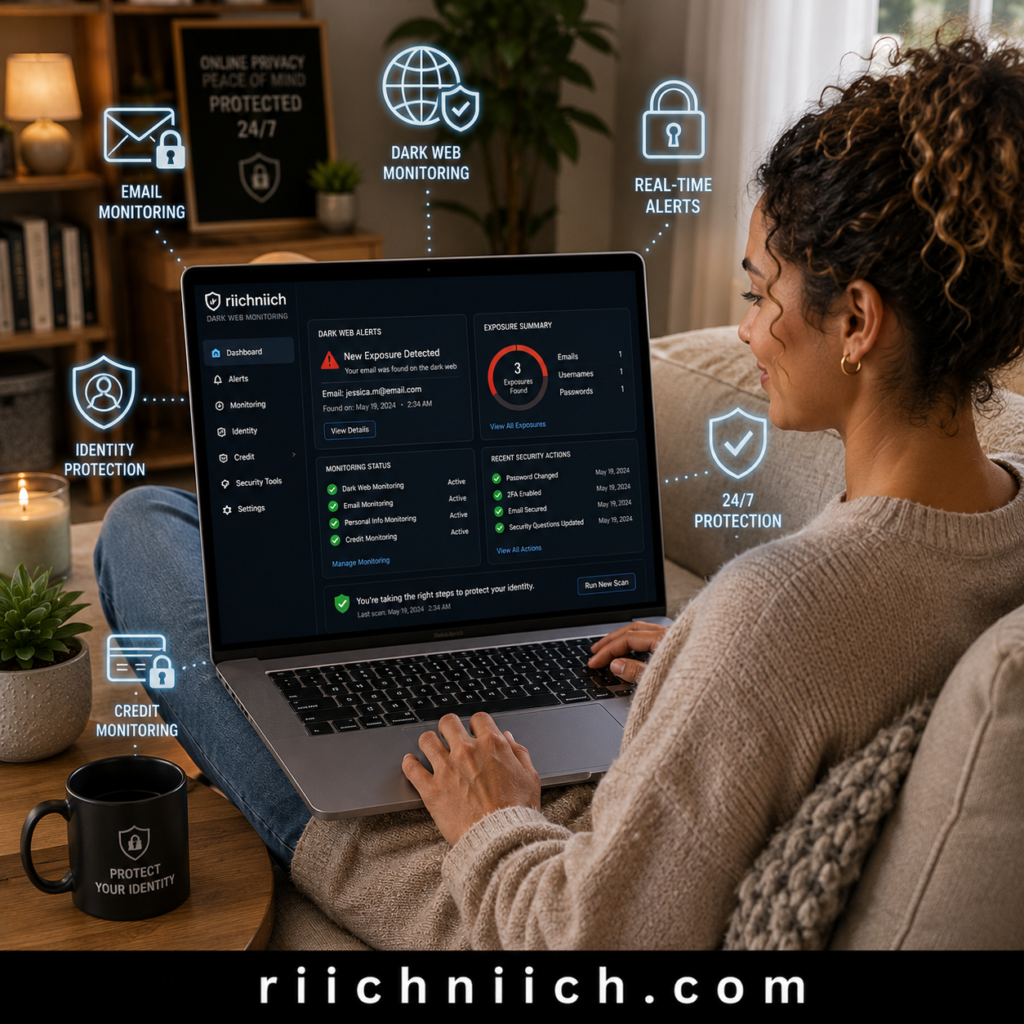
What Can Dark Web Monitoring Detect?
Depending on the service, dark web monitoring may alert you if information such as the following is found:
- Email addresses.
- Passwords.
- Usernames.
- Phone numbers.
- Social Security numbers.
- Credit or debit card information.
- Passport numbers.
- Driver’s license information.
Receiving an alert doesn’t necessarily mean your identity has been stolen, but it does mean you should review the affected account immediately.
Respond Quickly to Alerts
If a monitoring service notifies you that your information has been exposed:
- Change the affected password immediately.
- Use a new, unique password.
- Enable or verify two-factor authentication.
- Review recent login activity.
- Check for unauthorized account changes.
- Monitor financial accounts if sensitive information was involved.
Responding quickly can significantly reduce the likelihood of an account takeover or fraudulent activity.
Remember That Monitoring Doesn’t Prevent Breaches
One common misconception is that dark web monitoring prevents your information from being stolen. It doesn’t.
Instead, it serves as an early warning system that helps you detect new exposures sooner. According to the Cybersecurity and Infrastructure Security Agency (CISA), early detection and prompt action are key to reducing the impact of compromised credentials and other exposed personal information.
For this reason, dark web monitoring works best when combined with:
- Strong, unique passwords.
- Two-factor authentication.
- Credit monitoring.
- Regular account reviews.
- Data broker removal.
- Routine malware scans.
Together, these measures provide multiple layers of protection rather than relying on a single security tool.
Consider Continuous Identity Monitoring
Many identity protection services include dark web monitoring alongside additional features such as:
- Identity monitoring.
- Credit monitoring.
- Fraud alerts.
- Identity theft insurance.
- Identity restoration assistance.
👉 If you want to be notified when your personal information appears in future data breaches, Coveron continuously monitors your information and alerts you so you can take action before criminals exploit it.
These services can automatically watch for changes across multiple areas of your digital identity, helping you stay informed without manually checking dozens of accounts.
Stay Vigilant Over Time
A data breach isn’t always a one-time event. Stolen information can resurface months or even years later as criminals continue buying and selling compromised data.
Continuing to monitor your accounts and your personal information is an essential part of how to secure your online accounts after a data breach. Ongoing monitoring allows you to respond quickly to new threats, minimize potential damage, and maintain stronger online account security long after the initial breach has been resolved.
Common Mistakes People Make After a Data Breach
A data breach can leave anyone feeling overwhelmed, which is why many people make small mistakes that create bigger security problems later. The good news is that most of these mistakes are easy to avoid once you know what to look for. Understanding these common errors is an important part of how to secure your online accounts after a data breach and can help reduce your risk of identity theft, account takeovers, and financial fraud.
Waiting Too Long to Take Action
One of the biggest mistakes is assuming that nothing bad has happened simply because you haven’t noticed suspicious activity yet.
Cybercriminals don’t always act immediately. Stolen information is often sold or stored for future use, meaning fraudulent activity may not appear until weeks or months later.
As soon as you learn your information may have been exposed, begin how to secure your online accounts after a data breach by changing passwords, enabling two-factor authentication, and reviewing your most important accounts.
Reusing Passwords Across Multiple Accounts
Many people continue using the same password for multiple websites even after a data breach.
If one password is compromised, criminals can use automated credential stuffing attacks to test that same password on your email, banking, shopping, and social media accounts.
Ignoring Security Alerts
Banks, email providers, and online services regularly send notifications about:
- New logins.
- Password changes.
- New devices.
- Unusual account activity.
- Failed login attempts.
Many people ignore these alerts or assume they’re routine. In reality, they may provide the first warning that someone is attempting to access your accounts.
Forgetting to Secure Their Email Account
People often focus on their bank accounts first while overlooking their email account.
Since your email controls password resets for many other services, leaving it unsecured gives attackers an opportunity to regain access to your accounts even after you’ve changed passwords elsewhere.
Always secure your email account before moving on to less critical accounts.
Failing to Monitor Financial Accounts
Some people believe changing their password is enough.
Unfortunately, if financial information or personal identifiers were exposed, criminals may attempt unauthorized purchases or open new accounts in your name long after the breach.
Continue monitoring:
- Bank accounts.
- Credit cards.
- Credit reports.
- Investment accounts.
- Identity monitoring alerts.
Regular monitoring helps you catch suspicious activity before it becomes a larger problem.
Falling for Follow-Up Phishing Scams
After a major data breach, scammers often send convincing emails pretending to come from banks, retailers, or the company that experienced the breach.
These messages may ask you to:
- Verify your account.
- Reset your password.
- Confirm personal information.
- Download a security update.
Instead of clicking links in unsolicited emails or text messages, visit the company’s official website directly. The Federal Trade Commission (FTC) Identity Theft resources recommends being cautious of phishing attempts following data breaches because scammers frequently exploit publicized security incidents.
Assuming the Problem Is Over
Perhaps the biggest mistake is believing that once you’ve changed your password, you’re completely protected.
Good online account security is an ongoing process. Continue reviewing login activity, updating passwords when necessary, monitoring your credit, scanning your devices, and watching for new signs of identity theft.
Knowing how to secure your online accounts after a data breach isn’t just about responding once—it’s about maintaining good security habits that continue protecting your personal information long after the breach itself. By avoiding these common mistakes, you’ll significantly improve your online account security and reduce the chances of becoming a victim of future cyberattacks.
Best Tools to Secure Your Online Accounts After a Data Breach
Knowing how to secure your online accounts after a data breach is much easier when you have the right tools. While you can perform many security tasks yourself, dedicated cybersecurity and identity protection services can automate monitoring, alert you to suspicious activity, and help reduce your overall risk of identity theft.
Below are some of the best tools to strengthen your online account security after a data breach.
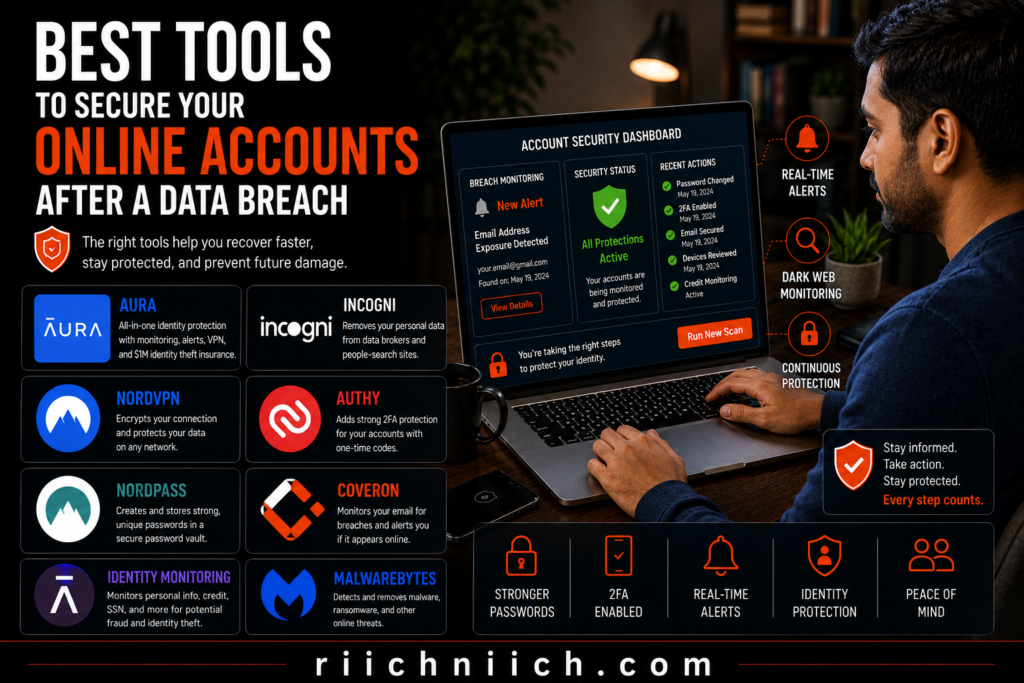
1. Aura – Best Overall Identity Protection
If your personal information has been exposed, Aura provides one of the most comprehensive security solutions available.
Aura includes features such as:
- Identity monitoring.
- Dark web monitoring.
- Credit monitoring.
- Fraud alerts.
- Identity theft insurance.
- Antivirus protection.
- VPN.
- Password manager.
Instead of managing multiple security services separately, Aura combines them into one platform, making it an excellent choice for people who want ongoing protection after a data breach.
If you’re comparing providers, check out our in-depth review of the Best Identity Theft Protection Services to find the solution that best fits your needs.
2. Coveron – Best for Continuous Breach Monitoring
Coveron helps monitor your personal information for signs of exposure and alerts you if your email addresses or other monitored information appear in new data breaches.
This allows you to respond quickly by updating passwords and securing affected accounts before criminals can misuse your information.
If you’re learning how to secure your online accounts after a data breach, continuous monitoring can provide valuable peace of mind long after the initial incident.
3. NordPass – Best Password Manager
Strong passwords are your first line of defense after a breach, but remembering dozens of unique passwords isn’t realistic for most people.
NordPass helps by:
- Generating strong passwords.
- Securely storing login credentials.
- Identifying weak or reused passwords.
- Automatically filling passwords across trusted websites.
- Helping organize your online accounts.
Using a password manager greatly reduces the temptation to reuse passwords across multiple websites.
4. NordVPN – Best for Public Wi-Fi Protection
If you regularly access sensitive accounts while traveling or using public Wi-Fi, a VPN adds another layer of security by encrypting your internet connection.
NordVPN helps protect:
- Online banking sessions.
- Shopping transactions.
- Email access.
- Personal browsing activity.
- Sensitive account logins.
Although a VPN cannot prevent a data breach, it can reduce the risk of criminals intercepting your internet traffic on unsecured networks.
5. Incogni – Best for Removing Personal Information Online
Data broker websites often collect and sell personal information that scammers use for phishing and identity theft.
Incogni automates the process of:
- Finding your personal information.
- Sending removal requests.
- Monitoring for new listings.
- Reducing your online exposure over time.
Removing publicly available personal information makes it more difficult for criminals to gather additional details about you after a breach.
Build Multiple Layers of Protection
No single security tool can protect against every cyber threat. The strongest approach combines several layers of protection, including:
- A password manager for unique passwords.
- Two-factor authentication on every important account.
- Identity and dark web monitoring.
- Credit monitoring.
- A VPN for secure internet connections.
- Data broker removal services.
- Antivirus protection.
The right combination of tools can make how to secure your online accounts after a data breach much simpler while providing ongoing protection against future threats. Instead of reacting only after something goes wrong, these services help you detect suspicious activity early, strengthen your online account security, and protect your personal information for the long term.
Who Should Read This Guide?
If you’ve recently received a data breach notification, discovered your personal information was exposed online, or simply want to reduce your risk of identity theft, this guide is for you. Learning how to secure your online accounts after a data breach isn’t just for cybersecurity professionals—it’s a practical skill that anyone with an email address, bank account, or online login should understand.
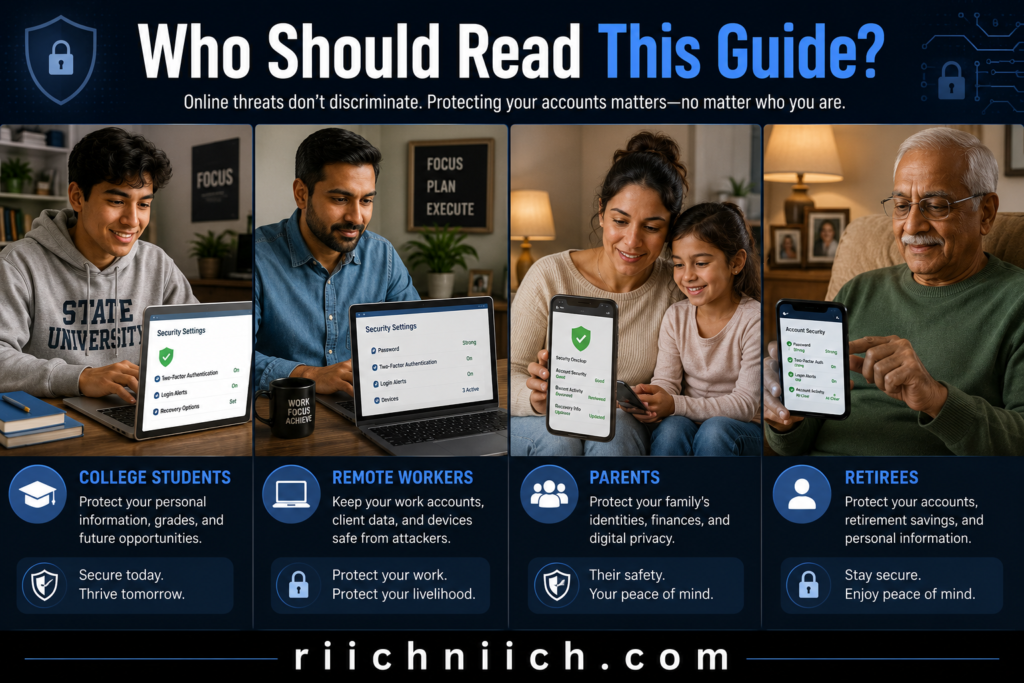
People Who Received a Data Breach Notice
If a company has informed you that your personal information may have been exposed, don’t assume someone else will become the target.
Even if you haven’t noticed fraudulent activity yet, criminals may attempt to use your information weeks or months later. Following the steps in this guide can help you respond quickly and strengthen your online account security before problems develop.
Anyone Who Reuses Passwords
If you’ve used the same password on multiple websites, your risk increases significantly after a data breach.
Credential stuffing attacks allow hackers to test stolen usernames and passwords across hundreds of online services automatically. If one reused password works, multiple accounts may be compromised.
If this sounds familiar, how to secure your online accounts after a data breach should become a priority, starting with changing your passwords and enabling two-factor authentication.
People Who Shop, Bank, or Pay Bills Online
Most people now manage important parts of their lives online.
This guide is especially valuable if you regularly use:
- Online banking.
- Credit cards.
- Shopping websites.
- Payment apps.
- Investment platforms.
- Healthcare portals.
These accounts often contain sensitive financial and personal information that criminals actively target.
Families Protecting Multiple Accounts
Parents frequently manage accounts for spouses, children, or older family members. A single compromised email account or reused password can affect an entire household.
Following the recommendations in this guide can help families improve their overall online account security by protecting shared devices, strengthening passwords, and monitoring important accounts more effectively.
Small Business Owners and Remote Workers
If you use personal devices for work or access company accounts from home, securing your online accounts becomes even more important.
A compromised personal email account or password can sometimes provide attackers with a pathway to business systems, cloud storage, or customer information.
Anyone Who Wants Better Long-Term Protection
You don’t have to wait until you’ve become a victim of identity theft to improve your security.
Many of the recommendations in this guide—such as using a password manager, enabling two-factor authentication, monitoring your credit, and reducing your online exposure—are proactive steps that help protect your accounts before criminals have an opportunity to exploit them.
Whether you’ve already experienced a data breach or simply want to stay ahead of future threats, understanding how to secure your online accounts after a data breach can help you build stronger security habits, reduce your exposure to cybercriminals, and better protect your personal and financial information over the long term.
Is It Worth Paying for Online Account Protection?
For many people, the answer is yes—especially if your personal information has already been exposed in a data breach. While you can complete many of the steps in how to secure your online accounts after a data breach on your own, paid online account protection services provide continuous monitoring and alerts that most people simply don’t have the time to manage manually.
If you only have a few online accounts and regularly monitor your passwords, financial statements, and credit reports yourself, free security tools may be enough. However, if you manage dozens of accounts or your Social Security number, financial information, or login credentials were exposed, investing in additional protection can help reduce your risk of identity theft and account takeover.
Still deciding whether a paid service is necessary? Read our detailed guide on Is Identity Theft Protection Worth It? to compare the benefits and limitations before making your decision.
What Do Paid Online Account Protection Services Offer?
Many online account protection services combine several security features into one platform, including:
- Identity monitoring.
- Dark web monitoring.
- Credit monitoring.
- Fraud alerts.
- Password management.
- VPN protection.
- Antivirus software.
- Identity theft insurance.
- Identity restoration assistance.
Instead of checking multiple websites and reports yourself, these services monitor your information continuously and notify you if suspicious activity is detected.
When Free Security Measures May Be Enough
You may not need a paid service if you already:
- Use strong, unique passwords for every account.
- Enable two-factor authentication everywhere.
- Regularly monitor your bank and credit card accounts.
- Review your credit reports.
- Use a password manager.
- Practice good cybersecurity habits.
These steps form the foundation of how to secure your online accounts after a data breach and significantly improve your overall online account security.
When Paying for Protection Makes Sense
A paid service is often worth considering if:
- Your Social Security number was exposed.
- Your banking or financial information was compromised.
- Your email account was involved in the breach.
- You have numerous online accounts to manage.
- You don’t have time to monitor everything manually.
- You’ve experienced identity theft before.
- You want ongoing alerts instead of checking accounts yourself.
For these situations, continuous monitoring can provide earlier warning when your personal information is used or exposed again.
Think of It as an Early Warning System
No identity protection service can prevent every cyberattack or data breach. However, the best services act as an early warning system by notifying you when suspicious activity occurs.
The Cybersecurity and Infrastructure Security Agency (CISA) recommends using layered security practices because no single tool can eliminate cyber risk. Combining strong passwords, multi-factor authentication, software updates, and ongoing monitoring provides much stronger protection than relying on one security measure alone.
The Bottom Line
If you’re committed to manually monitoring your passwords, financial accounts, credit reports, and online activity, you may not need a paid service. But for many people—particularly those recovering from a data breach—the convenience of automated monitoring, real-time alerts, and identity restoration support can make the investment worthwhile.
Ultimately, how to secure your online accounts after a data breach isn’t about choosing between free or paid protection—it’s about building multiple layers of security. A reputable online account protection service can complement the steps you’ve already taken, helping you detect threats sooner and giving you greater confidence that your personal information remains protected over the long term.
Pros and Cons of Securing Your Online Accounts After a Data Breach
Taking immediate action after a data breach is one of the best ways to reduce your risk of identity theft, account takeovers, and financial fraud. While the process requires some time and effort, the long-term benefits usually outweigh the temporary inconvenience. Understanding the advantages and limitations can help you decide how much protection is right for your situation while following how to secure your online accounts after a data breach.
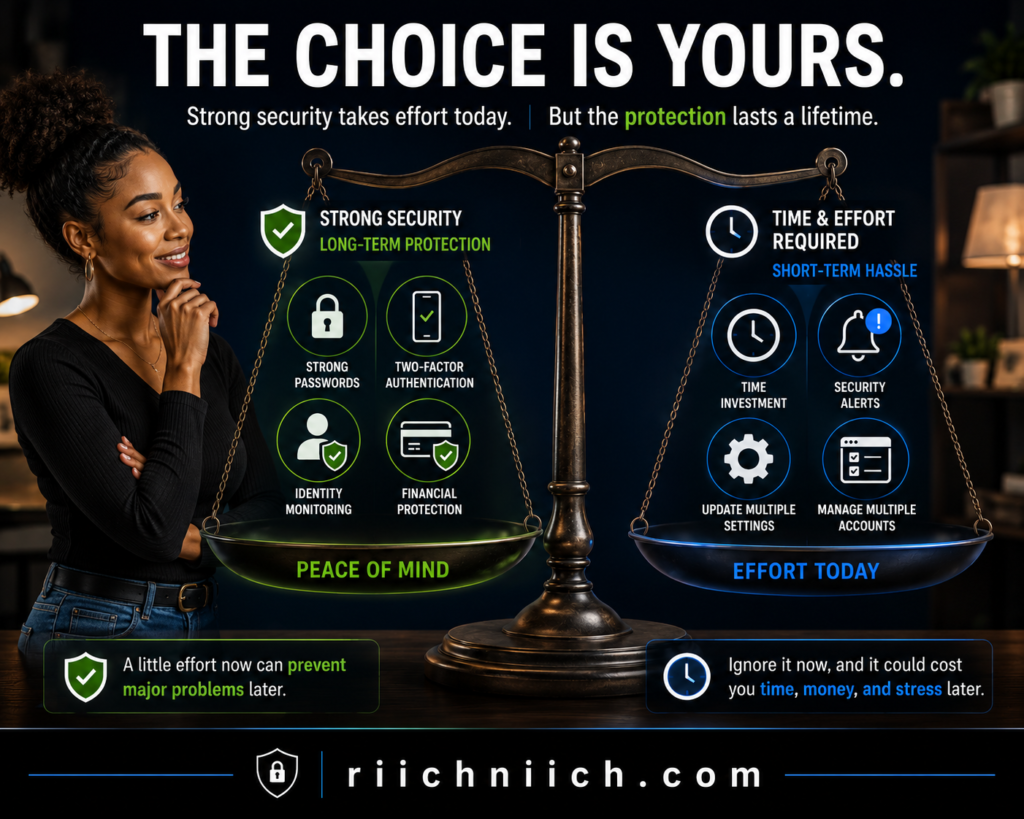
Pros
✓ Reduces the Risk of Account Takeovers
Changing passwords, enabling two-factor authentication, and reviewing login activity make it much harder for cybercriminals to access your online accounts using stolen credentials.
✓ Helps Detect Identity Theft Earlier
Credit monitoring, dark web monitoring, and financial account alerts can notify you of suspicious activity before it turns into larger financial or identity theft problems.
✓ Protects Your Most Sensitive Accounts
Following how to secure your online accounts after a data breach helps strengthen protection for your email, banking, shopping, healthcare, and social media accounts—all of which contain valuable personal information.
✓ Limits Future Damage
Even if your information has already been exposed, taking action quickly can prevent criminals from successfully using that information to commit fraud or open new accounts in your name.
✓ Encourages Better Long-Term Security Habits
Many of the steps you take after a breach—such as using unique passwords, enabling two-factor authentication, and regularly reviewing account activity—continue protecting your online accounts long after the initial incident.
Cons
✗ Securing Every Account Takes Time
If you have dozens of online accounts, updating passwords, reviewing security settings, and checking recovery information can take several hours or even a few days.
✗ Some Services Require a Subscription
Identity monitoring, dark web monitoring, password managers, VPNs, and data removal services often require a monthly or annual subscription. Although many people find these services worthwhile, they represent an additional expense.
✗ Ongoing Monitoring Is Still Necessary
Completing the initial security steps doesn’t mean you’re finished. You’ll need to continue monitoring your financial accounts, credit reports, login activity, and security alerts because stolen information may be misused months or years after a data breach.
✗ No Solution Can Prevent Every Data Breach
Even the strongest passwords and the best security tools cannot stop every company from experiencing a data breach. Their purpose is to reduce your risk, detect problems early, and help you recover faster if your information is exposed.
The Bottom Line
For most people, the benefits of securing their online accounts far outweigh the drawbacks. The time invested today can help prevent much larger problems in the future, including identity theft, financial fraud, and the stress of recovering compromised accounts.
Ultimately, how to secure your online accounts after a data breach is about reducing risk—not achieving perfect security. By building multiple layers of protection and staying proactive, you’ll be in a much stronger position to protect your personal information and respond quickly if another security incident occurs.
Frequently Asked Questions About Securing Online Accounts After a Data Breach
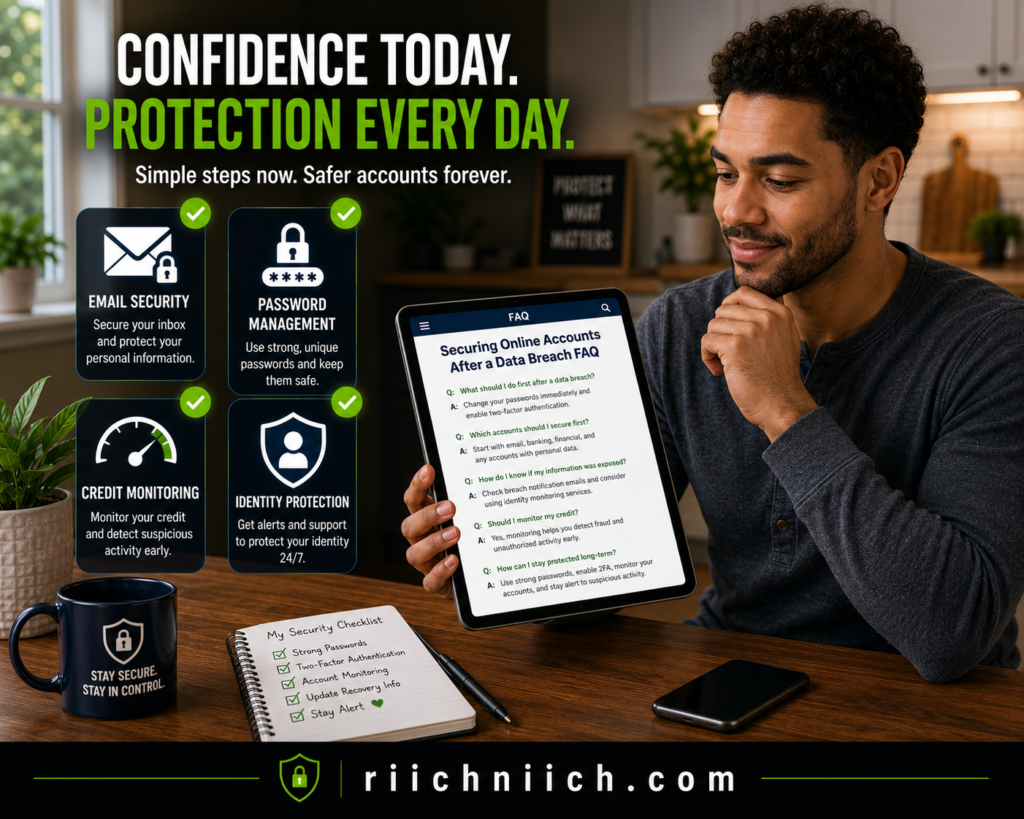
How do I know if my online accounts were affected by a data breach?
You may receive a notification from the company that experienced the breach, or you might notice password reset emails, unfamiliar login alerts, suspicious financial activity, or unexpected account changes. Even if you don’t see immediate signs of fraud, it’s still wise to follow how to secure your online accounts after a data breach because criminals sometimes wait months before using stolen information.
Should I change every password after a data breach?
If the exposed password was reused on multiple websites, yes. Start with your email, banking, password manager, shopping, and social media accounts, then work through the rest of your online accounts. Every important account should have its own strong, unique password.
Is changing my password enough?
No. Changing your password is only one step. You should also enable two-factor authentication, review recent login activity, update your recovery information, monitor your financial accounts, and scan your devices for malware. These combined actions provide much stronger online account security than relying on passwords alone.
How long should I monitor my accounts after a data breach?
Continue monitoring your accounts for several months at a minimum. In some cases, criminals hold stolen information for long periods before attempting fraud. Regularly reviewing your bank accounts, credit reports, login history, and security alerts helps detect suspicious activity as early as possible.
What should I do if my email account was compromised?
Secure your email account immediately by changing your password, enabling two-factor authentication, reviewing recovery settings, checking for unauthorized forwarding rules, and signing out of unknown devices. Because your email controls password resets for many other services, protecting it is one of the most important parts of how to secure your online accounts after a data breach.
Should I freeze my credit after a data breach?
If sensitive personal information such as your Social Security number was exposed, a credit freeze is worth considering because it helps prevent criminals from opening new credit accounts in your name. The Federal Trade Commission (FTC) Identity Theft resources explain when a credit freeze may be appropriate and how it can help reduce identity theft risk.
Is two-factor authentication really necessary?
Yes. Two-factor authentication adds an additional layer of security that makes it much harder for attackers to access your accounts using only a stolen password. Even if your login credentials are exposed in a data breach, two-factor authentication can often prevent unauthorized account access.
Can identity protection services prevent data breaches?
No. Identity protection services cannot stop companies from experiencing data breaches. However, many services provide identity monitoring, dark web monitoring, fraud alerts, and credit monitoring that help you detect suspicious activity sooner and respond more quickly if your personal information is exposed again.
Can I secure my accounts without paying for a security service?
Yes. You can greatly improve your online account security by using strong, unique passwords, enabling two-factor authentication, reviewing login activity, monitoring your financial accounts, and keeping your devices updated. Paid services simply automate many of these tasks and provide continuous monitoring and alerts for added convenience.
What is the most important step in how to secure your online accounts after a data breach?
If you must prioritize one action, secure your email account first. Your email is connected to many of your other online accounts and is typically used for password resets. Once your email is protected, continue by changing passwords, enabling two-factor authentication, monitoring your financial accounts, reviewing your recovery information, and following the remaining steps in this guide to strengthen your overall online account security.
Conclusion: How To Secure Your Online Accounts After A Data Breach
A data breach can happen to anyone, but it doesn’t have to become an identity theft disaster. The sooner you act, the more opportunities you have to stop cybercriminals from accessing your accounts, stealing your personal information, or committing financial fraud. That’s why learning how to secure your online accounts after a data breach is one of the most valuable steps you can take to protect your digital life.
By following the steps in this guide, you can dramatically improve your online account security:
- Change compromised passwords immediately.
- Enable two-factor authentication on every important account.
- Review login history for unauthorized access.
- Secure your email account.
- Update your recovery information.
- Freeze or monitor your credit.
- Watch your financial accounts.
- Remove your personal information from data broker websites.
- Scan your devices for malware.
- Monitor the dark web for future exposure.
These actions work together to create multiple layers of protection, making it much more difficult for criminals to take over your accounts or misuse your personal information. The Cybersecurity and Infrastructure Security Agency (CISA) recommends this layered approach because no single security measure can stop every cyber threat.
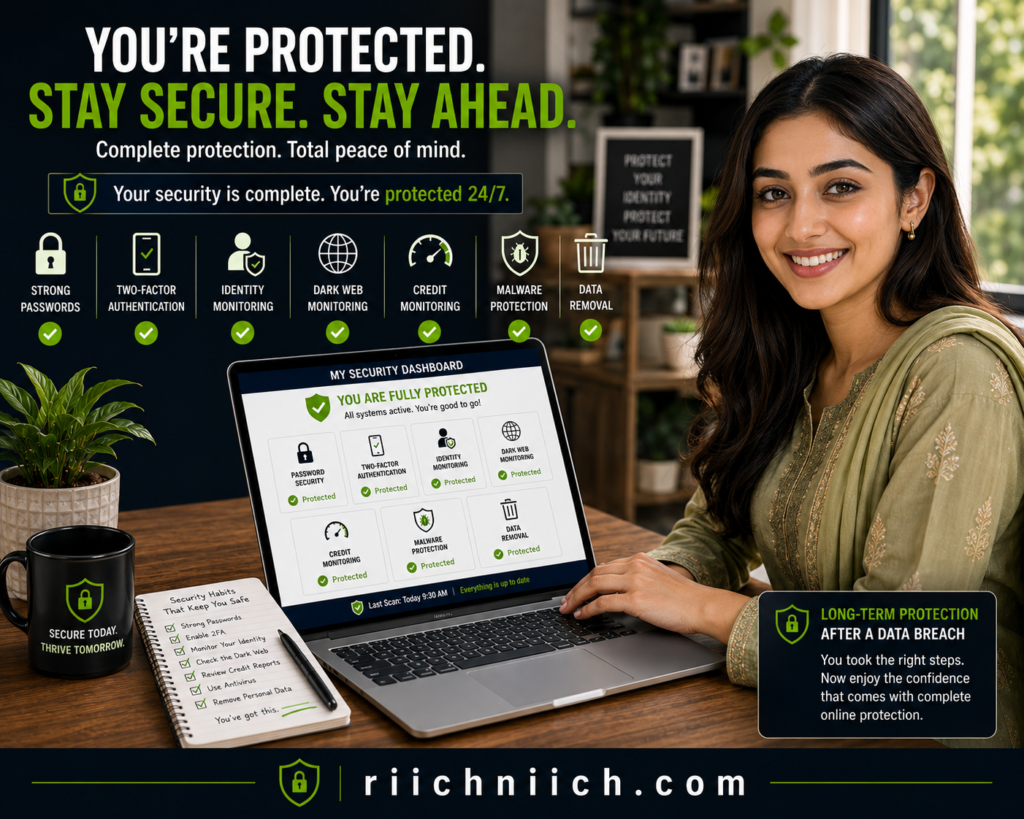
If you prefer to manage your own security, consistently following these best practices can significantly reduce your risk. However, if your personal information has already been exposed—or you simply want continuous protection—an identity protection service can save time by monitoring your information around the clock, alerting you to suspicious activity, and helping you recover more quickly if identity theft occurs.
Ultimately, how to secure your online accounts after a data breach isn’t about reacting once and moving on. It’s about developing stronger cybersecurity habits that continue protecting your email, financial accounts, social media, and other online accounts long after the breach itself. Taking action today can help you stay ahead of future threats, reduce your online exposure, and give you greater confidence that your personal information remains secure.
Pingback: What Is Dark Web Monitoring and Is It Worth It? - Riich Niich