

Learning how to protect your passport from identity theft is about more than keeping your passport from being physically stolen. A passport contains valuable personal information that could create identity-theft risks if it falls into the wrong hands, gets photographed, or is exposed in a data breach. In this guide, you’ll learn how to secure your physical passport, protect digital copies, recognize passport scams, respond if your information is compromised, and decide whether identity theft protection is worth adding for extra monitoring and recovery support.
Table of Contents
🔥 Quick Answer: How To Protect Your Passport From Identity Theft
The best way to how to protect your passport from identity theft is to secure both the physical passport and the personal information connected to it. Keep your passport in a secure location when you are not traveling, avoid carrying it when you do not need it, and never send a photo or digital copy unless you have verified exactly who is requesting it and why.
Digital passport copies deserve just as much protection as the physical document. Avoid leaving passport photos in your email inbox, cloud folders, text-message history, or an unprotected photo gallery longer than necessary. Be especially cautious of emails, texts, websites, or travel-related services asking you to upload passport information. The U.S. Department of State warns that unofficial passport websites can put personal information at risk and recommends using official .gov passport services.
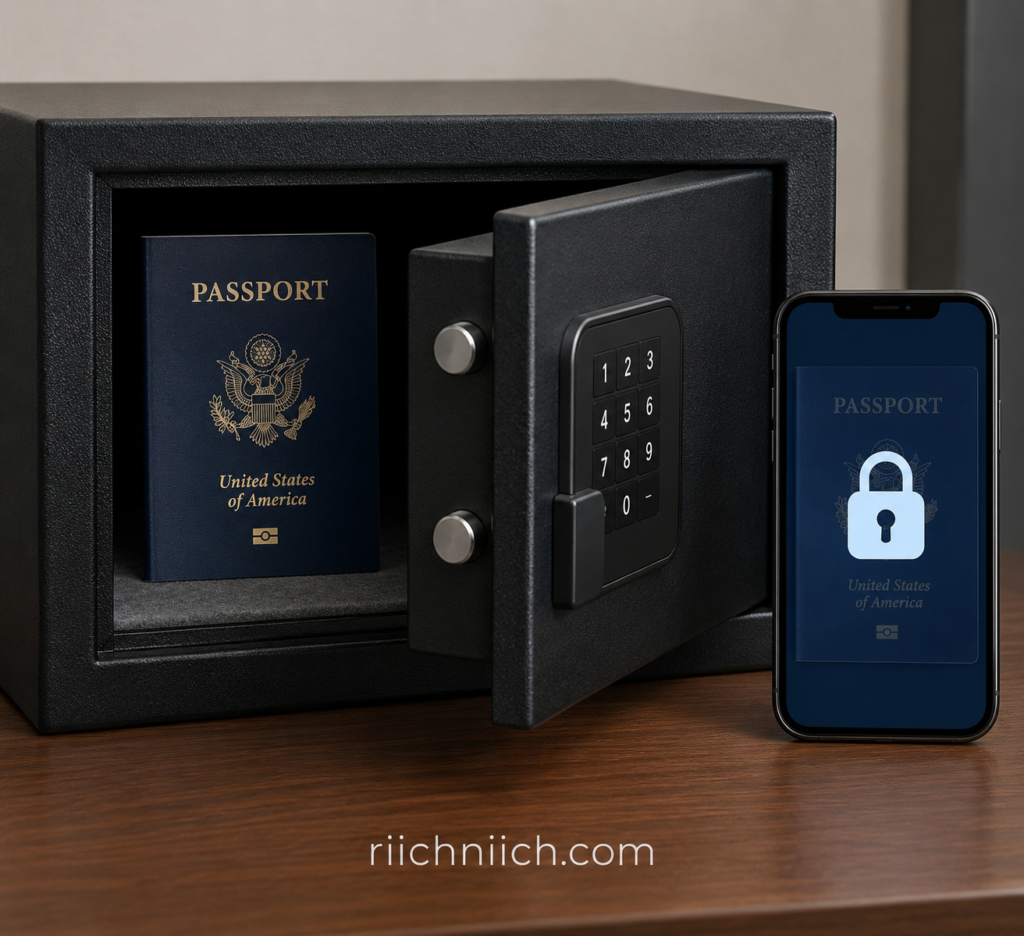
If your physical passport is lost or stolen, report it to the U.S. Department of State immediately. Once a valid U.S. passport is reported lost or stolen, the State Department cancels it so it can no longer be used for international travel.
Passport identity theft can extend beyond someone attempting to travel with your document. The Federal Trade Commission warns that an identity thief could attempt to impersonate you using your passport or passport information. If your information has been exposed, the FTC recommends checking your credit reports and considering a credit freeze and ongoing credit monitoring.
That is also where a reputable identity theft protection service may be worth considering. These services cannot prevent every form of passport fraud or guarantee that stolen information will never be misused, but depending on the service, they may monitor credit, new accounts, personal information, and other warning signs associated with identity theft. For someone whose passport information has already been exposed—or who wants broader monitoring of their identity—those features can provide an additional layer of protection alongside credit freezes and good security habits.
For official guidance, use the U.S. Department of State’s lost or stolen passport guidance. If you believe someone has already misused your identity, IdentityTheft.gov can help you create a personalized recovery plan.
Why Your Passport Is Valuable to Identity Thieves
A passport is more than a document you use to cross international borders. It is a government-issued identity document that connects your photograph with important identifying information, which is why a stolen passport—or even stolen passport information—can create an identity-theft risk.
The Federal Trade Commission (FTC) specifically warns that an identity thief could attempt to impersonate you using your passport or its information. If passport information is lost or exposed, the FTC recommends taking broader identity-protection measures, including checking, freezing, and monitoring your credit.
That makes understanding how to protect your passport from identity theft important even when your physical passport is still in your possession. A criminal may be interested in the information itself, a digital copy, or a photograph of the passport—not just the original document.
Why Passport Information Can Be Useful to Criminals
A passport combines multiple pieces of information that can help establish or verify someone’s identity. In the wrong hands, that information could potentially be combined with data stolen from breaches, phishing attacks, compromised email accounts, people-search sites, or other sources to build a more complete identity profile.
Criminals rarely rely on just one stolen document. Learn more about how identity theft happens and how different pieces of personal information can be combined to commit fraud.
This is why passport identity theft shouldn’t be viewed only as someone trying to board a plane under your name. In fact, the U.S. Department of State says that a passport number alone cannot be used to travel; an original physical passport is required, and U.S. passports contain security features designed to deter counterfeiting.
The larger concern is identity impersonation and the misuse of personal information. That distinction is important for anyone wondering what someone can do with passport information or what to do if a passport number is stolen.
A Physical Passport and Passport Data Create Different Risks
If your actual passport is lost or stolen, the risk is more immediate. The State Department instructs consumers to report a valid lost or stolen passport immediately to help protect themselves from identity theft. Once reported, the passport is canceled and can no longer be used for international travel.
If only a passport photo, scan, or personal information has been exposed, protecting yourself may require a different approach. You may need to watch for signs that someone is impersonating you, review your credit reports, strengthen compromised accounts, and consider freezing your credit.
This is also where identity theft protection can become a worthwhile additional layer. A monitoring service cannot make stolen passport information disappear or prevent every type of fraud, but the right service may help detect suspicious activity involving your credit or personal information sooner.
For someone comparing whether identity monitoring is worth paying for, the important question isn’t simply whether a service can “protect a passport.” It is whether the service monitors enough of your overall identity to alert you when stolen personal information begins being used.
The U.S. Department of State also warns consumers to avoid unofficial passport-renewal websites because these services can put personal data at risk. Official online passport renewal is handled through the State Department’s authorized .gov service.
What Personal Information Can Criminals Get From Your Passport?
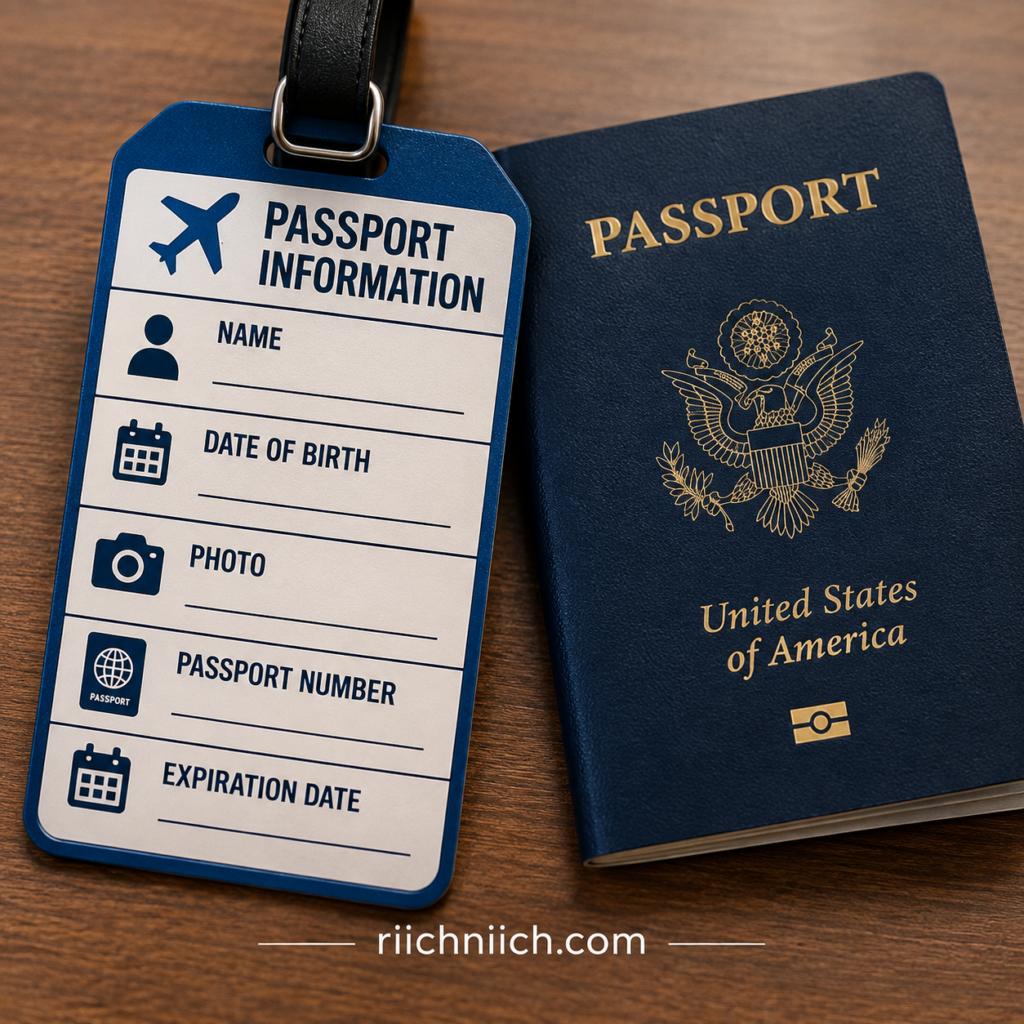
A U.S. passport contains several pieces of identifying information in one government-issued document. Depending on what is exposed, someone who obtains your physical passport, a clear photograph, or a readable digital copy may gain access to information such as your:
- Full name
- Photograph
- Date of birth
- Place of birth
- Nationality
- Sex marker
- Passport number
- Passport issue date
- Passport expiration date
The passport’s data page also contains a machine-readable zone (MRZ), which encodes biographic and passport information in a standardized format that machines can read. The U.S. Department of State describes machine-readable passports as containing biographic information on the data page according to international specifications.
That concentration of information is one reason how to protect your passport from identity theft should involve more than simply keeping the physical passport somewhere safe. You also need to protect photographs, scans, photocopies, and other digital versions that expose the passport’s data page.
Why a Picture of Your Passport Can Be Sensitive
A high-quality picture of the passport’s data page can reveal much of the same visible information found on the physical document. That makes passport photos and scans worth protecting, even though possessing an image is not the same as possessing a valid physical passport.
The State Department uses multiple security features in newer U.S. passport books—including a polycarbonate data page, laser engraving, security fibers, and a perforated passport number—to make the physical document more difficult to counterfeit.
However, those physical security features don’t mean you should treat a passport image casually. If criminals obtain passport information and combine it with other personal data from a breach, phishing attack, compromised email account, or another source, they may have a more complete collection of information for attempting identity fraud.
Your Passport Doesn’t Contain Everything Needed for Identity Theft
It’s equally important not to exaggerate the risk. Your passport does not automatically give a criminal access to your bank accounts, credit cards, passwords, or Social Security number.
The danger can increase when passport information is combined with other stolen personal information.
For example, someone who already has additional identifying information may potentially have more opportunities to attempt impersonation or fraud. This is why consumers worried about a passport number being stolen should think about protecting their entire identity, rather than monitoring the passport number alone.
IdentityTheft.gov recommends checking, freezing, and monitoring your credit when sensitive personal information has been lost, stolen, or exposed.
Where Identity Theft Protection Fits In
If your passport information has already been exposed, an identity theft protection service won’t change your passport number or retrieve a stolen copy. What a good service may provide is broader monitoring for signs that your personal information is being misused.
Depending on the provider and plan, that could include credit monitoring, new-account alerts, identity monitoring, dark-web monitoring, and recovery assistance.
For someone deciding whether identity theft protection is worth buying after passport information has been compromised, those broader monitoring capabilities matter more than finding a service that simply claims to “monitor your passport.”
You can also use the federal government’s IdentityTheft.gov recovery and prevention resources if you believe your personal information has been exposed or misused.
Can Someone Steal Your Identity With Your Passport?
Yes. Someone can potentially use your passport or the information contained in it to impersonate you or commit identity fraud, particularly if they also have other personal information about you. The Federal Trade Commission specifically warns that an identity thief could try to impersonate you using your passport or its information.
However, there is an important distinction: having your passport number alone does not mean someone can simply travel as you. The U.S. Department of State says a person cannot travel using only a U.S. passport number. International travel requires the original physical passport, which contains security features designed to make counterfeiting more difficult.
That is why understanding how to protect your passport from identity theft requires protecting both the physical document and the information printed on it.
What Could an Identity Thief Do With Passport Information?
Passport information can become more dangerous when criminals combine it with information obtained elsewhere. For example, information from a passport could potentially be combined with a compromised email address, phone number, home address, Social Security number, driver’s license information, or information exposed in a data breach.
This can give an identity thief a more complete profile to use when attempting to impersonate you.
The FTC lists examples of identity misuse that can occur when criminals obtain sufficient personal information, including attempts to open accounts, make purchases, apply for loans, obtain employment, file taxes, or obtain government benefits.
That doesn’t mean a stolen passport automatically enables all of these crimes. The amount and type of information the criminal possesses matters. A stolen physical passport, a photograph of the passport’s data page, and an exposed passport number represent different levels and types of risk.
What If Someone Steals Your Physical Passport?
A stolen physical passport deserves immediate attention.
The State Department instructs U.S. passport holders to report a valid passport lost or stolen immediately to help protect themselves from identity theft. Once reported, the passport is canceled and cannot be used for international travel—even if you later recover it.
If your passport is stolen while you’re outside the United States, contact the nearest U.S. embassy or consulate. You’ll need a replacement before you can return to the United States.
What If Only Your Passport Information Was Stolen?
This situation is different.
The State Department says you should not report the physical passport as lost or stolen merely because you believe the passport number was exposed. Instead, keep possession of the passport and focus on protecting your broader identity.
The FTC recommends checking your credit reports, freezing your credit, and monitoring your credit when passport information has been lost or exposed.
This is also where identity theft protection may be worth considering, especially if your passport information was exposed alongside other sensitive personal data. A reputable service cannot prevent every attempt at passport fraud, but depending on the plan, it may monitor credit files, new accounts, dark-web exposure, and other identity-related activity that could provide an early warning that someone is misusing your information.
For consumers deciding whether to pay for identity theft protection, the key is to look beyond promises of “passport protection.” The more useful question is whether the service provides broad monitoring and recovery assistance for the other parts of your identity that a criminal might target after obtaining passport information.
What Can Someone Do With Your Passport Information?
If someone gets your passport information, the biggest concern is identity impersonation. The Federal Trade Commission specifically warns that an identity thief could try to impersonate you using your passport or the information it contains.
A passport by itself does not give a criminal automatic access to your bank accounts, credit cards, or Social Security number. The risk becomes greater when passport information is combined with other personal data obtained from a data breach, phishing scam, compromised email account, stolen wallet, or another source.
That is an important reason to understand how to protect your passport from identity theft before your information is compromised.
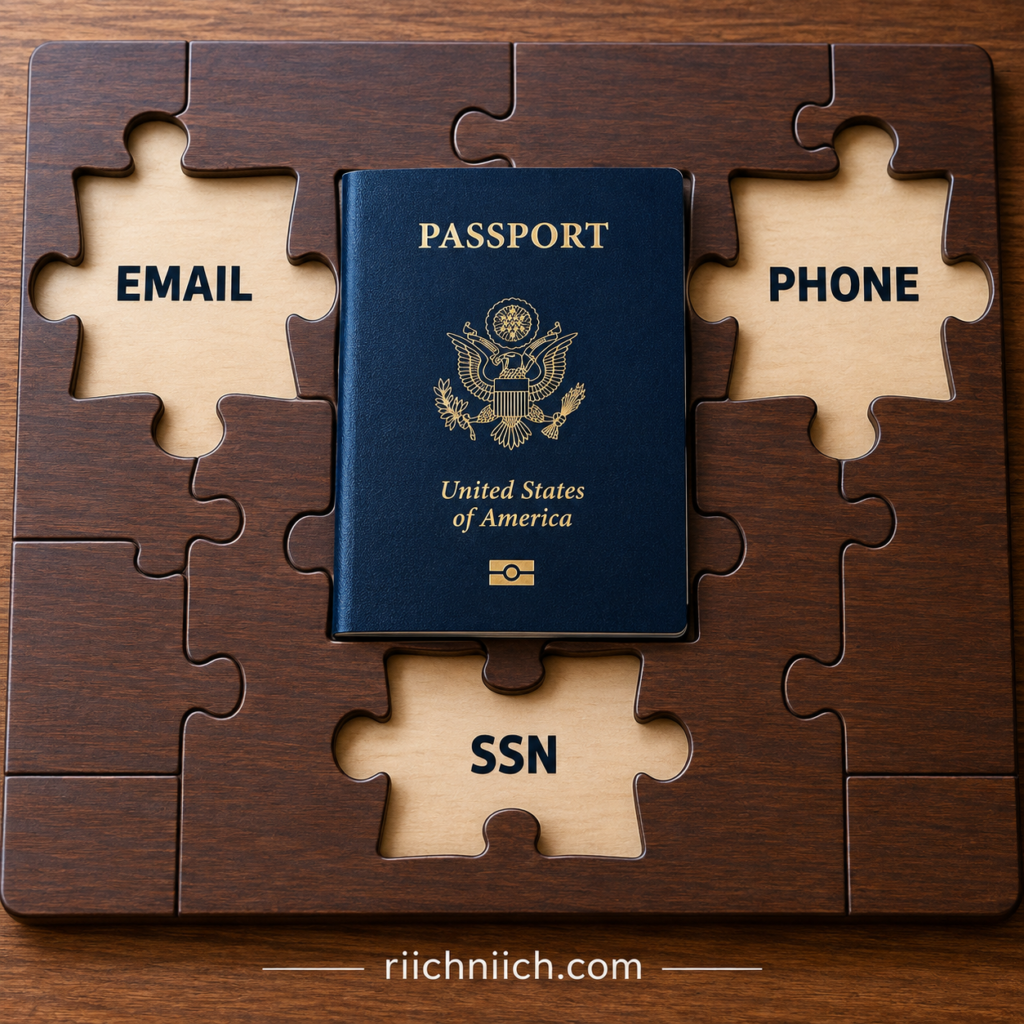
Impersonate You
Your passport contains information that helps establish who you are. If a criminal obtains a passport scan or passport information along with other identifying data, they may attempt to pose as you during fraudulent transactions or interactions.
The FTC defines identity theft as someone using your personal or financial information without permission. Depending on the information a thief obtains, identity theft can lead to fraudulent purchases, new accounts, utility accounts, tax fraud, employment fraud, medical identity theft, and other forms of impersonation.
This does not mean passport information alone is sufficient to commit every one of these crimes. Different organizations have different identity-verification requirements, and criminals may need additional information or documentation.
Use Your Information as Part of a Larger Identity Profile
One of the more concerning scenarios is when your passport information becomes one piece of a larger collection of stolen data.
Imagine a criminal already has your name, email address, phone number, home address, and other information from previous data breaches. Obtaining a passport image containing additional identifying information could make that collection more useful for attempted impersonation.
This is why protecting a passport number or passport photo should be treated as part of protecting your overall digital identity.
Attempt to Open Fraudulent Accounts
If criminals obtain enough personal information, they may attempt to open financial or service accounts in your name. The FTC warns that stolen personal information can be used to open credit cards, phone accounts, utilities, and other accounts.
A passport number alone does not guarantee that a criminal could successfully open an account. However, if your passport information was exposed alongside other sensitive data, checking your credit reports becomes especially important.
A credit freeze can provide another layer of protection. According to the FTC, a freeze is free, does not affect your credit score, and prevents new credit accounts from being opened while the freeze is in place.
Use a Passport Copy in Identity-Verification Fraud
A clear passport scan or photograph deserves special attention because it contains much more than a passport number.
Criminals may try to use stolen identity documents as part of attempts to convince businesses or other people that they are someone else. Whether an attempt succeeds depends on the organization’s verification procedures and what additional information the criminal possesses.
This is why you should be extremely selective about where you upload passport images. A legitimate request for a passport does not mean you should automatically send it through whatever link, email address, or website you are given.
Use Your Information for Targeted Scams
Stolen passport information could also make a scam more convincing.
For example, a scammer who already knows personal details about you may reference those details when sending a phishing email, text message, or fraudulent verification request. The goal could be to persuade you to reveal even more valuable information, such as passwords, account credentials, banking information, or your Social Security number.
The FTC advises consumers not to provide personal information to unexpected callers, emails, or text messages because scammers may be trying to collect information for identity theft.
What Passport Information Cannot Automatically Do
It’s important to keep the risk in perspective.
Someone obtaining your passport information does not automatically mean your identity has been stolen. Exposure and actual misuse are two different things.
Likewise, a passport number by itself doesn’t give someone unrestricted access to your financial life. Criminals generally become more dangerous as they accumulate additional pieces of personal information.
If the physical passport itself is stolen, the situation is more urgent. The U.S. Department of State says valid lost or stolen passports should be reported immediately. Once reported, the passport is canceled and can no longer be used for international travel.
Why Monitoring Matters After Passport Information Is Exposed
If you discover that your passport information has been stolen, you can’t simply make every copied piece of data disappear. Your priority shifts toward detecting and stopping misuse.
The FTC recommends checking, freezing, and monitoring your credit when passport information has been lost or exposed.
You can perform many of these protective steps yourself for free. However, this is also where a paid identity theft protection service may provide additional value for someone who wants broader and more continuous monitoring.
Depending on the provider and plan, identity protection services may monitor credit activity, changes involving personal information, new-account activity, and places where stolen information is traded. Some services also include recovery specialists who can help if identity theft actually occurs. The FTC notes that monitoring services vary considerably in what they detect, so buyers should compare the specific monitoring and recovery features rather than assuming every service provides the same protection.
For someone whose passport information has already been exposed, the goal isn’t to find a product that promises to make the exposure disappear. The goal is to combine strong security habits, free protections such as credit freezes, and—when appropriate—broader identity monitoring so suspicious activity can be discovered before it causes even more damage.
Can Someone Steal Your Identity With a Picture of Your Passport?
Yes. A clear picture or scan of your passport can create a real identity-theft risk because it may expose much of the identifying information printed on the passport’s data page. The Federal Trade Commission warns that an identity thief could try to impersonate you using your passport or its information.
However, someone having a picture of your passport does not automatically mean your identity has been stolen. A passport image alone does not give a criminal instant access to your bank accounts, credit cards, or other financial accounts. The danger increases when the passport image is combined with additional personal information obtained from data breaches, phishing scams, compromised accounts, or other stolen records.
That’s why learning how to protect your passport from identity theft should include protecting digital passport images just as carefully as the physical document.
What Can Someone See in a Picture of Your Passport?
A readable photograph of the passport’s data page may reveal identifying details such as your name, photograph, date of birth, place of birth, nationality, passport number, issue date, and expiration date.
Modern U.S. passports contain physical anti-counterfeiting protections as well. The U.S. Department of State says its next-generation passports include features such as a polycarbonate data page, laser engraving, security fibers, and a perforated passport number.
Those protections make the physical document harder to counterfeit, but they don’t make a photograph of your personal information harmless.
Once someone has copied an image, you may have no practical way of knowing how many additional copies have been created or where they have been stored.
What Can Someone Do With a Picture of Your Passport?
A criminal could potentially use the information visible in a passport picture as part of an attempt to impersonate you.
The risk becomes greater if the criminal already possesses other information about you. For example, passport information combined with an address, phone number, email address, Social Security number, driver’s license information, or compromised account credentials could create a much more complete identity profile.
The FTC explains that identity thieves can use stolen personal information for activities such as opening new credit accounts, establishing phone or utility accounts, obtaining medical care, filing fraudulent tax returns, or otherwise pretending to be someone else. That does not mean a passport picture alone enables all of these crimes; the information and verification requirements needed will vary.
A Passport Picture Can Also Be Used to Make Scams More Convincing
Another concern is targeted impersonation.
Suppose a scammer already knows your email address and phone number. If that person also obtains a passport image, they now possess additional information they could potentially reference while pretending to be you—or while trying to convince you that a fraudulent message is legitimate.
This is one reason you should be cautious when a website, travel service, rental company, employer, or unfamiliar organization asks you to upload a passport picture. Verify the organization independently, confirm that the passport is actually required, and make sure you understand how the image will be transmitted and stored before sending it.
What If You Already Sent Someone a Picture of Your Passport?
Don’t assume that identity theft has occurred simply because someone has a copy. Instead, consider who received it, why you sent it, how it was transmitted, and whether you still trust the recipient.
If the picture was sent to a legitimate organization for a legitimate purpose, the risk may be very different from accidentally uploading it to a fraudulent website or sending it to someone impersonating a legitimate company.
If you believe your passport information has been compromised, start watching for unusual activity involving your identity. The FTC recommends checking your credit reports and says a credit freeze can make it harder for an identity thief to open new credit accounts in your name. Credit freezes are free and do not affect your credit score.
Should You Consider Identity Theft Protection After a Passport Picture Is Exposed?
If you know a passport image has fallen into the wrong hands—especially if other sensitive information was exposed at the same time—broader identity monitoring may become more valuable.
You can monitor your credit yourself and use free protections such as a credit freeze. A paid identity theft protection service is an additional option, not a replacement for those steps.
Depending on the provider and plan, identity monitoring services may look for suspicious changes involving your personal information, credit activity, new accounts, or appearances of your information on websites where stolen information is traded. The FTC notes that identity monitoring services vary in what they detect, so it is important to compare exactly what a service monitors before paying for it.
For someone concerned about what to do if someone has a picture of your passport, the goal should be broader than protecting the passport itself. Protect the rest of the information connected to your identity, watch for signs of misuse, and consider whether continuous identity monitoring provides enough additional protection to justify the cost.
How Criminals Get Copies of Passports and Passport Information
Criminals do not always need to physically steal a passport to get the information printed inside it. Passport information can be exposed through stolen documents, phishing scams, compromised digital files, fraudulent websites, data breaches, or simply because a passport copy was shared with the wrong person.
Passport information is only one part of your digital identity. See how hackers get your personal data to understand the other ways sensitive information can fall into the wrong hands.
That is why how to protect your passport from identity theft involves protecting the physical document and every digital or paper copy you create.
The FTC recommends keeping valid passports and other important identity documents locked in a secure place. It also recommends securely deleting digital files containing sensitive information when they are no longer needed.
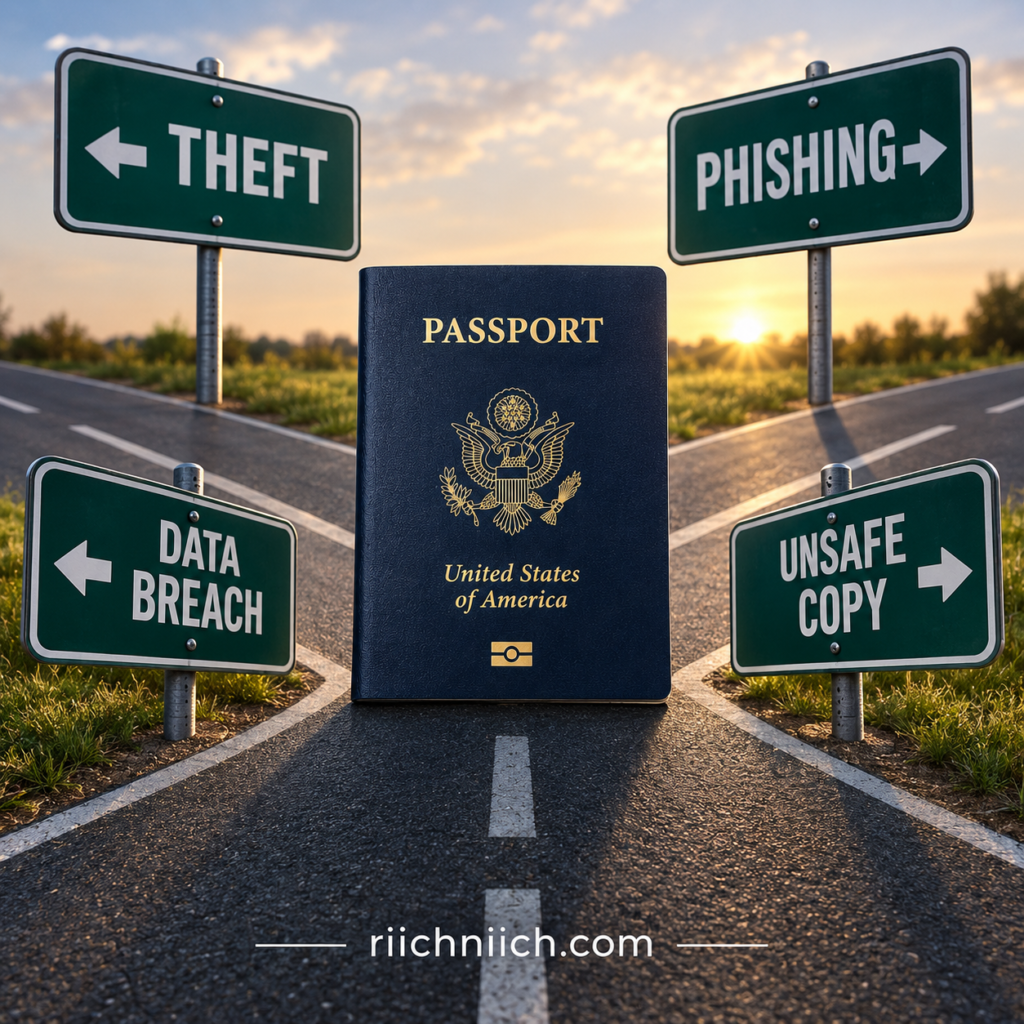
Physical Theft
The most obvious method is stealing the actual passport.
A criminal could obtain a passport from a stolen purse, backpack, luggage, vehicle, hotel room, or another location where the document was left unsecured. Identity thieves have long targeted wallets, mail, passports, driver’s licenses, and other documents containing personal information.
This is particularly important while traveling because people tend to carry more identity documents than they normally would at home.
When you do not need your passport, keep it somewhere secure rather than carrying it unnecessarily.
Phishing and Fake Verification Requests
A criminal doesn’t necessarily need to steal anything from you physically. Sometimes, they can convince you to send them the passport copy yourself.
You might receive an email or text claiming that you need to:
- Verify your identity
- Confirm a travel reservation
- Update an account
- Complete an employment application
- Verify a rental
- Resolve a passport problem
The message may direct you to a convincing website that asks you to upload a photograph of your passport.
The FTC warns that phishing messages frequently impersonate organizations people recognize and attempt to persuade victims to click links or provide personal information. Instead of using links contained in unexpected messages, the FTC recommends contacting the organization through a website or phone number you already know is legitimate.
Fake Passport Websites and Services
Passport-related scams deserve special attention because criminals know that people applying for or renewing passports expect to provide sensitive information.
The U.S. Department of State warns that unofficial passport services can put personal information at risk. It specifically states that people who have shared sensitive information on an unofficial site may be at risk of identity theft.
Before entering passport information online, verify that you are dealing with an official government service or a legitimate organization that actually needs the information.
A professional-looking website by itself is not proof that the site is legitimate.
Compromised Email Accounts
Email can become another weak point.
If you have ever emailed yourself a passport scan, sent one to another person, or received a passport attachment from a travel-related service, that copy could remain inside your mailbox for years.
If a criminal later gains access to that email account, passport files stored in old messages or attachments could potentially be exposed along with other personal information.
This is why how to protect passport information should include securing your email account with a strong, unique password and multi-factor authentication, as well as deleting passport attachments you no longer need.
Cloud Storage and Unprotected Devices
Passport scans may also be stored on smartphones, laptops, tablets, cloud drives, or backup services.
For example, taking a passport picture with your phone may automatically upload that photograph to a connected cloud photo account. If that account is later compromised, the passport image could potentially be exposed even though your physical passport never left your possession.
Protect devices and cloud accounts with strong authentication, and avoid keeping unnecessary passport copies indefinitely.
Businesses That Legitimately Collect Passport Information
Sometimes you genuinely need to provide passport information to another organization. International travel, immigration processes, certain financial or employment requirements, and other legitimate situations can require identity documentation.
The problem is that every additional stored copy can create another potential point of exposure.
Before providing a passport copy, ask yourself:
Does this organization actually need my entire passport data page?
If the answer is yes, verify the organization and use its official submission method rather than sending the document through an unverified email address, text message, or upload link.
Data Breaches
Your own security habits are only part of the equation.
If an organization legitimately collected your passport information and its systems are later breached, criminals could potentially obtain information even though you did nothing wrong with the physical passport.
This is where passport data breach exposure becomes different from losing the document itself. You may still have your passport sitting safely at home while a digital copy or related information has been compromised elsewhere.
In that situation, protecting the physical passport alone cannot address the entire risk.
Paper Photocopies
Digital security gets most of the attention, but paper copies matter too.
Hotels, employers, travel-related businesses, financial organizations, or individuals may sometimes create photocopies of identity documents. You might also make copies yourself before traveling.
Those copies should be treated as sensitive documents. The FTC recommends securely storing documents containing personal information and shredding sensitive documents before disposal rather than simply putting them in the trash.
Why Identity Monitoring Can Become More Valuable After Exposure
The difficult part about stolen passport information is that you may never know exactly where the copy traveled after it left your control.
You can reduce your risk by limiting unnecessary passport copies, protecting your accounts, watching for phishing attempts, monitoring your credit, and freezing your credit when appropriate.
But if you know your passport information has been compromised—particularly alongside other sensitive personal information—identity theft protection may be worth considering as an additional monitoring layer.
Depending on the service and plan, identity theft protection may monitor credit activity, new accounts, personal information, and other warning signs of identity fraud. The FTC notes that identity monitoring and recovery services vary in what they actually detect and provide, so comparing specific monitoring features is important before purchasing a plan.
The goal isn’t to buy a service that claims it can make a stolen passport copy disappear. It is to make it harder for stolen information to turn into undetected identity theft—and to recognize suspicious activity as quickly as possible if someone attempts to use it.
Signs Someone May Be Using Your Passport Information
There is no single warning that proves someone is misusing your passport information. In many cases, the first clue may appear somewhere completely different—on your credit report, bank statement, email account, or in a collection notice for an account you never opened.
That is why how to protect your passport from identity theft should include watching for unusual activity across your broader identity, especially if your physical passport, passport number, or a digital passport copy has already been exposed.
The Federal Trade Commission identifies unfamiliar accounts, unexplained withdrawals, unexpected bills, missing mail, and debts you don't recognize as potential warning signs of identity theft.
Accounts Appear on Your Credit Report That You Didn’t Open
An unfamiliar credit card, personal loan, or other account on your credit report is one of the clearest signs that someone may be using your personal information.
Also pay attention to credit inquiries you don’t recognize. An unfamiliar inquiry could indicate that someone attempted to apply for credit or another service using your identity. The FTC recommends reviewing your credit reports for accounts and inquiries you don’t recognize.
This doesn’t prove that your passport information was the source of the fraud, but it becomes especially concerning if you already know your passport information was stolen or exposed.
You Receive Bills or Collection Notices for Accounts You Don’t Recognize
An unexpected bill should never be automatically dismissed as junk mail.
You might receive a bill for a credit account, phone service, utility, or another service you never opened. You could also receive calls or letters from debt collectors about debts that don’t belong to you.
IdentityTheft.gov lists unfamiliar debts and collection activity among the warning signs that someone may have stolen your information.
Your Personal Information Changes Without Your Permission
Pay attention to unexpected changes involving your name, address, phone number, email address, or account information.
For example, suddenly stopping receiving a regular bill can be significant. The FTC warns that missing bills can indicate that an identity thief changed your billing address.
Similarly, unexpected notifications that your email address, phone number, or password was changed can indicate that an online account has been compromised.
You See Purchases or Withdrawals You Didn’t Make
Regularly review your bank and credit-card statements.
Unrecognized purchases, transfers, or withdrawals can indicate that someone has gained access to your financial information. While passport information alone does not provide direct access to your bank account, unexplained financial activity is especially important to investigate if your passport information was exposed in the same incident as other sensitive personal data.
The FTC specifically identifies purchases and bank withdrawals you didn’t make as warning signs of identity theft.
You Receive Unexpected Identity-Verification Messages
Be cautious if you suddenly begin receiving verification codes, password-reset emails, account-opening confirmations, or identity-verification requests that you did not initiate.
One isolated message could be a mistake. Multiple unexplained verification requests, particularly after a passport data breach or suspected exposure of a passport image, deserve closer attention.
Do not click an unexpected verification link simply to “see what happened.” Instead, go directly to the organization’s official website or app and check the account there.
Your Credit Score Changes Unexpectedly
A sudden credit-score change can have many legitimate explanations, so it isn’t automatically evidence of passport identity fraud.
However, an unexpected drop combined with an unfamiliar account, hard inquiry, or unpaid balance deserves investigation.
Reviewing your actual credit reports is more useful than relying on the score alone. The FTC recommends checking credit reports for unfamiliar accounts and other incorrect information that could indicate identity theft.
You’re Contacted About Employment, Taxes, Benefits, or Services You Never Requested
Identity theft can extend well beyond credit cards.
IdentityTheft.gov warns that stolen information can potentially be used to obtain employment, file taxes, receive government benefits, obtain medical treatment, or establish other services in someone else’s name.
An unexpected notice involving one of these activities should therefore be investigated rather than ignored.
Again, the appearance of one of these warning signs does not necessarily mean a passport was responsible. It indicates that some part of your identity may be compromised, which is the larger issue you need to address.
You Learn That Your Passport Information Was Exposed
Sometimes the warning arrives before any visible fraud occurs.
A company, employer, travel-related organization, or government agency may notify you that information was exposed in a security incident. IdentityTheft.gov specifically lists notification that your information was compromised in a data breach as a warning sign that deserves attention.
If a breach involved passport information, don’t wait for fraudulent accounts to appear before taking protective steps. Determine what information was exposed, review your credit reports, secure affected accounts, and consider freezing your credit.
Should You Use Identity Theft Monitoring for These Warning Signs?
You can watch for many signs of identity theft yourself for free. Reviewing bank statements, checking credit reports, using transaction alerts, securing online accounts, and freezing your credit can provide significant protection.
The challenge is that not every form of identity misuse appears in the same place.
Credit monitoring generally watches changes to your credit reports, while broader identity monitoring services may search additional sources for suspicious information associated with your identity. The FTC recommends understanding exactly what an identity monitoring service covers before paying for it.
That makes identity theft protection potentially more attractive if your passport information was exposed alongside other sensitive personal data, or if you want broader ongoing monitoring instead of manually checking multiple sources.
No monitoring service can guarantee that passport fraud will be prevented. But the right service may help you discover certain warning signs sooner and provide recovery assistance if your information is actually misused.
The important thing is not to wait for several warning signs to appear at once. One unfamiliar account, unexplained debt, unauthorized transaction, or suspicious change can be enough reason to investigate immediately.
How To Protect Your Passport From Identity Theft
1. Keep Your Physical Passport Secure
The first step in how to protect your passport from identity theft is simple: treat your passport like one of your most valuable identity documents.
When you are at home, don’t leave your passport sitting in a desk drawer, backpack, filing pile, or other easily accessible location. Store it somewhere secure where visitors, contractors, roommates, or anyone else who enters your home cannot easily access it.
The Federal Trade Commission specifically recommends locking up valid passports and other important identity documents rather than leaving them unsecured.
Don’t Carry Your Passport Unless You Need It
One of the easiest ways to reduce the chance of stolen passport identity theft is to limit how often you carry the physical document.
If you don’t need your passport that day, leaving it securely stored may be safer than carrying it around in a wallet, purse, backpack, or vehicle where it could be lost or stolen.
This becomes especially important while traveling. Airports, hotels, rental cars, restaurants, tourist attractions, and other unfamiliar environments create more opportunities for luggage or personal belongings to become separated from you.
When you do need to carry your passport, know where it is and avoid placing it in an easily accessible exterior pocket.
Don’t Leave Your Passport in a Vehicle
A locked vehicle may feel secure, but it isn’t an ideal long-term storage location for a passport.
Beyond theft risk, the U.S. Department of State advises passport holders to protect passports from extreme temperatures, direct sunlight, moisture, and other conditions that could damage the document. A damaged passport can potentially be rejected by airline or border officials and disrupt your travel.
Your passport is better kept in a secure location designed for important documents.
Be More Careful With Your Passport While Traveling
Knowing how to keep your passport safe becomes especially important once you leave home.
Avoid casually leaving your passport on a hotel nightstand, restaurant table, airport charging station, or inside an unattended bag. If you have access to a secure location for important documents, use it when you don’t need to carry your passport.
If a hotel or another legitimate organization needs to temporarily hold or inspect your passport, understand why it is required and make sure you retrieve it.
Know Exactly Where Your Passport Is
You shouldn’t have to search your entire house to figure out where you last put your passport.
Choose one secure storage location and return the passport there whenever you’re finished using it. This makes it easier to notice quickly if the document is actually missing rather than simply misplaced.
That distinction matters because a valid U.S. passport that is truly lost or stolen should be reported promptly. The State Department says reporting a lost or stolen passport helps protect against identity theft, and once reported, the passport is canceled and can no longer be used for international travel.
Physical Security Is Only the First Layer
Keeping the passport itself locked away can significantly reduce the chance that someone physically steals it, but it does not protect copies of your passport that may exist elsewhere.
Photographs, photocopies, email attachments, cloud backups, and passport information previously provided to organizations can create separate exposure risks.
That’s why physical passport security should be combined with credit monitoring, account security, careful handling of digital copies, and—depending on your level of risk—identity theft protection.
A paid identity theft protection service cannot guard the passport sitting in your home. What it may provide, depending on the plan, is broader monitoring for signs that personal information connected to your identity is being misused.
The strongest approach is therefore not choosing between physical security and identity monitoring. It’s keeping the document difficult to steal while also watching for signs that the information connected to it is being used somewhere it shouldn’t be.
2. Never Share a Passport Photo Unless It Is Necessary
A passport photo or scan should be treated as sensitive personal information. Before sending one to anyone, ask a simple question: Do they actually need a copy of my passport, or are they requesting more information than necessary?
Learning how to protect your passport from identity theft means reducing the number of places where complete copies of your passport exist. Every unnecessary copy you send through email, text, an upload form, or another service creates another location where your passport information could potentially be exposed.
This doesn’t mean you should never provide a passport copy. There are legitimate situations where an organization may require passport information. The key is to verify the request before sharing anything.
Ask Why the Passport Is Required
If a business or organization requests a passport photo, don’t be afraid to ask why it needs the entire document.
You can ask:
- What information are you trying to verify?
- Is a full passport copy required?
- Is there another acceptable form of identification?
- How will my passport copy be stored?
- How long will you keep it?
- How should I securely submit it?
A legitimate organization should be able to explain why it needs sensitive identity information and how you should provide it.
If the request seems unnecessary, unusually urgent, or difficult to verify, don’t send the passport photo until you’ve investigated further.
Don’t Automatically Trust an Upload Link
A professional-looking website does not necessarily mean you’re dealing with a legitimate passport service.
The U.S. Department of State warns that some private passport websites can appear to be affiliated with the government by using official-looking logos or seals. It also warns that consumers who share sensitive information on an unofficial site may be at risk of identity theft.
If someone sends you a link asking for your passport, don’t assume the link is safe simply because the message mentions a familiar company, airline, employer, travel service, or government agency.
The FTC recommends independently contacting an organization through a phone number or website you already know is legitimate instead of using contact information or links contained in a suspicious message.
This is particularly important when you’re trying to determine what to do if someone asks for a picture of your passport unexpectedly.
Be Careful With Passport Application and Renewal Websites
Passport applications are an attractive target for scammers because applicants expect to provide highly sensitive information.
The State Department says that the only place to renew a U.S. passport online is through its official online renewal service. It warns that other websites claiming to provide online passport renewal should be considered scams.
The FTC has issued a similar warning about fake passport websites that imitate official government services and attempt to collect consumers’ money and personal information.
When dealing with passport services, going directly to the official State Department website rather than following an advertisement, email, text, or unfamiliar search result can reduce your chances of handing sensitive information to the wrong party.
Avoid Sending Passport Copies Through Unsecured Methods
Even when the recipient is legitimate, how you send the passport copy matters.
Avoid casually texting a passport image or attaching it to an ordinary email when the organization provides a more secure submission method. If a company has an authenticated customer portal or another protected upload process specifically designed for sensitive documents, use the method it officially instructs you to use.
Also verify that you’re communicating with the correct organization before uploading anything. A secure-looking webpage doesn’t help if the webpage itself belongs to a scammer.
Don’t Leave Unnecessary Copies Behind
Sharing a passport photo creates another copy of your identity document—and that copy may remain long after its original purpose has ended.
Check your phone’s photo gallery, downloads folder, email attachments, computer, and cloud storage for old passport copies you no longer need. If there is no legitimate reason to keep a particular copy, securely delete it where practical.
Also remember that deleting a passport image from one device may not automatically remove copies stored in cloud backups, email accounts, messaging apps, or other synchronized services.
The goal is simple: reduce the number of unnecessary copies that exist.
What If You’ve Already Shared Your Passport Photo?
If you sent your passport to a legitimate organization through its approved process, there is no reason to automatically assume your identity has been compromised.
The situation becomes more concerning if you discover that you sent the image to a fraudulent website, scammer, compromised email address, or organization involved in a data breach.
In that situation, pay attention to exactly what information was exposed and begin monitoring the rest of your identity accordingly. If you believe someone is actually misusing your personal information, the FTC directs consumers to IdentityTheft.gov for reporting and a personalized recovery plan.
This is also where a reputable identity theft protection service may become more valuable. It cannot retrieve every copy of a passport image once it has been exposed, but depending on the provider and plan, it may help monitor credit activity, new accounts, personal information, dark-web exposure, and other potential signs of identity misuse.
The safest strategy is to prevent unnecessary passport copies from circulating in the first place. The fewer legitimate copies of your passport you create and share, the fewer copies you have to worry about protecting later.
3. Verify Who Is Asking for Your Passport
Before handing over your passport or uploading a copy, verify exactly who is requesting it and why they need it. A company name, professional-looking website, familiar logo, or official-sounding email address is not enough by itself to prove that a request is legitimate.
This is an important part of how to protect your passport from identity theft because scammers often impersonate legitimate businesses and government agencies to convince people to voluntarily provide sensitive personal information. The FTC recommends independently contacting an organization using contact information you know is legitimate when you receive an unexpected request for personal information.

Verify the Organization Independently
If an airline, hotel, employer, travel company, financial institution, government agency, or another organization asks for your passport, don’t verify the request using only the information contained in the message you received.
Instead, independently locate the organization’s official website or customer-service number and contact it directly.
For example, if you receive an unexpected email claiming that an airline needs another copy of your passport, don’t automatically click the email’s upload button. Open the airline’s official website yourself or use its official app and determine whether the request actually appears on your reservation.
The FTC specifically recommends avoiding links in unexpected messages and contacting the organization through a website or phone number you already know is legitimate.
The same caution applies to your other government-issued identification. Read, ‘How to Protect Your Driver’s License from Identity Theft’ for additional ways to secure another document criminals may target.
Ask Why They Need Your Passport
Even if the organization is legitimate, you should understand why your passport is required.
Ask what information it needs to verify and whether the entire passport data page is necessary. In some situations, a passport may legitimately be required. In others, another form of identification or less sensitive information may be sufficient.
You can also ask how your passport information will be transmitted, stored, protected, and eventually deleted.
The goal isn’t to refuse every legitimate request. It’s to avoid giving a complete copy of one of your most sensitive identity documents to someone who doesn’t actually need it.
Watch for Pressure and Urgency
Be particularly suspicious when someone pressures you to provide your passport immediately.
A scammer might claim:
- Your reservation will be canceled.
- Your account will be suspended.
- Your passport has a problem.
- Your identity must be verified immediately.
- Your trip will be canceled unless you upload identification.
- You need to submit your passport before a deadline that is only minutes or hours away.
Urgency is a common scam tactic. The FTC warns that scammers frequently pressure people to act immediately so they don’t have time to investigate the story.
If someone is rushing you to upload a passport image, stop and verify the request independently before doing anything.
Don’t Assume a Government-Looking Website Is Official
Passport scams can be especially convincing because scammers can create websites that resemble legitimate government services.
The U.S. Department of State warns that private passport companies may use logos resembling government seals and that some unofficial websites can put personal data at risk. For online U.S. passport renewal, the State Department says its official service is the only authorized online renewal option and advises consumers to verify that they are using a .gov website.
Verify the Person, Not Just the Company
Sometimes the company itself is real, but the person contacting you isn’t.
A scammer can pretend to work for a legitimate organization and use its name, logo, or employee information to make the request appear convincing. Caller ID can also be spoofed, so seeing a familiar organization appear on your phone doesn’t necessarily prove who is calling. The FTC specifically warns consumers not to rely on caller ID alone.
If someone claims to represent an organization and requests a passport copy, end the communication and contact the organization independently when you have doubts.
Be Extra Careful With Third-Party Passport Services
You may encounter companies offering passport application assistance, expedited processing, appointment booking, or other passport-related services.
Some third-party services are legitimate businesses, but they are not necessarily part of the U.S. government.
The State Department says passport courier and expeditor companies are private firms and warns consumers to research them before sharing sensitive information and documents. It also states that using a courier does not get a passport processed faster than applying directly at a passport agency in comparable urgent circumstances.
This makes verification especially important before giving a third party your passport, passport number, birth information, or supporting identity documents.
Verification Can Prevent a Much Bigger Identity-Theft Problem
Taking a few extra minutes to verify a passport request can prevent you from voluntarily giving an identity thief information that may be difficult—or impossible—to take back once exposed.
If you discover that you already provided passport information to a scammer or fraudulent website, your priorities change from prevention to damage control and monitoring. You may need to secure affected accounts, review your credit reports, freeze your credit when appropriate, and watch for signs that other personal information is being misused.
This is also when a reputable identity theft protection service may be worth considering. Depending on the provider and plan, broader identity monitoring may help detect suspicious activity involving credit, new accounts, personal information, or other areas of your identity after passport information has been compromised.
The safest rule is simple: verify first, share second. Once a passport image or its information leaves your control, you may not be able to determine where it goes next.
4. Protect Digital Copies of Your Passport
Protecting the physical document is only part of how to protect your passport from identity theft. If you have ever photographed, scanned, downloaded, or emailed your passport, digital copies may exist on your phone, computer, email account, cloud storage, or other devices.
Those copies deserve the same level of protection as the passport itself. If a criminal gains access to an unprotected passport image, they may obtain identifying information without ever touching the physical document.
Cyber-security and Infrastructure Security Agency (CISA) recommends encrypting sensitive files and devices because encryption can prevent unauthorized people from reading data even if they gain physical access to the device.
Don’t Leave Passport Photos Sitting in Your Phone
Taking a picture of your passport may be convenient while traveling or completing an identity-verification process, but don’t automatically leave that image sitting in your regular photo gallery forever.
Depending on your phone’s settings, the picture may also synchronize automatically with a cloud account. That means what appears to be one passport photograph could actually exist on your phone, tablet, computer, and cloud backup.
If you no longer need the image, remove unnecessary copies where practical. If you do need to retain a digital passport copy, store it somewhere protected rather than leaving it mixed with ordinary photographs and downloads.
Encrypt Passport Files You Need to Keep
If you have a legitimate reason to retain a passport scan, encryption can add another layer of security.
CISA recommends encrypting computers, mobile devices, removable storage, and sensitive files. Encryption makes the information unreadable without the appropriate authorization or password.
This is particularly useful if you keep passport information on a laptop, external drive, USB drive, or another device that could potentially be lost or stolen.
Don’t name sensitive files something unnecessarily obvious such as My Passport.jpg if there is no reason to do so. File names aren’t your primary security defense, but avoiding unnecessary clues is a sensible additional precaution.
Secure the Cloud Account Holding Your Passport
Cloud storage can be useful for keeping an important document available when you need it, but the security of that copy depends heavily on the security of the account protecting it.
Use a strong, unique password and enable multi-factor authentication whenever available.
CISA recommends MFA for accounts containing sensitive data because it adds another verification requirement beyond the password. Even if someone obtains the password, the additional authentication factor can make unauthorized access substantially harder.
This is especially important for email and cloud-storage accounts because they may contain far more personal information than just your passport.
Check Your Email for Forgotten Passport Attachments
Email is an easy place to forget about old identity documents.
Maybe you emailed a passport scan to yourself before an international trip. Perhaps you sent it to an employer, travel company, family member, or another organization several years ago.
That attachment may still be sitting in your sent folder.
Search your mailbox for old passport attachments and determine whether you still need them. If not, consider securely removing unnecessary copies. Also check whether the same file was automatically saved in your downloads folder or cloud storage.
The FTC recommends protecting personal information stored on devices and online accounts with strong passwords and two-factor authentication.
If a passport copy was stored in an email account that may have been compromised, follow these steps for what to do if your email account gets hacked before assuming the passport file was the only information exposed.
Don’t Store Passport Copies on Shared Devices
Be careful about downloading passport information onto computers or devices that other people can access.
A shared family computer, workplace computer, hotel business-center computer, public computer, or borrowed device may leave behind downloaded files, browser history, cached information, or other traces of the document.
Whenever possible, use a trusted personal device for sensitive identity documents.
If you must download a passport file temporarily, make sure you understand where the file is being stored and remove it securely when you’re finished.
Protect the Account That Protects the File
An encrypted passport file won’t provide much protection if the password protecting it is weak, reused, or stored somewhere an attacker can easily obtain it.
Use strong, unique passwords for accounts containing sensitive documents. Avoid reusing the same password across email, cloud storage, banking, social media, and other important accounts.
CISA recommends strong passwords along with MFA as fundamental protections against unauthorized account access.
For particularly sensitive accounts, use the strongest MFA option the service supports.
Delete Digital Copies You No Longer Need
One of the simplest ways to reduce your exposure is to stop storing sensitive information indefinitely when you no longer need it.
The FTC recommends deleting digital files containing sensitive personal information when they’re no longer necessary, just as sensitive paper documents should be securely destroyed.
Check places that are easy to overlook:
- Downloads folders
- Email attachments
- Sent email
- Cloud drives
- Photo backups
- Messaging apps
- Old phones
- Tablets
- External drives
You don’t need five passport copies scattered across five different services just because you needed one copy for a trip several years ago.
Digital Passport Security and Identity Monitoring Work Together
Good digital security reduces the chances that someone obtains your passport information in the first place. Identity monitoring serves a different purpose: helping identify certain suspicious activity after personal information may have been exposed or misused.
If you know a passport scan has been compromised, especially alongside other personal information, you may want more than basic account security. Depending on the provider and plan, a reputable identity theft protection service may offer credit monitoring, identity monitoring, dark-web monitoring, suspicious-activity alerts, and recovery assistance.
That doesn’t mean everyone who stores a passport digitally needs to purchase identity theft protection. But if you’re deciding whether the additional expense is worthwhile, consider how much sensitive information has been exposed, where it was exposed, and how much ongoing monitoring you want to handle yourself.
Protecting digital copies before they’re stolen is always preferable to dealing with passport identity fraud afterward. The fewer unnecessary copies you keep—and the stronger the security around the copies you actually need—the smaller your potential exposure becomes.
5. Avoid Passport Phishing and Verification Scams
One of the easiest ways for a criminal to get passport information is to convince you to hand it over voluntarily. A phishing email, text message, fake website, or fraudulent verification request may claim that you need to upload your passport to confirm your identity, fix a travel problem, renew your passport, or prevent an account from being suspended.
Learning how to protect your passport from identity theft means recognizing these requests before you upload a passport photo or enter sensitive information.
The Federal Trade Commission warns that phishing messages often impersonate organizations people already know and attempt to create a reason to click a link, open an attachment, or provide personal information. The FTC recommends contacting the organization through a website or phone number you already know is legitimate rather than using information contained in the unexpected message.
Watch for Fake Passport Problems
A passport phishing scam may start with a message designed to make you nervous.
For example, a message might claim:
- Your passport information could not be verified.
- Your passport application has been suspended.
- Your passport is about to expire.
- Your travel reservation has a passport problem.
- Your identity must be verified before your flight.
- You must upload a passport image immediately.
- Your passport renewal payment failed.
The specific story can change. What matters is what the sender wants you to do next.
If the message pressures you to click a link and immediately provide a passport number, photograph, payment information, password, or other sensitive information, do not act until you independently verify the request.
Don’t Let Urgency Make the Decision for You
Passport and travel scams can be particularly effective because travel already comes with deadlines.
If someone tells you that your flight, hotel reservation, passport application, or international trip is at risk, you may feel pressure to respond immediately.
That’s exactly when you should slow down and verify.
The FTC warns that scammers commonly pressure people to act quickly. It advises consumers not to provide personal or financial information in response to unexpected requests and to contact companies independently when a message might be fraudulent.
A legitimate travel deadline does not make an unverified passport-upload link legitimate.
Be Careful With Fake Passport Renewal Websites
Not every passport scam arrives in your inbox.
You could actually find the scammer yourself while searching online for passport renewal, expedited passport services, passport applications, or travel documentation.
Some fraudulent or misleading websites are designed to resemble government services. The FTC has warned that fake passport websites may use government-style names, flags, and seals while trying to collect money and personal information.
The U.S. Department of State is even more specific about online renewal: its official service is the only authorized place to renew a U.S. passport online. It warns that other websites claiming to provide online passport renewal may be fraudulent and may put your personal data at risk.
That makes checking the actual website address an important part of protecting your passport information. For U.S. government passport services, use the official
U.S. Department of State passport website rather than assuming the first search result or advertisement is legitimate.
Don’t Trust a Website Just Because It Looks Official
A convincing logo does not prove anything.
Scammers can copy government colors, seals, layouts, terminology, and photographs. The State Department warns that some private companies may appear affiliated with the U.S. government because they use logos resembling official government seals.
Before entering passport information, look beyond the appearance of the page.
If you’re dealing with an online U.S. passport service, verify that you’re actually on the appropriate government website. The State Department specifically tells consumers to check for a .gov address when using its online passport renewal service.
Be Suspicious of Unexpected Passport Verification Requests
Passport verification requests can also impersonate legitimate businesses.
A scammer might pretend to represent an airline, hotel, employer, financial institution, rental company, immigration service, travel company, or another organization that could reasonably ask for identification.
That context can make the request seem believable.
Instead of clicking the supplied link, open the organization’s official app or type its known website address yourself. If necessary, contact customer service through independently verified contact information and ask whether your passport is actually required.
If the organization has no record of the request, do not upload anything.
Never Send More Information to “Fix” a Suspicious Request
One passport scam can lead to another.
After obtaining a passport photo, a criminal may claim that additional information is required to complete verification. The next request might be for your driver’s license, Social Security number, bank information, credit card, selfie, password, or verification code.
This is particularly dangerous because criminals can build an increasingly detailed identity profile one piece at a time.
If something suddenly feels wrong, stop communicating with the sender. Do not provide additional information simply because you’ve already provided some.
What If You Already Fell for a Passport Phishing Scam?
If you discover that you uploaded your passport to a fraudulent website or sent a passport image to a scammer, assume that the information you provided could potentially be copied or retained.
Document exactly what you disclosed. Secure any accounts involved in the scam, change compromised passwords, enable multi-factor authentication, review your credit reports, and consider a credit freeze if other sensitive identifying information may also have been exposed.
If your personal information is actually being misused, the FTC directs consumers to
IdentityTheft.gov for a personalized recovery plan.
The State Department also provides a process for reporting suspected U.S. passport or visa fraud.
Consider Broader Monitoring After a Serious Exposure
Avoiding the scam is always preferable, but once passport information has been handed to a criminal, prevention becomes only part of the strategy. You also need to watch for signs that the information is being used.
You can do much of this yourself by monitoring your financial accounts and credit reports, using account alerts, securing your email, and freezing your credit when appropriate.
For someone who gave a scammer a passport image along with other sensitive personal information, a reputable identity theft protection service may also be worth considering. Depending on the provider and plan, these services may provide credit monitoring, identity monitoring, dark-web monitoring, new-account alerts, and identity-recovery assistance.
No identity theft service can retrieve every passport image already copied by a scammer or guarantee that fraud won’t occur. Its potential value is in helping you detect certain forms of misuse sooner and respond faster if your stolen information begins showing up somewhere it shouldn’t.
When a passport verification request appears unexpectedly, remember one rule before doing anything else: don’t let the message decide where you go next. Verify the organization independently, then decide whether your passport information truly needs to be shared.
6. Be Careful With Your Passport While Traveling
Your passport is often most vulnerable when you’re actually using it. Airports, hotels, transportation hubs, restaurants, tourist attractions, and crowded public areas create more opportunities for passports and other valuables to be misplaced or stolen.
That’s why how to protect your passport from identity theft should include a plan for where your passport will be kept throughout your trip—not just where you store it at home.
The FTC recommends taking only the identification and payment cards you need while traveling and keeping other important documents safely at home.

Keep Your Passport Close During Transit
Airports, train stations, bus terminals, and other transportation hubs are places where you’re constantly moving belongings.
Avoid placing your passport loosely in a back pocket, open purse, exterior backpack pocket, or luggage compartment that someone else can easily access.
Instead, keep it in a secure interior compartment that remains under your control.
Be especially careful immediately after showing your passport at a check-in counter, security checkpoint, immigration desk, or boarding gate. Develop the habit of returning it to the same secure location every time rather than temporarily placing it on a counter or inside another bag.
Don’t Put Your Passport in Checked Luggage
Keep your passport with you when you’re traveling internationally rather than packing it inside checked luggage.
Checked baggage can be delayed, misdirected, damaged, or unavailable when you need to present your identification. Keeping your passport under your control also reduces the number of situations where the document is separated from you.
The U.S. Department of State recommends organizing required travel documents before an international trip and keeping backup copies separate from the originals.
Separate Your Passport From Your Backup Copy
Having a backup copy of your passport can be useful if the original is lost or stolen, but keeping the copy directly beside the original defeats part of the purpose.
The State Department recommends keeping copies of important travel documents separate from the originals and leaving another set with a trusted friend or family member. It also recommends having copies available because they can help when replacing lost or stolen documents abroad.
If you keep a digital passport copy for emergencies, protect the device or account containing it with strong authentication.
Don’t Leave Your Passport Sitting Around Your Hotel Room
Once you arrive at your destination, avoid treating your hotel room like your home.
Don’t leave your passport sitting openly on a nightstand, desk, bathroom counter, or on top of your luggage. If you don’t need to carry it, keep it in a secure location rather than somewhere easily visible or accessible.
The State Department advises travelers to keep passports in a safe location and to protect them from conditions that could damage the document.
Knowing how to protect a passport when traveling is largely about minimizing the amount of time the document is unnecessarily exposed.
Don’t Hand Your Passport to Someone Without Knowing Why
Depending on the country and situation, you may legitimately need to show your passport to immigration officials, hotels, transportation companies, or other authorized parties.
But don’t become so accustomed to presenting it that you hand it to anyone who asks.
If someone outside an expected official process requests your passport, understand who they are, why they need it, and whether they need to keep or copy it.
If something seems unusual, verify the request before allowing someone to photograph or photocopy the document.
Be Careful With Public Wi-Fi and Passport Information
Physical theft isn’t the only travel-related risk.
While traveling, you may need to access airline accounts, travel reservations, email, cloud storage, or other services containing personal information. Be cautious about entering sensitive information through unexpected links or messages, especially when someone claims there is an urgent problem with your trip.
The FTC warns that phishing messages can trick travelers into giving scammers personal information and recommends contacting companies through websites or phone numbers you know are legitimate rather than following unexpected links.
If your passport scan is stored online, securing the account that contains it becomes just as important as protecting the passport in your pocket.
Know What to Do Before Your Passport Goes Missing
Before traveling internationally, familiarize yourself with what you would do if your passport disappeared.
If a valid U.S. passport is lost or stolen abroad, the State Department says to report it immediately to help protect yourself from identity theft. You’ll also need a replacement passport before returning to the United States. The nearest U.S. embassy or consulate can assist with the replacement process.
Once a passport is reported lost or stolen, it is canceled and cannot be used for international travel—even if you later find it.
Knowing this before your trip can save valuable time if something happens.
Consider the Rest of Your Identity While Traveling
A stolen passport can be even more concerning when it disappears with other personal information.
Imagine losing a travel bag containing your passport, driver’s license, credit cards, smartphone, and other documents at the same time. A thief could potentially obtain several pieces of information connected to your identity in a single incident.
This is where broader identity theft protection may offer additional value, particularly for frequent international travelers or someone who wants ongoing monitoring while away from home.
Depending on the provider and plan, an identity theft protection service may monitor credit activity, new accounts, personal information, dark-web exposure, and other potential indicators of identity misuse. Some plans also provide identity-restoration assistance, which may become valuable if fraud occurs while you’re traveling.
Identity theft protection cannot physically prevent someone from stealing your passport. The goal is different: if the theft becomes something bigger than a missing travel document, broader monitoring may help you identify certain signs of identity misuse sooner.
The best travel strategy combines both sides of the equation: keep your physical passport under tight control while you’re away, and make sure the rest of your identity isn’t being ignored simply because you’re focused on your trip.
7. Monitor Your Credit and Financial Accounts
If your passport information is ever stolen or exposed, you may not receive an obvious warning that someone is trying to use your identity. Suspicious activity could first appear as a new credit inquiry, an unfamiliar account, an unexpected charge, or a withdrawal you don’t recognize.
That’s why monitoring your credit and financial accounts is an important part of how to protect your passport from identity theft. Monitoring cannot prevent someone from obtaining your passport information, but it can help you recognize certain signs of identity misuse before they cause even more damage.
The Federal Trade Commission recommends reviewing your bills, bank statements, and credit reports for activity you don’t recognize. Unfamiliar accounts, charges, or withdrawals can be warning signs of identity theft.

Check All Three of Your Credit Reports
Don’t rely solely on your credit score.
Your credit reports contain much more useful information when you’re looking for potential identity fraud. Review them for unfamiliar credit cards, loans, addresses, personal information, and accounts you never opened.
The FTC specifically recommends checking credit reports for accounts you don’t recognize because they can indicate that someone has stolen your identity.
You can obtain your reports from all three major credit bureaus—Equifax, Experian, and TransUnion—through AnnualCreditReport.com. Free reports are currently available weekly.
This becomes particularly important after passport information stolen in a data breach, phishing scam, or other security incident is combined with additional identifying information.
Look for More Than New Accounts
A fraudulent credit card isn’t the only activity worth watching.
Review your reports for:
- Credit inquiries you don’t recognize
- Loans or credit cards you didn’t open
- Addresses that don’t belong to you
- Incorrect personal information
- Unexpected late payments
- Accounts you don’t recognize
Credit monitoring services may also alert you to changes such as a new loan or credit card appearing on your reports, a company checking your credit history, changes to your credit limits, or changes to personal information such as your address or phone number.
A single unfamiliar item doesn’t prove that your passport information was responsible. But if you already know your passport number, passport image, or other identifying information was compromised, unexplained credit activity deserves immediate investigation.
Monitor Your Bank and Credit Card Accounts Too
Credit monitoring has an important limitation: not every type of identity theft appears on a credit report.
The FTC notes that credit monitoring generally won’t alert you when someone withdraws money directly from your bank account.
That means you should also regularly review checking accounts, savings accounts, credit cards, and other financial accounts for transactions you didn’t authorize.
Don’t ignore a suspicious transaction simply because the amount is small. If you see a withdrawal or payment you didn’t authorize, contact your bank or credit union promptly. The Consumer Financial Protection Bureau (CFPB) advises consumers to report unauthorized transactions as soon as they discover them because the timing of your report can affect your protections.
Turn On Financial Account Alerts
You don’t have to wait until the end of the month to discover suspicious activity.
If your bank or credit-card company offers transaction alerts, consider enabling notifications for activity you want to watch closely. Depending on your financial institution, you may be able to receive notifications when transactions, withdrawals, transfers, or other account activity occurs.
Alerts can make it easier to notice unusual activity quickly instead of discovering it weeks later while reviewing a statement.
If something looks unfamiliar, go directly to your bank or credit-card company’s official app or website rather than clicking a link in an unexpected text or email.
Monitoring Is Different From Freezing Your Credit
Credit monitoring and a credit freeze solve different problems.
Monitoring helps you detect certain changes. A credit freeze helps restrict access to your credit report so identity thieves have a harder time opening new credit accounts in your name.
The FTC says credit freezes are free, don’t affect your credit score, and remain in place until you lift them. To fully freeze your credit, you need to contact Equifax, Experian, and TransUnion individually.
If your passport information stolen incident involved other highly sensitive personal information, monitoring your credit may therefore be only one part of your response.
The next protection step—freezing your credit—can provide a stronger barrier against certain forms of new-account fraud.
Is Paid Credit or Identity Monitoring Worth It?
You do not have to pay a company simply to review your credit reports. You can access your reports yourself, monitor financial statements, use account alerts, and place credit freezes for free.
Paid identity theft protection becomes more interesting when you want broader and more continuous monitoring in one place.
The FTC explains that credit monitoring typically watches your credit reports, while identity monitoring services may search additional databases for signs that someone is using your personal information. Depending on the service, that could include changes of address, new utility services, payday-loan applications, public records, or websites where stolen information is traded.
The Consumer Financial Protection Bureau similarly notes that identity monitoring services can watch personally identifiable information across credit applications, public records, websites, and other sources for unusual activity. Some services also include recovery assistance and identity-theft insurance.
For someone whose passport information has already been compromised, those broader features may justify paying for identity theft protection—particularly if you don’t want to manually monitor several different areas of your identity.
But don’t buy based on the words “identity protection” alone. Compare exactly what the service monitors, how quickly alerts are delivered, whether all three credit bureaus are monitored, what recovery assistance is included, and what limitations apply.
No monitoring service can guarantee that passport identity fraud will never happen. Its real value is helping you spot certain suspicious activity sooner so you can act before a small warning sign becomes a much larger identity-theft problem.
8. Freeze Your Credit If Your Passport Information Is Compromised
If your passport information has been stolen or exposed—especially alongside other sensitive personal information—a credit freeze can be one of the strongest free steps you can take to reduce the risk of new-account fraud.
A credit freeze restricts prospective creditors from accessing your credit file. Because lenders generally need access to your credit report before approving new credit, a freeze can make it significantly harder for an identity thief to open a new credit account in your name. The Federal Trade Commission specifically recommends credit freezes when dealing with identity theft, lost personal information, or a data breach.
This is an important part of how to protect your passport from identity theft because monitoring tells you when certain suspicious activity occurs, while a credit freeze can help block certain new-account fraud before the account is opened.
When Should You Consider Freezing Your Credit?
You don’t have to wait until someone actually steals your identity.
A freeze may be worth considering if your passport information was exposed in a passport data breach, you accidentally provided a passport image to a scammer, your passport disappeared along with other sensitive documents, or you discover that additional identifying information has been compromised.
The FTC says anyone can freeze their credit at any time and specifically notes that freezes can be particularly helpful following identity theft, a lost wallet, or a data breach.
The more pieces of your identity that have been exposed together, the more seriously you should consider taking preventive action.
You Need to Freeze All Three Credit Reports
Freezing one credit report does not automatically freeze the others.
To establish freezes across your three nationwide credit files, you must separately contact:
- Equifax
- Experian
- TransUnion
The Consumer Financial Protection Bureau confirms that consumers must contact each nationwide credit reporting company individually to freeze all three reports.
This is different from an initial fraud alert, where contacting one of the three credit bureaus triggers notification to the other two.
A Credit Freeze Is Free
You should not have to purchase an identity theft protection subscription to freeze your credit.
Federal law allows you to freeze and unfreeze your credit files with Equifax, Experian, and TransUnion for free. A credit freeze also does not affect your credit score and remains in place until you choose to lift it.
That distinction matters because consumers sometimes confuse a credit freeze with a commercial credit lock.
The CFPB notes that credit reporting companies may sell credit-lock products, sometimes bundled with other paid services, but says these locks are no more effective than security freezes, which consumers have a legal right to place for free.
A Credit Freeze Does Not Freeze Your Existing Accounts
Freezing your credit does not mean your existing credit cards suddenly stop working.
The freeze primarily restricts access to your credit file for prospective creditors. Existing creditors and certain other authorized entities may still have access to your file.
That also means a credit freeze won’t stop every form of identity theft.
For example, the FTC warns that even with a credit freeze, a thief could still make unauthorized charges on an existing account if they have gained access to it. You still need to monitor your bank accounts, credit cards, and other financial accounts for transactions or changes you didn’t authorize.
Think of a freeze as one powerful barrier—not a complete identity-security system.
You Can Temporarily Lift the Freeze When You Need Credit
Freezing your credit doesn’t mean permanently giving up the ability to apply for financing.
If you’re applying for a mortgage, auto loan, credit card, or another product requiring a credit check, you can temporarily lift the freeze. Once the lender has completed the necessary credit check, you can put the freeze back in place.
The CFPB says consumers can temporarily lift a security freeze for free. When requested through secure electronic means or by phone, nationwide credit reporting companies generally must remove the freeze within one hour.
If you know which credit bureau the lender plans to check, the FTC notes that you may only need to temporarily lift the freeze at that particular bureau.
Credit Freeze vs. Fraud Alert
A credit freeze and fraud alert are related, but they aren’t the same thing.
A credit freeze restricts access to your credit report, making it harder for someone to open new credit accounts.
A fraud alert allows access to your report but tells businesses to take steps to verify your identity before granting new credit.
The FTC says an initial fraud alert is free and lasts one year. If you’ve experienced identity theft and meet the requirements, an extended fraud alert can last seven years.
You can also have a credit freeze and fraud alert at the same time.
Don’t Stop Monitoring Just Because Your Credit Is Frozen
This is where many people misunderstand what a freeze actually does.
A credit freeze is excellent for reducing the risk of certain new-credit-account fraud, but it does not monitor your passport number, remove stolen information from the internet, secure your email account, detect every fraudulent transaction, or prevent every possible form of identity impersonation.
That’s why someone dealing with passport information stolen may still need to monitor credit reports, bank accounts, credit cards, email accounts, and other areas of their identity.
If you discover actual identity theft, the CFPB recommends closing affected accounts, contacting financial institutions, placing fraud alerts or security freezes, and reporting the identity theft through the FTC’s IdentityTheft.gov recovery process.
Where Identity Theft Protection Fits In
A credit freeze is free, effective, and something you can manage yourself. So why would someone still consider paying for identity theft protection?
Because the two tools serve different purposes.
A freeze primarily helps restrict access to your credit file for new credit applications. A comprehensive identity theft protection service may offer broader monitoring, depending on the provider and plan, including credit monitoring, new-account alerts, dark-web monitoring, identity monitoring, and recovery assistance.
That can become more valuable if your passport information was exposed together with other sensitive data and you want ongoing monitoring rather than relying entirely on manual checks.
But don’t pay for a service simply because it offers a convenient button labeled “credit lock” or “credit protection.” You can freeze your credit yourself for free. The paid service should provide enough additional monitoring, alerts, and recovery features to justify its cost.
If your passport information has been compromised, a strong strategy is to use the free protections available to you first, then decide whether broader paid identity monitoring adds enough value for your situation.
A credit freeze can’t erase stolen passport information, but it can close one of the most important doors an identity thief may try to open: new credit in your name.
9. Use Identity Theft Protection to Monitor Your Personal Information
If your passport information has already been exposed—or you simply want more help watching for identity misuse—an identity theft protection service can add another layer of monitoring.
An important part of how to protect your passport from identity theft is understanding what these services actually do. Identity theft protection cannot physically secure your passport, retrieve a stolen passport image, or guarantee that fraud will never happen. Its primary value is helping monitor your broader identity for certain signs that stolen personal information may be getting used.
The Consumer Financial Protection Bureau explains that identity monitoring services may monitor personally identifiable information across credit applications, public records, websites, and other sources for unusual activity associated with identity theft.
Look for More Than Basic Credit Monitoring
Credit monitoring and identity monitoring are not exactly the same thing.
Credit monitoring primarily watches your credit reports for changes. Depending on the service, you may receive alerts when a new loan or credit card appears, a company checks your credit, a late payment is reported, or personal information on your credit report changes.
Broader identity monitoring may look beyond traditional credit files. The FTC says some identity monitoring services search databases for suspicious information that might not appear on your credit report, including change-of-address requests, new utility or wireless services, payday-loan applications, public records, and websites where identity thieves trade stolen information.
For someone concerned about passport identity theft, that broader monitoring can be an important feature to compare when choosing a service.
Dark-Web Monitoring May Be Useful After Passport Information Is Exposed
If you’re specifically concerned about passport dark web monitoring, read the service’s coverage carefully.
Some identity protection services search websites and other sources associated with stolen information, but that does not mean they can scan every criminal marketplace or guarantee that they will find your passport number.
The CFPB confirms that some identity monitoring services include monitoring of black-market websites, but features vary significantly among services.
That means a service advertising “dark-web monitoring” should not automatically earn your money. Look at what personal information it allows you to monitor, what sources it searches, what alerts it provides, and what happens after an alert is generated.
If you’re unsure what this feature actually does, our guide, ‘What Is Dark Web Monitoring and Is It Worth It?’ explains what it can detect, what it can’t detect, and when monitoring may be worth paying for.
Three-Bureau Credit Monitoring Can Provide Broader Visibility
If credit monitoring is one of the main reasons you’re purchasing identity theft protection, determine how many credit bureaus the plan monitors.
The FTC notes that commercial credit monitoring may cover one, two, or all three nationwide credit bureaus—Equifax, Experian, and TransUnion.
For buyers comparing identity theft protection services, three-bureau monitoring can provide broader visibility than monitoring only one bureau, particularly when you’re concerned that stolen personal information could be used to apply for new credit.
But remember the protection from the previous step: credit monitoring should not replace a credit freeze when a freeze is appropriate.
Fast Alerts Matter
Monitoring becomes more useful when you find out about suspicious activity quickly.
Depending on the provider and plan, alerts may be delivered through an app, email, text message, or another notification method.
If you receive an alert about a credit inquiry, new account, change of address, or other activity you don’t recognize, investigate it promptly rather than assuming the monitoring company will automatically resolve the problem for you.
Recovery Assistance Can Be Just as Important as Monitoring
Detection is only half of the equation.
If someone actually begins using your personal information, you may need help figuring out which organizations to contact, what documents to submit, which accounts to close, and how to dispute fraudulent activity.
The FTC explains that some identity recovery services provide access to counselors or case managers who can help consumers deal with the damage caused by identity theft. Depending on the service, they may assist with creditors, debt collectors, credit freezes, and recovery documentation.
For someone comparing paid plans after passport information stolen in a breach or scam, strong recovery assistance may be more valuable than a long list of monitoring features you may never use.
Understand What Identity Theft Insurance Actually Covers
Many premium identity theft protection plans advertise identity theft insurance, sometimes with very large coverage amounts.
Don’t assume that number represents money you’ll automatically receive if someone steals your identity.
The FTC explains that identity theft insurance may cover certain expenses associated with recovering your identity, such as document costs, postage, lost wages, or legal expenses, depending on the policy. It generally does not simply reimburse every dollar a scammer steals, and exclusions and other insurance coverage can affect what is payable.
Before choosing a service based on its insurance amount, read the coverage terms, exclusions, deductibles, and reimbursement requirements.
Don’t Pay for Protection You Can Get for Free
Identity theft protection should supplement your security—not replace free protections already available to you.
You can freeze your credit for free. You can review your credit reports yourself. You can monitor bank and credit-card statements. You can enable account alerts. And if identity theft actually occurs, the FTC provides a free personalized recovery process through IdentityTheft.gov.
A paid service becomes more compelling when its additional monitoring, faster alerts, convenience, and recovery assistance provide enough value to justify the monthly or annual cost.
The CFPB specifically recommends understanding what you’re getting before purchasing identity monitoring because prices and features can vary widely.
When Identity Theft Protection May Be Worth Considering
Identity theft protection may deserve stronger consideration if your passport information has already been compromised, particularly when the incident exposed more than just a passport number.
For example, broader monitoring may become more valuable if a stolen passport image was accompanied by other identifying information or if you’ve already seen suspicious activity involving your credit or accounts.
It may also appeal to someone who simply doesn’t want to manually check multiple sources for signs of identity misuse.
But the product should earn its price.
Look for meaningful monitoring coverage, useful alerts, strong recovery assistance, transparent insurance terms, and features that go beyond protections you can already establish yourself for free.
Most importantly, don’t purchase a service expecting it to make stolen passport information disappear. The CFPB cautions that monitoring services generally alert you to signs of misuse rather than preventing your personal information from being stolen in the first place.
For buyers concerned about passport identity fraud, that’s the right way to evaluate identity theft protection: not as a shield that makes identity theft impossible, but as an additional monitoring and recovery layer that may help you detect certain problems sooner and respond faster when something goes wrong.
What To Do If Your Passport Is Lost or Stolen
A missing passport should be treated differently from an ordinary lost item. It is a government-issued identity document containing enough personal information to create a potential impersonation risk, particularly if it falls into the wrong hands.
If you’re wondering what to do if your passport is stolen, the most important first step is to report a valid lost or stolen U.S. passport promptly to the U.S. Department of State. The State Department specifically recommends reporting it immediately to help protect yourself from identity theft. Once reported, the passport is canceled so it can no longer be used for international travel.
Knowing how to protect your passport from identity theft therefore includes knowing how to respond quickly when the physical document disappears—and how to monitor the rest of your identity afterward.
Make Sure the Passport Is Actually Missing
Before reporting the passport, check the places where it could reasonably be located.
Look through your luggage, jacket pockets, travel-document organizers, hotel room, vehicle, and the secure location where you normally store important documents. If you’re traveling, contact the airline, hotel, transportation provider, or lost-and-found office if appropriate.
This quick check matters because once you report a valid U.S. passport lost or stolen, the State Department cancels it. Even if you find it later, you cannot use it for international travel.
But don’t spend days searching if you have good reason to believe the passport was stolen. A genuinely stolen passport should be reported promptly.
Report the Lost or Stolen Passport
If the passport is gone, report it directly through the State Department.
A valid U.S. passport can be reported lost or stolen online, by mail, or in person when applying for a replacement. The State Department says online reporting is the fastest option and that an online report results in cancellation of the passport within one business day.
This is an important distinction: reporting the passport does not automatically replace it.
If you need another passport, you’ll have to apply for a replacement separately. A passport that has already been reported lost or stolen also isn’t eligible for normal renewal procedures.
If You’re Abroad, Contact the Nearest U.S. Embassy or Consulate
Losing a passport overseas creates an additional problem: you may need a replacement before you can continue your international travel or return home.
The State Department directs U.S. citizens abroad who lose a passport to contact the nearest U.S. embassy or consulate for assistance. In some circumstances, an emergency limited-validity passport may be issued so a traveler can return to the United States.
If other valuables were stolen at the same time, document what happened and follow any local reporting procedures that apply.
Reporting the Passport Doesn’t Eliminate the Identity-Theft Risk
Canceling the passport is critical because it prevents the document from remaining valid for international travel. But cancellation doesn’t make the personal information printed inside the passport disappear.
A thief may still possess the physical document, a photograph of it, or information copied from it.
The FTC’s IdentityTheft.gov guidance specifically warns that an identity thief could attempt to impersonate someone using a passport or its information. When passport information is lost or stolen, its guidance also recommends checking, freezing, and monitoring your credit.
This is where stolen passport identity theft becomes broader than replacing a travel document.
Check Your Credit for Suspicious Activity
After a passport theft—particularly when other documents or sensitive information were stolen at the same time—review your credit reports for activity you don’t recognize.
Look for unfamiliar accounts, credit inquiries, addresses, loans, or other information that doesn’t belong to you.
If you discover that someone has already used your identity to open an account, make a purchase, apply for a loan, obtain employment, file taxes, or obtain government benefits, IdentityTheft.gov provides a reporting process and personalized recovery plan.
The important point is not to assume that replacing the passport ends the problem.
Consider Freezing Your Credit
If your passport disappeared together with your driver’s license, Social Security information, financial documents, or other sensitive identifying information, consider freezing your credit with all three nationwide credit bureaus.
The FTC’s guidance for lost or exposed information recommends a credit freeze because it makes it harder for someone to use stolen information to open new credit in your name.
A credit freeze won’t prevent every form of passport fraud, but it can close off an important avenue for new-account fraud.
Secure Anything Else That Was Stolen
Think beyond the passport itself.
If a thief stole your wallet, purse, backpack, phone, or luggage, determine what other information disappeared with it.
A passport stolen alongside a driver’s license, credit card, phone, or other identifying documents can potentially give a criminal a much more complete picture of your identity.
Contact affected banks or card issuers, secure compromised online accounts, change passwords when necessary, enable multi-factor authentication, and monitor those accounts for suspicious activity.
The more information that disappeared together, the more seriously you should treat the possibility of identity misuse.
Watch for Scams After the Theft
Someone possessing your passport information may know your full name, date of birth, passport number, photograph, nationality, and other identifying details.
That information could make a future scam seem unusually convincing.
Be suspicious of unexpected calls, emails, or texts that reference your passport or travel information and then ask you for additional personal information, passwords, verification codes, or money.
Never assume that someone is legitimate simply because they already know details about you.
Should You Consider Identity Theft Protection After a Passport Is Stolen?
You don’t automatically need to purchase identity theft protection because you’ve lost a passport.
Start with the protections available to you: report the passport, replace it if necessary, check your credit reports, consider credit freezes, secure affected accounts, and monitor your financial activity.
However, paid identity theft protection may become more attractive if the passport was actually stolen, additional sensitive information disappeared with it, or you’re concerned that someone may already be attempting to build a larger identity profile around your information.
Depending on the provider and plan, an identity theft protection service may monitor credit activity, new accounts, personal information, and certain dark-web sources while also providing alerts and identity-recovery assistance.
The key buying question isn’t simply, “Does this company monitor passports?” Instead, ask whether the service provides enough broader identity monitoring and recovery support to justify paying for it.
A stolen passport can be canceled. Stolen personal information cannot be recalled as easily.
That’s why the strongest response addresses both problems: report and replace the missing passport, then continue watching for signs that the information connected to it is being used somewhere else.
What To Do If Someone Has a Picture of Your Passport
Discovering that someone has a picture of your passport can be alarming, but it does not automatically mean your identity has been stolen. The appropriate response depends on who has the image, how they obtained it, what other information they have about you, and whether you’ve noticed signs of actual fraud.
If you’re trying to understand how to protect your passport from identity theft, the key is to treat an unauthorized passport image as exposed personal information. Determine what happened, secure anything else that may have been compromised, and start watching for signs that the information is being misused.
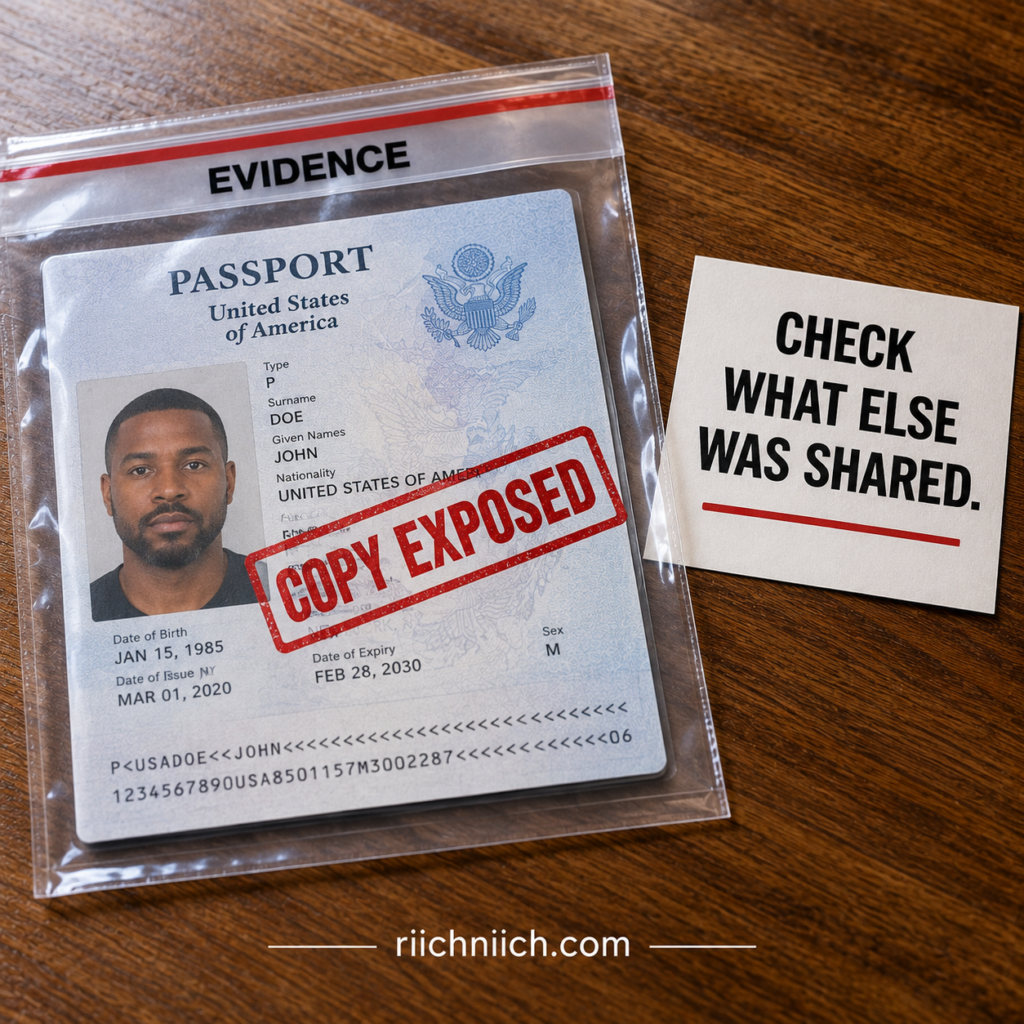
First, Determine Who Has the Passport Picture
Not every passport copy represents the same level of risk.
You may have legitimately provided a passport image to an employer, financial institution, travel company, hotel, government agency, or another organization that needed to verify your identity.
That’s very different from discovering that you uploaded your passport to a phishing website, sent it to a scammer, had an email account containing the image hacked, or found out that an unauthorized person copied it.
If you’re asking what to do if someone has a picture of your passport, start by determining:
- Who received the image
- Why you originally provided it
- How the image was transmitted
- Whether the recipient is legitimate
- Whether the image may have been downloaded or forwarded
- What other personal information was exposed with it
The last point is especially important. A passport picture combined with other sensitive information can create a more serious identity-theft risk than an isolated passport image.
Find Out Exactly What the Person Can See
A clear passport image can expose several pieces of identifying information at once.
Depending on what was photographed, the person may be able to see your full name, photograph, date of birth, place of birth, nationality, passport number, issue date, expiration date, and machine-readable information printed on the passport’s data page.
That does not give someone automatic access to your bank accounts or credit. But personal information can become more useful to criminals when it is combined with information obtained from phishing, data breaches, stolen mail, compromised online accounts, or other sources.
The FTC explains that identity thieves can combine personal and financial information to impersonate victims, open accounts, obtain services, or commit other forms of fraud.
If You Sent the Picture to a Scammer, Stop Sending Information
If you now realize the recipient was fraudulent, stop communicating with them and do not provide anything else.
A scammer who already has your passport image may attempt to convince you that additional information is necessary to “complete verification.” They could ask for your driver’s license, Social Security number, bank information, credit-card details, selfie, password, or authentication code.
Do not provide additional information simply because they already have your passport.
Instead, make a record of exactly what you disclosed. Knowing whether the scammer has only a passport picture or a much larger collection of personal information will help you determine how aggressively you need to respond.
Secure the Account Where the Passport Picture Was Stored
Sometimes the biggest problem isn’t the passport image itself—it’s how someone obtained it.
For example, if the picture was stolen from your email account, cloud-storage account, smartphone, or messaging account, the attacker may have access to considerably more information than your passport.
Change the password on any compromised account, use a strong unique password, enable multi-factor authentication where available, review recent account activity, and sign out unfamiliar devices or sessions.
Also search the compromised account for other sensitive documents. A passport picture stored alongside tax documents, driver’s-license images, financial statements, or other identifying records could increase the potential impact.
Check Your Credit for Signs of Identity Misuse
If an unauthorized person has your passport image, especially along with other personal information, begin watching your credit reports for activity you don’t recognize.
Look for unfamiliar accounts, inquiries, addresses, debts, or other unexpected changes.
The FTC recommends reviewing credit reports, bills, and bank statements for signs of identity theft such as accounts you didn’t open, purchases you didn’t make, or withdrawals you didn’t authorize.
If you don’t find anything suspicious, continue monitoring rather than assuming that no future attempt could occur.
Consider Freezing Your Credit
If the passport picture was obtained by a scammer or exposed together with other sensitive identifying information, a credit freeze may be appropriate.
A credit freeze makes it harder for an identity thief to open new credit accounts because prospective creditors cannot access your frozen credit report. The FTC says freezes are free, don’t affect your credit score, and can be placed even before identity theft actually occurs. You must contact all three nationwide credit bureaus to freeze all three reports.
This can be particularly valuable when passport information stolen in one incident is accompanied by other identifying information.
A freeze won’t make the passport picture disappear, and it won’t stop every form of fraud. But it can create an important barrier against certain types of new-account identity theft.
Don’t Automatically Report Your Physical Passport as Lost or Stolen
This distinction is important.
If someone merely has an unauthorized picture of your passport but you still possess the physical passport, don’t automatically report the physical document as lost or stolen without determining whether that’s appropriate for your circumstances.
The State Department’s lost-or-stolen reporting process is specifically for a valid passport that is actually lost or stolen. Once a U.S. passport is reported lost or stolen, the State Department cancels it, and it cannot be used for international travel even if you later recover it.
In other words, exposure of a passport image and loss of the physical passport are related security concerns, but they aren’t necessarily the same event.
If Your Identity Is Actually Being Used, Escalate Your Response
There is an important difference between exposure and identity theft.
If someone simply obtained your passport picture, you may be dealing with a potential identity-theft risk.
If you discover that someone has used your information to open an account, make a purchase, apply for a loan, obtain employment, file taxes, or obtain government benefits, you’re dealing with actual identity misuse.
In that situation, the FTC’s official IdentityTheft.gov recovery process can help you report the identity theft and build a recovery plan. Its guidance for lost, stolen, or exposed information also recommends checking, freezing, and monitoring your credit.
Should You Buy Identity Theft Protection After Someone Gets Your Passport Picture?
Not necessarily.
If you accidentally sent a passport image to a legitimate organization and have no reason to believe it was mishandled, purchasing identity theft protection solely because a copy exists may provide little additional value.
The calculation changes if the picture was sent to a scammer, stolen from a compromised account, leaked with additional sensitive information, or followed by suspicious activity.
In those circumstances, paid identity theft protection may provide useful additional monitoring. Depending on the provider and plan, that could include credit monitoring, identity monitoring, dark-web monitoring, suspicious-activity alerts, and identity-recovery assistance.
The FTC notes that identity monitoring services may check databases for information that doesn’t necessarily appear on a credit report, while recovery services may provide counselors or case managers to help victims work through identity-theft problems.
That makes the breadth of monitoring and quality of recovery assistance more important than simply choosing a service that advertises “passport monitoring.”
Treat the Picture as One Piece of Your Identity
The biggest mistake is assuming that nothing can happen because the thief doesn’t possess your physical passport—or assuming that identity theft is inevitable because they have a photograph.
Neither extreme is helpful.
Instead, determine exactly what was exposed, secure the source of the leak, monitor your credit and financial accounts, consider a credit freeze when the exposure warrants it, and respond immediately if you discover actual identity misuse.
A passport picture is ultimately one piece of your identity. Your goal is to prevent someone who possesses that piece from collecting enough additional information to turn it into a much larger identity-theft problem.
What To Do If Your Passport Number Is Stolen
If your passport number has been stolen or exposed, there is an important distinction to understand: a stolen passport number is not the same as a stolen physical passport.
According to the U.S. Department of State, someone cannot travel internationally using only your U.S. passport number. An original physical passport must be presented for travel, and U.S. passports contain multiple security features designed to prevent successful counterfeiting.
However, that doesn’t mean you should ignore a passport number stolen incident. The number can become another piece of identifying information available to a criminal—especially if it was exposed alongside your name, date of birth, address, passport image, Social Security number, driver’s license information, or financial information.
Understanding how to protect your passport from identity theft means responding to the information that was actually compromised instead of assuming that every passport exposure requires the same response.
Don’t Automatically Report Your Passport as Lost or Stolen
This is one of the most important things to know.
If you still physically possess your passport and only the passport number was exposed, the State Department says you should not report the passport as lost or stolen solely because you believe the number was exposed.
The lost-or-stolen passport process is intended for situations where the physical passport itself has been lost or stolen. Once a valid U.S. passport is reported lost or stolen, it is canceled and can no longer be used for international travel—even if you later recover it.
So don’t unnecessarily cancel a valid passport simply because its number may have been compromised.
Determine How Your Passport Number Was Stolen
Your next step should be figuring out where the exposure happened.
Did you enter your passport information into a phishing website? Was it included in a data breach? Was an email containing a passport copy compromised? Did someone photograph your passport? Was the number exposed by a company that legitimately collected it?
This matters because the passport number may not be the only information that was compromised.
For example, if someone obtained a full passport scan, they potentially received substantially more identifying information than the passport number alone. If the exposure came from a compromised email or cloud-storage account, the attacker may have gained access to other sensitive documents stored there as well.
Think of the passport number as the starting point of your investigation—not necessarily the full extent of the exposure.
Find Out What Other Information Was Exposed
The risk becomes more serious when criminals can combine multiple pieces of personal information.
The FTC explains that identity thieves may use stolen personal or financial information to open new credit accounts, establish utility or phone accounts, obtain medical care, steal tax refunds, or commit other forms of impersonation.
If your passport information stolen incident also involved a driver’s license, Social Security number, financial information, login credentials, or other identifying data, respond to the entire collection of compromised information.
That’s especially important after a passport data breach, where the exposed dataset may contain considerably more than passport numbers.
Check Your Credit Reports
If you believe criminals obtained enough information to impersonate you, check your credit reports for activity you don’t recognize.
Look for unfamiliar credit cards, loans, credit inquiries, addresses, debts, or other information that doesn’t belong to you.
The FTC recommends reviewing credit reports, bills, and bank statements for signs of identity theft, including unfamiliar accounts, unexpected charges, and withdrawals you didn’t make.
If everything looks normal, that’s encouraging—but it doesn’t guarantee that your information won’t be misused later.
Continue monitoring.
Consider Freezing Your Credit
A passport number alone isn’t a magic key that allows someone to open credit in your name. But if the number was exposed alongside other sensitive identifying information, a credit freeze may be a sensible precaution.
A credit freeze restricts access to your credit report, making it harder for an identity thief to open new credit accounts in your name. Freezes are available to anyone, are free to place and lift, don’t affect your credit score, and remain in effect until you remove them.
You must contact Equifax, Experian, and TransUnion separately to freeze all three credit reports.
For a serious passport-information exposure, this can be one of the most valuable free protections you put in place.
Monitor Your Existing Financial Accounts Too
Don’t focus exclusively on new credit.
A credit freeze doesn’t prevent fraudulent activity involving accounts that already exist. The FTC notes that even with your credit frozen, a thief could potentially make unauthorized charges against an existing account, which is why consumers should continue reviewing bank and credit-card statements.
Watch for unfamiliar purchases, withdrawals, transfers, password-reset attempts, address changes, and other unusual account activity.
If the passport number was obtained through a compromised online account, secure that account as well. Change compromised passwords, enable multi-factor authentication where available, and review logged-in devices or sessions for anything you don’t recognize.
Watch for Follow-Up Scams
A criminal who has some of your passport information may try to obtain the rest.
You could receive a convincing email, phone call, or text claiming to be from an airline, government agency, financial institution, hotel, or travel company. Because the scammer already knows information about you, the request may seem legitimate.
They might ask you to “confirm” your Social Security number, upload another identity document, provide bank information, enter a password, or give them a verification code.
Don’t assume someone is legitimate simply because they know your passport number.
Instead, independently contact the organization using contact information you know is genuine.
Report Actual Identity Theft If Your Information Is Used
Exposure and identity theft aren’t necessarily the same thing.
If your passport number was exposed but you haven’t found evidence that anyone has used your identity, your immediate priorities are securing the source of the exposure, monitoring your accounts and credit, and considering preventive measures such as a credit freeze.
If you discover that someone has actually used your information to open an account, make a purchase, apply for a loan, obtain employment, file taxes, or obtain government benefits, the FTC directs consumers to IdentityTheft.gov to report the theft and receive a recovery plan.
That distinction prevents you from both underreacting to real fraud and overreacting to an exposure that hasn’t resulted in fraud.
Should You Replace Your Passport Because the Number Was Stolen?
Not automatically.
The State Department specifically addresses this situation: if you believe your U.S. passport number was exposed but you still possess the physical passport, it says that no one can travel using the passport number alone and that you should report the passport lost or stolen only if the physical document is actually lost or stolen.
That’s important because reporting the passport lost or stolen invalidates it.
Later in this article, we’ll look more closely at should I replace my passport if my information was stolen, including situations where the physical document and broader personal information may also be involved.
Can Identity Theft Protection Help After a Passport Number Is Stolen?
Potentially—but understand what you’re buying.
Identity theft protection cannot erase an exposed passport number, change the number on your behalf, or guarantee that criminals won’t attempt to use your personal information.
The potential value comes from broader monitoring.
Depending on the provider and plan, an identity theft protection service may monitor credit reports, new accounts, personal information, certain dark-web sources, and other indicators of identity misuse. Some services also provide recovery assistance if identity theft actually occurs.
The FTC notes that identity monitoring services may search databases for suspicious uses of personal information that wouldn’t necessarily appear on a traditional credit report, while recovery services may provide counselors or case managers to assist victims.
That can make a paid service more appealing if your passport number was exposed alongside other sensitive information, if you’ve experienced repeated data breaches, or if you want broader ongoing monitoring instead of checking multiple areas manually.
But don’t pay for protection you can establish yourself for free. Start with credit freezes when appropriate, credit-report reviews, financial-account monitoring, strong account security, and fraud alerts when they fit your situation.
Then evaluate whether the additional monitoring, alerts, and recovery assistance offered by a paid identity theft protection service are worth the cost.
A stolen passport number deserves attention, but it doesn’t mean a criminal can suddenly become you. The real risk depends heavily on what other information was exposed with it—and whether that information begins being used.
What To Do If Your Passport Information Is Exposed in a Data Breach
A passport data breach can be more serious than simply having a passport number exposed. Depending on the breached database, criminals could potentially obtain your name, date of birth, address, passport number, passport image, contact information, login credentials, or other personal data stored alongside your passport information.
But a breach notification does not automatically mean someone has stolen your identity.
The right response is to determine exactly what information was exposed, secure the accounts connected to the breach, and put protections in place based on the sensitivity of the compromised data.
This is an important part of how to protect your passport from identity theft because once information has escaped from a breached database, you generally can’t control who may eventually obtain or attempt to use it.
The FTC recommends responding to a data breach according to the specific information exposed. Its guidance includes checking credit reports, considering a credit freeze or fraud alert, and taking advantage of legitimate free monitoring offered by the breached organization when appropriate.
Find Out Exactly What Information Was Exposed
Don’t stop at the headline saying there was a “data breach.”
Read the company’s official breach notification carefully and determine which information associated with you was actually affected.
There is a major difference between exposure involving only an email address and an incident containing a passport image, passport number, date of birth, address, Social Security number, financial information, or account credentials.
Ask yourself:
- Was my passport number exposed?
- Was an actual passport scan or image exposed?
- Were my name and date of birth included?
- Was my home address included?
- Was my Social Security number involved?
- Were passwords or login credentials exposed?
- Was financial or payment-card information included?
The more sensitive information exposed together, the greater the potential for criminals to build a more complete identity profile.
Don’t Assume Your Passport Must Be Replaced
This distinction is particularly important after a breach.
If a company tells you that your passport number was exposed, but you still possess your physical U.S. passport, don’t automatically report the passport lost or stolen.
The U.S. Department of State says no one can travel using only a U.S. passport number; an original physical passport is required. It also specifically advises consumers to report a valid passport lost or stolen only when the physical document is actually lost or stolen.
Reporting a valid passport lost or stolen causes it to be canceled, so don’t use that process merely because a breach exposed the number.
That doesn’t mean the exposure should be ignored. It means your response should focus on the identity information that was compromised rather than treating the physical passport as missing.
Change Compromised Passwords Immediately
If the breach included a password or login credential, change it.
And if you’ve reused that password anywhere else, change it on those accounts too.
The FTC advises consumers whose login credentials are exposed in a breach to change the affected password and any identical passwords used elsewhere.
Use a strong, unique password for each important account and enable multi-factor authentication where available.
Pay particular attention to your email account. Email can contain travel confirmations, passport attachments, password-reset messages, financial records, and links to many other accounts.
A compromised email account can turn one data exposure into a much larger identity-security problem.
Check Your Credit Reports
If sensitive identifying information was exposed, check your credit reports for accounts or activity you don’t recognize.
The FTC’s IdentityTheft.gov guidance specifically recommends checking, freezing, and monitoring credit when personal information has been lost, stolen, or exposed in a data breach.
Look for unfamiliar accounts, debts, credit inquiries, addresses, or other information that doesn’t belong to you.
If you find something suspicious, contact the company associated with the account and investigate immediately.
Consider Freezing Your Credit
If the breach exposed enough information that someone could potentially attempt to impersonate you, a credit freeze is one of the strongest free protections available.
A freeze restricts prospective creditors from accessing your credit report, making it harder for an identity thief to open new credit accounts in your name.
The FTC says credit freezes are free, don’t affect your credit score, and are particularly important when sensitive information has been exposed in a data breach. You must contact Equifax, Experian, and TransUnion individually to freeze all three credit files.
A credit freeze won’t remove your passport information from the breached database, but it can help close off one potential way criminals could monetize a larger collection of stolen identity information.
Monitor Your Financial Accounts Too
A credit freeze doesn’t protect everything.
Continue reviewing your bank accounts, credit cards, and other financial accounts for charges, withdrawals, transfers, or changes you didn’t authorize.
The FTC notes that a credit freeze can help prevent certain new accounts from being opened, but it doesn’t prevent someone who has access to an existing account from making unauthorized charges.
This is why a good breach response uses multiple layers: freeze where appropriate, monitor credit, monitor existing accounts, and secure compromised online accounts.
Take Advantage of Legitimate Free Monitoring
Some organizations offer affected customers free credit monitoring or identity monitoring after a breach.
If the offer comes directly from the organization responsible for the breach and you’ve independently confirmed that it’s legitimate, consider using it.
The FTC recommends taking advantage of legitimate free credit monitoring offered after a data breach because it can help watch your credit report for potential misuse.
Just be careful about breach-related phishing.
Major breaches create an opportunity for scammers to impersonate the affected company and send fake “security alerts,” “compensation notices,” or “free monitoring enrollment” messages designed to steal even more information.
Instead of trusting an unexpected link, independently visit the company’s official website and verify the offer there.
Continue Monitoring After the Initial Breach Notice
One of the challenges with passport information stolen in a data breach is that fraudulent activity doesn’t necessarily happen immediately.
You may check your accounts today and find nothing wrong.
That doesn’t guarantee the information will never be misused.
Continue watching credit reports, bank accounts, credit cards, email security alerts, new-account notifications, and other unusual activity over time.
If you receive unexpected verification codes, password-reset requests, credit inquiries, account-opening notices, or bills for services you never requested, investigate them rather than assuming they’re mistakes.
Report Actual Identity Theft If It Happens
A data breach means information was exposed.
Identity theft means someone actually used your information.
If you discover that someone has used your personal information to open an account, make a purchase, apply for a loan, obtain employment, file taxes, or receive government benefits, escalate your response.
The FTC’s IdentityTheft.gov provides a free recovery process that can create a personalized plan based on the type of identity theft you’re experiencing.
Acting quickly can help you begin closing fraudulent accounts, disputing fraudulent information, securing legitimate accounts, and documenting what happened.
Should You Pay for Identity Theft Protection After a Passport Data Breach?
This is one situation where paid identity theft protection may deserve serious consideration—but it still isn’t automatically necessary.
Start with the free protections available to you: secure compromised accounts, review credit reports, freeze your credit when appropriate, monitor financial accounts, and use any legitimate free monitoring provided because of the breach.
Then consider what the paid service adds.
Depending on the provider and plan, identity theft protection may include ongoing credit monitoring, new-account alerts, personal-information monitoring, dark-web monitoring, and identity-recovery assistance.
For someone whose passport information was exposed alongside other sensitive identifying information, broader monitoring may be more valuable than it would be for someone whose exposure involved only a relatively limited piece of data.
This is also where passport dark web monitoring may sound attractive, but don’t assume a service can continuously search every criminal marketplace or guarantee it will find your passport information. Instead, compare exactly what information the service monitors, which sources it covers, how quickly it sends alerts, and what recovery help you receive if identity theft occurs.
The goal isn’t to buy protection because a breach notice frightened you. It’s to determine whether the additional monitoring and recovery features provide enough value beyond the protections you can establish yourself for free.
A passport data breach cannot always be undone. But you can make the exposed information harder to turn into successful identity fraud by securing your accounts, freezing credit when appropriate, monitoring for misuse, and responding immediately if suspicious activity appears.
Should You Replace Your Passport If Your Information Is Compromised?
Not necessarily. If your passport number, passport image, or other passport information has been exposed but you still physically possess your valid U.S. passport, replacing it is not automatically required.
The U.S. Department of State specifically addresses passport-number exposure: no one can travel internationally using only your U.S. passport number, and you should report a valid passport lost or stolen only when the physical document is actually lost or stolen.
That’s an important distinction when learning how to protect your passport from identity theft. Canceling and replacing the physical document may be necessary after an actual loss or theft, but an information exposure often requires a broader identity-security response instead.
If Only Your Passport Number Was Exposed
If you’re asking, should I replace my passport if my information was stolen, first determine exactly what information was compromised.
A passport number exposed in a data breach is different from having your physical passport stolen.
The State Department says that an original physical passport must be presented for international travel and that U.S. passports contain multiple security features designed to prevent successful counterfeiting. If you still have the physical passport and only believe the number was exposed, the State Department says you should not report the passport lost or stolen solely for that reason.
That doesn’t mean you should ignore the exposure.
Instead, determine whether your passport number was exposed alongside your name, date of birth, address, Social Security number, driver’s license information, financial information, login credentials, or other sensitive data.
The more information compromised together, the greater the potential identity-theft concern.
If Someone Has a Picture of Your Passport
An unauthorized passport picture creates a different problem.
A clear image may reveal several pieces of identifying information simultaneously. But if you still possess the physical passport, the fact that someone has an image does not, by itself, mean you should falsely report the physical document as lost or stolen.
Instead, investigate how the image was obtained and what else was compromised.
For example, if the picture was stolen from your email account or cloud storage, secure that account immediately. If you accidentally uploaded the picture to a phishing website, determine what additional information you provided.
The State Department directs people whose personal information has been compromised toward identity-theft resources rather than suggesting that every information exposure requires passport replacement.
If the Physical Passport Was Actually Lost or Stolen
This situation is much clearer.
If your valid physical U.S. passport is lost or stolen, report it immediately.
The State Department says reporting a lost or stolen passport helps protect against identity theft. Once reported, the passport is canceled and can no longer be used for international travel—even if you later find it.
Reporting it does not automatically provide a replacement. If you want another passport, you’ll need to apply for one.
If the passport is lost or stolen while you’re abroad, you’ll need a new passport before returning to the United States, and the nearest U.S. embassy or consulate can assist with obtaining a replacement.
A Replacement Passport Doesn’t Erase Stolen Information
This is where replacing a passport can create a false sense of security.
Suppose a criminal already has a photograph of your old passport, your name, date of birth, address, and other personal information. Replacing the physical passport does not erase the copies the criminal already possesses.
The old passport may become invalid for travel, but the personal information that was copied from it could still potentially be used as part of a broader impersonation attempt.
That’s why passport identity theft should be treated as an identity-security problem—not simply a document-replacement problem.
If other sensitive information was exposed, review your credit reports, monitor financial accounts, secure compromised online accounts, and consider freezing your credit.
Consider a Credit Freeze After a Serious Exposure
If your passport information was compromised together with enough additional information to create a meaningful identity-theft risk, a credit freeze may provide more practical protection against new-credit fraud than simply replacing an otherwise valid physical passport.
A credit freeze restricts prospective creditors from accessing your credit report, making it harder for an identity thief to open new credit accounts in your name.
The FTC says anyone can place a freeze, it is free to place and lift, it doesn’t affect your credit score, and it becomes especially important when sensitive personal information is exposed in a data breach or misused by an identity thief.
You need to contact Equifax, Experian, and TransUnion separately to freeze all three credit files.
Continue Monitoring Even If You Get a New Passport
A replacement passport should not be the end of your response.
Continue checking your credit reports, bank accounts, credit-card statements, email security alerts, and other important accounts for suspicious activity.
The FTC recommends watching for unfamiliar accounts, unexpected bills, unauthorized withdrawals, and other changes you don’t recognize as potential signs of identity theft.
This becomes especially important after a passport data breach, phishing scam, or stolen passport incident involving multiple pieces of personal information.
Identity Theft Protection May Offer Broader Coverage
Replacing your passport solves a specific problem. Identity theft protection addresses a different one.
Depending on the provider and plan, a paid identity theft protection service may monitor credit activity, new accounts, personal information, and certain sources where stolen information may appear. Some services also provide recovery assistance if identity theft occurs.
That can become more valuable when the problem has expanded beyond the physical passport.
For example, someone whose passport was stolen together with a driver’s license, Social Security information, or other sensitive records may want broader monitoring rather than focusing exclusively on replacing the passport.
But don’t buy a service simply because you’re worried.
First use the protections available to you for free: secure compromised accounts, check your credit reports, freeze your credit when appropriate, monitor financial activity, and report actual identity theft.
Then compare whether a paid service provides enough additional monitoring, alerts, and recovery assistance to justify its cost.
When Replacing Your Passport Makes Sense
The key question isn’t simply whether your passport information was compromised. It’s whether the physical passport itself is still secure and valid.
If the physical passport was genuinely lost or stolen, report it and replace it if you need another passport. If only your passport number or information was exposed, don’t automatically report the physical passport lost or stolen just to obtain a different document. The State Department specifically warns that once a valid passport is reported lost or stolen, it becomes invalid for international travel.
And remember: replacing a passport doesn’t automatically solve the larger identity-theft problem.
If criminals already possess your personal information, the more important long-term strategy is to protect the rest of your identity, monitor for misuse, freeze credit when appropriate, and act quickly if signs of fraud appear.
How To Report Passport Identity Theft and Fraud
If someone has stolen your passport, used your passport information, or attempted to impersonate you with it, reporting the incident to the right organization is important. Passport theft, passport fraud, and broader identity theft can overlap, but they are not always reported through the same process.
Knowing how to protect your passport from identity theft therefore includes understanding where to report each type of problem—and what to do after the report is filed.
The U.S. Department of State handles lost or stolen U.S. passports and passport-related fraud, while the Federal Trade Commission’s IdentityTheft.gov provides a reporting and recovery process when someone actually uses your personal information to commit identity theft.
Report a Lost or Stolen Physical Passport to the State Department
If your valid physical U.S. passport is genuinely lost or stolen, report it promptly to the U.S. Department of State.
The State Department currently provides three ways to report a valid passport lost or stolen: online, by mail using Form DS-64, or in person while applying for a replacement passport. Its online reporting option is the fastest; the State Department says an online report results in cancellation within one business day.
Once the passport is reported lost or stolen, it is canceled and cannot be used for international travel—even if you later find it. Reporting the passport also does not automatically replace it; you must separately apply for a replacement if you need one.
This step is especially important in a stolen passport identity theft situation because canceling the document prevents the stolen passport from remaining valid for international travel.
Don’t Report the Physical Passport Lost Just Because the Number Was Exposed
This distinction can prevent an unnecessary cancellation.
If your passport number was stolen in a data breach, phishing attack, or other information exposure but you still possess the physical passport, the State Department says you should report the passport lost or stolen only if the physical document itself is actually lost or stolen.
A passport-number exposure may still create an identity-security concern, but it calls for a different response: determine what information was exposed, secure compromised accounts, check your credit, consider a credit freeze, and monitor for identity misuse.
Report U.S. Passport Fraud to the State Department
If the problem involves actual passport fraud—rather than simply losing the document—the State Department provides a separate reporting process.
The Department says people who are aware of fraud associated with a U.S. passport or visa application, or who have personally been victims of U.S. passport or visa fraud, can report the incident through the Diplomatic Security Service’s crime-tip process. It recommends including as much information as possible about the suspected fraudulent application or incident.
This could become relevant if you discover that someone is attempting to use your identity in connection with a fraudulent passport application or another passport-related scheme.
Report Actual Identity Theft to the FTC
If someone has moved beyond possessing your passport information and has actually used your identity, report the identity theft through the FTC’s IdentityTheft.gov process.
If you’ve confirmed that someone is actually using your information, follow our complete guide on what to do immediately if your identity is stolen for the next steps to secure your identity and begin recovery.
IdentityTheft.gov allows you to describe what happened and generates an FTC Identity Theft Report and a personalized recovery plan based on your situation. If you create an account, the service can also guide you through recovery steps and help track your progress.
This becomes particularly important if someone has used your passport information or other personal data to open accounts, make fraudulent purchases, obtain services, or otherwise impersonate you.
The FTC’s guidance specifically recognizes passport information as something an identity thief could potentially use for impersonation and recommends checking, freezing, and monitoring your credit after passport information is lost or exposed.
Save Evidence Before It Disappears
Before deleting suspicious messages or closing compromised accounts, preserve evidence of what happened.
Save copies of suspicious emails, text messages, fraudulent account notices, breach notifications, transaction records, screenshots, application documents, and communications with the organizations involved.
Also keep a simple record of who you contacted, when you contacted them, what you reported, and what action they took.
IdentityTheft.gov’s recovery guidance recommends documenting contacts with businesses during the recovery process and retaining confirmation that fraudulent accounts or charges have been addressed.
That documentation can become valuable if the fraud spreads to additional accounts or you need to dispute information later.
Consider Filing a Police Report When Appropriate
Not every passport-information exposure requires a police report.
However, if your physical passport was stolen, other property was stolen with it, you know who committed the theft, or actual identity fraud has occurred, a police report may provide useful documentation.
IdentityTheft.gov says consumers may choose to file a report with local police and recommends bringing an FTC Identity Theft Report, photo identification, proof of address, and evidence of the theft.
If your passport is lost or stolen while traveling abroad, the State Department says a police report is not mandatory for obtaining a replacement U.S. passport, although it can help confirm the circumstances surrounding the loss or theft.
Contact Businesses Where Fraudulent Accounts Were Opened
Reporting identity theft to the government isn’t the end of the process.
If someone used your information to open a credit card, bank account, loan, wireless account, or another service, contact the fraud department of that business directly.
IdentityTheft.gov recommends telling the business that someone stole your identity, requesting closure of fraudulent accounts, and asking for written confirmation that the account isn’t yours and that you’re not responsible for it.
Do the same for fraudulent charges on legitimate accounts.
This is where good documentation becomes particularly valuable. Keep confirmation letters and records of every dispute in case fraudulent information appears again later.
Freeze and Monitor Your Credit After Serious Passport Fraud
Reporting the fraud creates a record of what happened. It does not automatically prevent another criminal attempt.
If enough identifying information has been compromised, consider freezing your credit with Equifax, Experian, and TransUnion and continue monitoring your credit reports and financial accounts.
IdentityTheft.gov specifically recommends checking, freezing, and monitoring credit after passport information is lost or exposed.
This becomes even more important when passport identity fraud involves additional information such as your Social Security number, driver’s license information, address, date of birth, financial information, or login credentials.
Reporting Fraud and Monitoring Fraud Are Different Jobs
Government reporting and identity monitoring serve different purposes.
Reporting a stolen passport can invalidate the travel document. Reporting passport fraud can alert the appropriate authorities. Filing an FTC Identity Theft Report can document actual identity theft and provide a recovery plan.
But those reports don’t necessarily watch your identity continuously for future misuse.
That’s where ongoing credit monitoring, financial-account alerts, credit freezes, and—depending on your situation—paid identity theft protection may become useful.
A comprehensive identity theft protection service may provide credit monitoring, identity monitoring, certain dark-web monitoring, suspicious-activity alerts, and recovery assistance depending on the provider and plan.
For someone dealing with confirmed passport identity theft rather than a minor information exposure, recovery assistance can be particularly valuable. The service may help organize the response if fraudulent activity spreads across multiple accounts or institutions.
Still, don’t assume you need to pay for every available protection. Use the free government reporting, credit-freeze, and account-security tools available to you first. Then compare whether the additional monitoring and recovery support of a paid identity theft protection service provides enough value to justify the cost.
Reporting Is the Beginning of Recovery
One report doesn’t necessarily close a passport identity-theft case.
After reporting the appropriate incident, continue monitoring your credit reports, financial accounts, email account, authentication alerts, and other important areas of your identity.
If new fraudulent accounts or transactions appear, document them and add them to your recovery process.
The goal is to create a clear chain of action: report the passport problem to the appropriate authority, document actual identity theft, secure the rest of your identity, and continue monitoring for additional misuse.
That combination is far more effective than simply replacing a passport and assuming the stolen personal information disappeared with the old document.
Can Identity Theft Protection Help Protect Your Passport Information?
Yes—but with an important limitation.
Identity theft protection can help monitor your broader personal information for certain signs of misuse, but it cannot physically protect your passport, prevent every passport scam, retrieve a passport image that has already been stolen, or guarantee that someone will never misuse your information.
That’s why understanding how to protect your passport from identity theft means looking at identity theft protection as an additional monitoring and recovery layer—not as a replacement for securing your passport, freezing your credit when appropriate, and protecting your online accounts.
The Consumer Financial Protection Bureau explains that identity monitoring services may monitor personally identifiable information across credit applications, public records, websites, and other sources for unusual activity that could indicate identity theft. Some services also provide assistance if identity theft occurs.
Identity Theft Protection Doesn’t Protect the Physical Passport
This distinction is important when asking, can identity theft protection protect your passport?
A monitoring service cannot stop someone from stealing a passport from your luggage, copying it at a hotel, photographing it, or convincing you to upload it to a phishing website.
Those risks require preventive security measures: keeping the physical passport secure, limiting unnecessary copies, verifying organizations before sharing passport information, protecting digital copies, and recognizing phishing attempts.
Identity theft protection becomes more relevant after personal information leaves your control or when you want ongoing monitoring for signs that information connected to your identity is being misused.
The CFPB cautions that most monitoring services don’t prevent personal information from being stolen in the first place; they primarily alert consumers to certain activity after information has been compromised or used.
Credit Monitoring Can Watch for New-Account Activity
One of the most valuable features to compare is credit monitoring.
If criminals combine passport information stolen from a breach or scam with other identifying information, they may attempt certain forms of financial identity fraud.
Credit monitoring services watch credit reports for changes. Depending on the service and plan, alerts may include a new credit inquiry, loan, credit-card account, late payment, credit-limit change, or changes to personal information appearing on your credit file.
The FTC notes that commercial services may monitor one, two, or all three major credit bureaus—Equifax, Experian, and TransUnion.
If you’re paying specifically for credit monitoring, three-bureau monitoring is a feature worth comparing because information can differ among your three credit reports.
Identity Monitoring Can Look Beyond Your Credit Reports
Passport-related identity theft isn’t necessarily limited to credit.
That’s where broader identity monitoring can become more valuable.
The FTC explains that identity monitoring services may search databases for suspicious activity that doesn’t necessarily appear on a traditional credit report. Depending on the service, monitoring could include change-of-address requests, public records, new utility or wireless services, payday-loan applications, check-cashing activity, social media, and websites used to trade stolen information.
For someone concerned about passport identity fraud, these broader monitoring features may provide more value than basic credit monitoring alone.
But coverage varies significantly, so don’t assume every company monitors the same information.
What About Passport Dark Web Monitoring?
Passport dark web monitoring sounds especially attractive after a passport number, passport image, or other personal information has been compromised.
Some identity monitoring services search black-market websites and other online sources for personal information associated with their customers. The CFPB confirms that some services include black-market website monitoring among their features.
However, dark-web monitoring has limitations.
A company cannot guarantee that it searches every criminal marketplace, private communication channel, stolen database, or location where your information might be traded. And even if a service finds your information, it generally cannot magically remove every copy criminals already possess.
So don’t buy a service simply because the marketing says “dark web monitoring.”
Instead, determine exactly what information you can register for monitoring, what types of sources the service checks, how alerts work, and what assistance you receive after a match is discovered.
Recovery Assistance Can Be Extremely Valuable After Actual Fraud
Monitoring tells you something may be wrong.
Recovery assistance helps you figure out what to do next.
If someone actually begins using your passport information as part of a larger identity-fraud scheme, you could find yourself dealing with fraudulent accounts, creditors, credit bureaus, financial institutions, debt collectors, and government agencies.
The FTC explains that identity recovery services may provide counselors or case managers who help consumers recover from identity theft. Depending on the service, assistance can include working through documents, dealing with creditors or debt collectors, and helping with credit freezes. Some services may even work with institutions on your behalf when properly authorized.
For a buyer comparing identity theft protection plans, strong recovery assistance may ultimately be more valuable than having dozens of flashy monitoring features.
Identity Theft Insurance Has Limits
Many premium identity theft protection plans also advertise identity theft insurance.
Read the terms carefully.
The FTC explains that identity theft insurance may cover certain expenses associated with recovering from identity theft, such as document costs, postage, lost wages, or legal fees, depending on the policy. It generally does not mean that every dollar stolen by a scammer will automatically be reimbursed.
Before choosing a plan based on a large insurance number, compare what is actually covered, exclusions, reimbursement requirements, and whether a deductible applies.
The biggest number on the sales page isn’t necessarily the most valuable protection.
Identity Theft Protection Doesn’t Replace a Credit Freeze
Even if you purchase comprehensive identity theft protection, don’t overlook one of the strongest free protections available.
A credit freeze restricts prospective creditors from accessing your credit file, which can make it harder for an identity thief to open new credit accounts in your name. The CFPB notes that security freezes are free and can help prevent new-account identity theft.
Monitoring and freezing serve different purposes:
Monitoring helps you detect certain activity. A freeze helps restrict certain new-credit activity from happening in the first place.
If your passport information has been seriously compromised, using both may provide stronger coverage than relying on monitoring alone.
You May Already Have Some Identity Protection for Free
Before buying another subscription, check what you already have.
The FTC notes that identity monitoring or recovery services may sometimes be available through banks, credit unions, credit-card providers, employers, or insurance companies.
You may also receive free credit monitoring after a passport data breach or another security incident. The FTC recommends considering legitimate free credit monitoring offered after a company exposes your information.
Compare those benefits with a paid service before spending money.
The question isn’t whether a paid service has more features. It’s whether those additional features provide enough useful protection to justify another monthly or annual expense.
When Identity Theft Protection May Be Worth Buying
Identity theft protection becomes easier to justify when the potential consequences of an exposure become broader.
It may be particularly worth considering if your passport information was exposed together with other sensitive personal data, you sent a passport image to a scammer, you’ve experienced multiple serious data breaches, you’re already seeing suspicious identity activity, or you want professional recovery assistance available if identity theft occurs.
👉 If that describes your situation, see what Aura includes for identity monitoring and recovery support before deciding whether managing everything yourself is enough.
It may also make sense if you simply value the convenience of having several monitoring functions and alerts organized through one service instead of checking everything manually.
But don’t purchase based solely on fear.
Compare the service’s actual monitoring coverage, number of credit bureaus monitored, alert speed, recovery assistance, dark-web monitoring capabilities, insurance terms, family coverage, cancellation terms, and total annual price.
The CFPB specifically recommends understanding exactly what you’re getting because identity monitoring services can vary considerably in both features and cost.
The Best Identity Theft Protection Adds to What You’re Already Doing
No subscription should replace good security habits.
Keep your physical passport secure. Protect digital copies. Verify anyone asking for passport information. Use strong unique passwords and multi-factor authentication. Monitor financial accounts. Check credit reports. Freeze your credit when appropriate. Report actual identity theft promptly.
Then, if you want additional monitoring and professional recovery support, identity theft protection can fill some of the gaps between those individual protections.
That’s the buyer-intent question that matters most: Does the service provide enough additional monitoring, alerts, and recovery assistance to justify what you’re paying?
For someone whose passport and other sensitive information have already been compromised, the answer may be yes.
Identity theft protection cannot guarantee that passport identity theft won’t happen. But the right service may help you identify certain signs of misuse sooner and give you additional support if stolen passport information becomes part of a larger identity-theft problem.
What To Look for in an Identity Theft Protection Service
Not all identity theft protection services provide the same level of monitoring. Some plans focus mainly on credit, while more comprehensive services may monitor additional personal information, provide dark-web alerts, offer recovery assistance, and include identity theft insurance.
If you’re considering paying for protection after a passport exposure, the goal isn’t to find the service with the longest feature list. It’s to find one whose monitoring and recovery features address the risks you’re actually concerned about.
That matters when learning how to protect your passport from identity theft because a paid service should add meaningful protection beyond the free steps you can already take yourself.
The Consumer Financial Protection Bureau says identity monitoring services can vary widely in features and price and recommends understanding exactly what you’re getting before signing up.
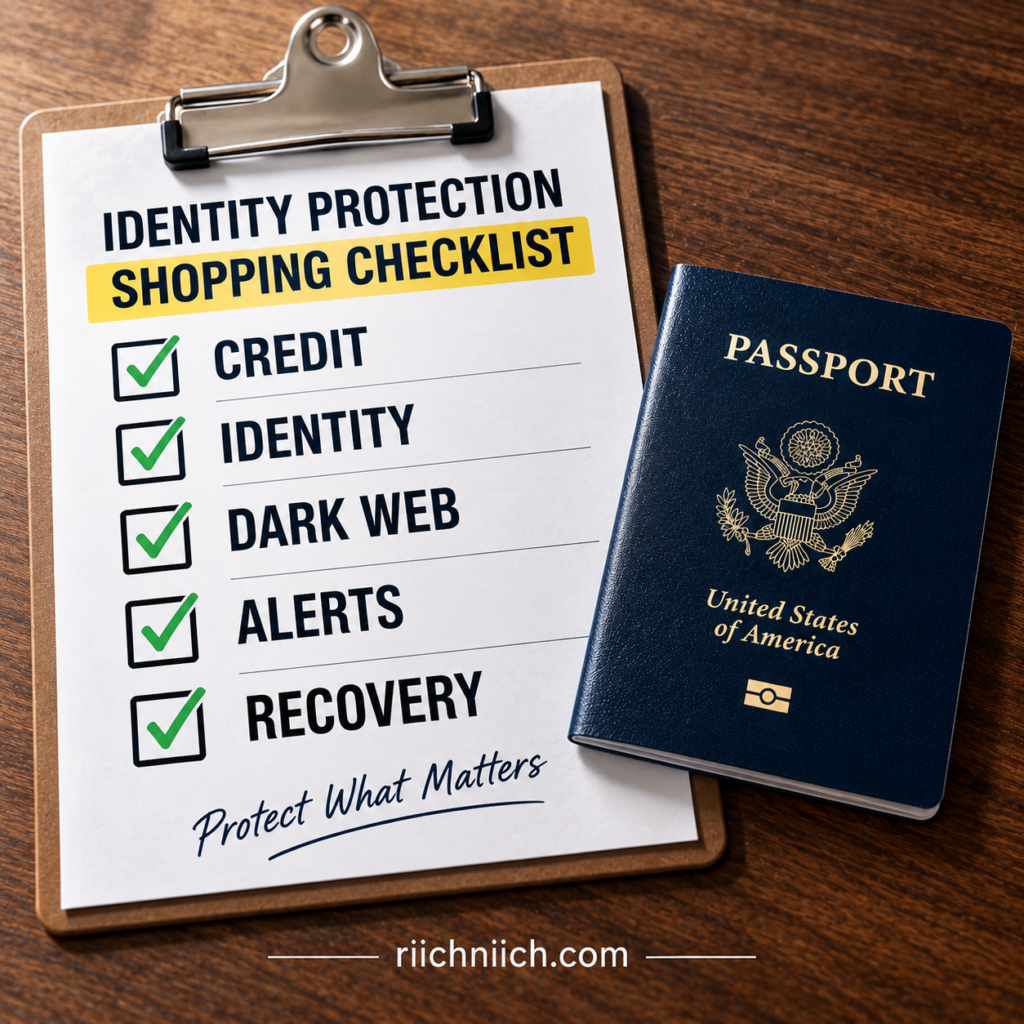
Look for Broad Identity Monitoring
Start by determining what the service actually monitors.
Credit monitoring is useful, but passport identity theft can involve more than traditional credit. If you’re paying for comprehensive identity protection, look for monitoring that extends beyond your credit reports.
The FTC explains that identity monitoring services may search databases for suspicious information that doesn’t necessarily appear on a credit report. Depending on the service, this may include change-of-address requests, new utility or wireless accounts, payday-loan applications, public records, and websites where stolen information is traded.
When comparing plans, don’t settle for vague claims such as “we monitor your identity.”
Find out which pieces of your personal information you can actually register for monitoring and which types of activity the service watches.
👉 If advanced identity monitoring is your main priority, see Identity Guard’s current protection options and compare its monitoring features with the level of coverage you actually need.
Compare One-Bureau vs. Three-Bureau Credit Monitoring
If credit monitoring is included, check how many credit bureaus are covered.
Some services monitor activity at only one bureau, while others monitor Equifax, Experian, and TransUnion.
The FTC confirms that commercial monitoring services may cover one, two, or all three major credit bureaus.
For someone purchasing a premium identity theft protection plan after sensitive personal information has been compromised, three-bureau monitoring can provide broader visibility than one-bureau monitoring.
Look at the monitoring frequency too. The FTC recommends asking how often credit reports are checked for changes and which bureaus are actually monitored.
Look Closely at Dark-Web Monitoring
If your passport number or other information has already been exposed, passport dark web monitoring may be one of the features that attracts you to a paid service.
But don’t assume every dark-web monitoring feature provides the same coverage.
The CFPB notes that some identity monitoring services monitor black-market websites and other online sources for signs that personal information is being misused.
Before buying, determine what information the service allows you to monitor. Can you register email addresses, phone numbers, financial information, identification information, or other sensitive data?
Also understand the limitation: dark-web monitoring cannot guarantee that every stolen database, private marketplace, criminal forum, or private communication channel will be searched.
A dark-web alert can tell you that information has been detected. It cannot necessarily remove every copy of that information from criminals’ possession.
Fast, Useful Alerts Matter
Monitoring isn’t very valuable if you learn about suspicious activity too late—or receive an alert without enough information to understand it.
Look for a service that provides timely notifications through methods you’ll actually notice, such as app notifications, text messages, or email.
Credit monitoring services typically notify consumers about changes to their credit reports, including new accounts or credit inquiries.
But speed isn’t the only consideration.
A useful alert should tell you what changed and what you should investigate.
If an alert simply says “activity detected” and forces you to figure everything out yourself, its practical value may be limited.
Pay Attention to Recovery Assistance
This is one feature buyers frequently underestimate.
Monitoring is useful while nothing has happened. Recovery assistance becomes important when something actually does.
If someone uses stolen passport information as part of a larger identity-fraud scheme, you could end up dealing with creditors, financial institutions, credit bureaus, debt collectors, government agencies, and fraudulent accounts.
The FTC explains that identity recovery services may provide access to counselors or case managers who help consumers work through the recovery process. Assistance can include dealing with documentation, creditors, debt collectors, and credit freezes. Some services may communicate with institutions on your behalf when you formally authorize them to do so.
When comparing plans, ask whether you receive a dedicated recovery specialist, whether assistance is available around the clock, what types of fraud are covered, and how much of the recovery work the service actually handles.
For someone already dealing with passport information stolen, strong recovery support may be worth more than several additional monitoring features.
Understand Identity Theft Insurance Before Paying More for It
A large insurance number can make one identity theft protection plan look dramatically better than another.
Read the details before allowing that number to influence your purchase.
The FTC says identity theft insurance may cover certain expenses associated with recovering your identity, such as document costs, postage, lost wages, or legal expenses. It generally does not mean that every dollar stolen by a criminal will automatically be reimbursed.
Check the policy for deductibles, exclusions, reimbursement limits, covered expenses, and documentation requirements.
A “$1 million” headline sounds impressive, but the actual policy terms determine how valuable the insurance is to you.
Look for Protection That Covers Your Entire Identity
A passport shouldn’t be evaluated in isolation.
If criminals obtain your passport information, the greater concern may be whether they can combine it with your driver’s license information, Social Security number, email address, phone number, financial information, or passwords.
That’s why broader identity monitoring can be more valuable than a service marketed around one specific document.
The CFPB describes identity monitoring as monitoring personally identifiable information across credit applications, public records, websites, and other sources for unusual activity that could indicate identity theft.
For someone worried about passport identity fraud, that’s the type of broader coverage worth comparing.
Don’t Pay Extra for a Credit Lock Without Understanding the Difference
Some identity protection packages promote convenient credit-lock features.
Convenience can have value, but don’t confuse a paid credit lock with your legal right to a free credit freeze.
The CFPB states that credit reporting companies may offer paid credit-lock products, but those locks are no more effective than security freezes, which consumers have the right to place for free.
If a company’s premium price is largely justified by its credit-lock feature, ask yourself what else you’re actually getting for the money.
A stronger paid package should earn its price through useful monitoring, alerts, recovery support, or other services—not by charging you primarily for something similar to a protection you can establish yourself for free.
Check Family Coverage Before Choosing a Plan
If you’re protecting more than one person, compare how the service handles family members.
Don’t assume that a “family plan” provides identical features to every person covered.
Look carefully at how many adults and children can be enrolled, which monitoring features apply to each person, whether children’s identities receive specialized monitoring, and whether recovery assistance and insurance coverage extend across the household.
Also compare the total annual price, not simply the introductory monthly rate.
A plan that initially looks inexpensive can become much more costly after a promotional period ends.
Watch for Trial Periods, Renewal Prices, and Cancellation Terms
Don’t evaluate only the advertised price.
The CFPB specifically recommends checking identity monitoring offers for trial periods, fees, cancellation requirements, and other restrictions.
Before subscribing, determine the regular price after any introductory offer, whether you’re billed monthly or annually, whether the subscription automatically renews, and how cancellation works.
The best identity theft protection service isn’t necessarily the cheapest.
But it should provide enough meaningful monitoring and recovery features to justify what you’ll actually pay over an entire year.
Don’t Pay for Features You Already Have
Before purchasing anything, check your existing benefits.
The FTC notes that consumers may already have access to monitoring or recovery services through a bank or credit union, credit-card provider, employer benefits program, or insurance company.
You can also monitor your credit reports yourself, and credit freezes are free. The CFPB emphasizes that paid monitoring generally alerts you to certain activity rather than preventing your personal information from being stolen in the first place.
That means a paid identity theft protection service should provide meaningful additional value, not simply repackage free protections into a monthly subscription.
Choose Based on Monitoring and Recovery—not Fear
If your passport information has already been compromised, it can be tempting to purchase the first identity theft protection service promising to “protect everything.”
Instead, compare the features that matter most.
For a buyer concerned about passport information, strong candidates should offer a useful combination of broad identity monitoring, robust credit monitoring, dark-web monitoring, timely alerts, meaningful recovery assistance, understandable insurance coverage, and transparent pricing.
No service can guarantee that passport identity theft will never happen.
The value comes from giving you another set of eyes watching for certain signs of misuse—and providing support if you actually need to recover from identity theft.
That’s ultimately how to judge whether a service is worth paying for: not by how many features appear on the sales page, but by whether those features would genuinely help you detect and recover from the types of identity fraud you’re most concerned about.
Is Identity Theft Protection Worth It After Your Passport Information Is Compromised?
It can be worth it, particularly when your passport information was exposed alongside other sensitive personal data or you want ongoing monitoring and professional recovery support. But a compromised passport does not automatically mean you need to pay for identity theft protection.
The better question is: What was exposed, and what additional protection would you actually be paying for?
An important part of how to protect your passport from identity theft is using free protections first, then deciding whether a paid service fills meaningful gaps. The Consumer Financial Protection Bureau notes that identity monitoring services vary widely in features and cost, and recommends understanding exactly what you’re getting before subscribing.
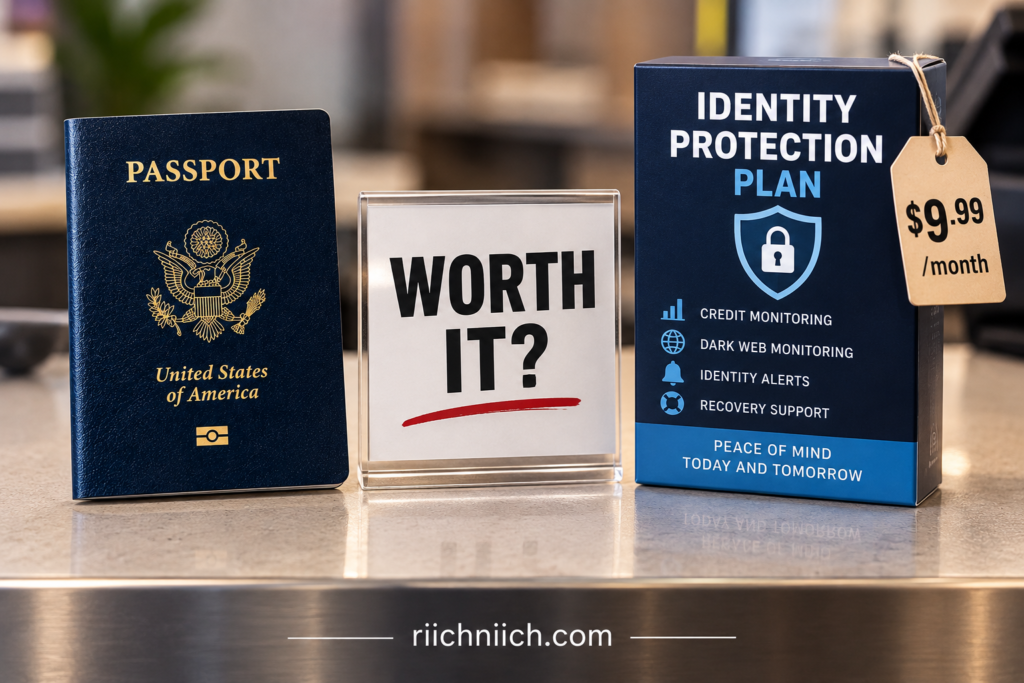
It Depends on What Passport Information Was Compromised
Not every passport exposure creates the same level of risk.
If only your passport number was exposed and you still possess the physical passport, your situation may be very different from someone whose full passport image, name, date of birth, address, Social Security number, financial information, and login credentials were exposed together.
The more information criminals possess, the more opportunities they may have to attempt different forms of identity fraud.
That’s why someone dealing with a large passport data breach or a phishing scam involving multiple pieces of personal information may find broader identity monitoring more valuable than someone dealing with a limited exposure.
Identity Theft Protection Becomes More Valuable When Multiple Pieces of Your Identity Are Exposed
Criminals don’t necessarily rely on one piece of information.
They may combine information obtained from different breaches, phishing scams, stolen documents, compromised accounts, or other sources to create a more complete identity profile.
The FTC explains that identity thieves can use stolen personal or financial information for several types of fraud, including opening new credit accounts, establishing utility or phone accounts, stealing tax refunds, or obtaining other services in someone else’s name.
If your passport information was exposed alongside other sensitive identifying information, the potential value of broader monitoring increases.
You Can Already Do Several Important Things for Free
Before paying for a subscription, remember that some of the strongest identity-theft protections don’t require one.
You can freeze your credit, review your credit reports, monitor bank and credit-card accounts, enable financial alerts, strengthen account passwords, use multi-factor authentication, and report actual identity theft without purchasing a commercial identity protection plan.
A credit freeze is especially important to understand. The FTC says freezes are free, don’t affect your credit score, remain in place until you lift them, and can make it much harder for an identity thief to open new credit in your name.
So don’t buy identity theft protection simply because a service offers a convenient way to “lock” your credit.
The paid service needs to provide additional value beyond protections you can establish yourself for free.
Paid Protection May Be Worth It for Broader Monitoring
This is where a good identity theft protection service can become useful.
The CFPB says identity monitoring services may monitor personally identifiable information across credit applications, public records, websites, and other sources for unusual activity that could indicate identity theft. Some services also monitor black-market websites and include credit monitoring.
The FTC similarly notes that identity monitoring can potentially identify suspicious activity outside traditional credit reports, such as new utility services, change-of-address requests, payday-loan applications, public records, or information appearing on websites where stolen information is traded.
For someone concerned about passport identity fraud, that broader coverage can be more compelling than basic credit monitoring alone.
Passport Dark Web Monitoring Can Add Value—but Understand Its Limits
If your passport information has already been compromised, passport dark web monitoring may be one of the features you’re most interested in.
Some identity monitoring services search black-market websites and other online sources for personal information associated with their customers. The CFPB specifically lists black-market website monitoring as a feature available from some identity monitoring services.
But don’t interpret dark-web monitoring as a guarantee.
No service should be treated as capable of seeing every criminal marketplace, private database, or location where stolen information could circulate.
And detecting information doesn’t necessarily mean the service can remove every copy criminals already possess.
The real value is detection and notification. If the service finds monitored information somewhere suspicious, you may be able to respond sooner.
Three-Bureau Credit Monitoring May Make a Premium Plan More Valuable
If you’re paying for identity theft protection, check whether the plan monitors one credit bureau or all three.
The FTC notes that commercial credit monitoring services may monitor one, two, or all three nationwide credit bureaus—Equifax, Experian, and TransUnion.
Three-bureau monitoring can provide broader visibility into credit-file changes than monitoring a single bureau.
That may be particularly valuable after passport information stolen alongside other information that could potentially be used in new-account fraud.
But remember: monitoring alerts you to changes. A credit freeze provides a preventive barrier against certain new-credit fraud.
Those protections work better as complementary tools than as substitutes for each other.
Recovery Assistance Could Be the Feature That Makes It Worth Paying For
Monitoring gets most of the attention, but recovery assistance may become the most valuable feature if identity theft actually happens.
The FTC says identity recovery services may provide counselors or case managers who help victims deal with creditors, debt collectors, credit freezes, documentation, and other recovery tasks. Some services may work with institutions on a victim’s behalf when properly authorized.
Consider what that could mean after serious passport identity fraud.
Instead of figuring out every recovery step yourself, you may have professional assistance helping you organize the process.
For someone who values that support—or who doesn’t have the time to manage a complicated identity-theft case alone—recovery assistance could justify much of the subscription cost by itself.
Identity Theft Insurance Shouldn’t Be Your Only Reason to Buy
Large insurance numbers can make identity theft protection look extremely attractive.
Read the details.
The FTC explains that identity theft insurance may cover certain recovery expenses such as document costs, postage, lost wages, or legal fees, depending on the policy. It generally doesn’t mean every dollar stolen by a scammer will automatically be reimbursed.
If insurance matters to you, compare the actual policy rather than the headline number.
Look at covered expenses, exclusions, deductibles, reimbursement requirements, and coverage limits.
A plan advertising a huge insurance amount isn’t automatically a better value.
It May Not Be Worth It If You’re Comfortable Monitoring Everything Yourself
Some people simply don’t need a paid service.
If you’re comfortable freezing your own credit, reviewing credit reports, checking financial accounts, responding to security alerts, monitoring compromised accounts, and handling recovery steps yourself if something happens, you may decide that a subscription isn’t worth the ongoing cost.
If you’re still deciding whether paying for monitoring makes sense, read ‘Do You Really Need Identity Theft Protection?‘ to compare paid protection with the security measures you can manage yourself.
The FTC specifically points out that consumers can monitor their credit themselves through free credit reports and should decide whether paying for monitoring provides enough additional value.
That’s a completely reasonable approach.
Identity theft protection is largely about convenience, broader monitoring, alerts, and recovery support rather than access to a magical protection that consumers cannot obtain anywhere else.
It May Be Worth It If You Don’t Want to Monitor Everything Yourself
The calculation changes if you want someone else continuously watching multiple areas for suspicious activity.
Paid identity theft protection may be more attractive if your passport and other sensitive information were exposed together, you’ve experienced repeated serious data breaches, you’ve already discovered suspicious identity activity, you want broader dark-web and identity monitoring, or professional recovery assistance is important to you.
It may also be worth considering if manually checking several different sources is something you realistically won’t do consistently.
A protection plan you actually use may be more valuable than a perfect do-it-yourself security routine that you never maintain.
Take Advantage of Free Breach Monitoring Before Paying for Another Service
If your passport information was exposed because a company suffered a breach, check whether that company is providing affected consumers with legitimate free credit or identity monitoring.
The FTC recommends taking advantage of legitimate free monitoring offered after a data breach when appropriate.
If the free service provides sufficient monitoring for the period when you’re most concerned, you may not need to immediately purchase another subscription.
Before enrolling, however, verify the offer directly with the breached organization. Breach notifications can themselves become opportunities for phishing scams.
Watch the Long-Term Price
Don’t judge a service solely by its introductory price.
The CFPB warns consumers to check trial periods, fees, cancellation requirements, and other restrictions before enrolling in identity monitoring.
Calculate what you’ll actually pay over a full year—and what the price becomes after any introductory discount expires.
Then compare that cost against the features you genuinely expect to use.
A service costing more may still provide better value if it includes broader monitoring and substantially stronger recovery assistance. But a large collection of features doesn’t justify a premium price if most of those features aren’t relevant to your situation.
The Bottom Line: Is It Worth It?
If only limited passport information was exposed, there’s no suspicious activity, and you’re comfortable using free credit freezes and monitoring your accounts yourself, you may not need to pay for identity theft protection.
If your passport image or information was compromised alongside other sensitive personal data, you’re worried about broader identity misuse, or you want continuous monitoring and professional recovery assistance, a comprehensive identity theft protection service may be worth the cost.
The key is not buying out of fear.
Start with free protections. Determine exactly what information was compromised. Then compare paid services based on three-bureau credit monitoring, broader identity monitoring, dark-web monitoring, alert quality, recovery assistance, insurance terms, and total annual cost.
No identity theft protection service can make compromised passport information disappear.
But the right service may help you detect certain signs of misuse sooner, reduce the amount of monitoring you have to manage yourself, and provide professional assistance if identity theft actually occurs.
For someone whose passport information has already escaped their control, that combination can make identity theft protection a worthwhile investment rather than simply another monthly subscription.
Frequently Asked Questions About How To Protect Your Passport From Identity Theft
Protecting a passport involves more than keeping the physical document in a safe place. Passport photos, passport numbers, digital copies, phishing scams, data breaches, and other personal information can all create potential identity-theft risks.
The following answers address some of the most common questions about how to protect your passport from identity theft, including what to do when passport information has already been compromised and when identity theft protection may be worth considering.
Can Someone Steal Your Identity With Your Passport?
Yes. A criminal could potentially use information from your passport as part of an attempt to impersonate you, particularly when that information is combined with other personal data.
The risk becomes more serious if the criminal also obtains information such as your Social Security number, driver’s license information, address, phone number, email account, financial information, or login credentials.
However, possessing your passport information does not automatically mean someone has successfully stolen your identity. The FTC defines identity theft as someone actually using your personal or financial information without permission.
What Can Someone Do With Your Passport Information?
Passport information could potentially be used as one piece of a larger identity profile for impersonation, phishing, verification fraud, or other fraudulent activity.
A passport contains several valuable identifying details, but criminals frequently become more dangerous when they can combine information from multiple sources.
That’s why passport information stolen in a breach should prompt you to determine exactly what else was exposed. IdentityTheft.gov recommends checking, freezing, and monitoring your credit when passport information has been lost or exposed.
What Can Someone Do With a Picture of Your Passport?
A clear passport photograph may expose your photograph, full name, date of birth, passport number, nationality, expiration date, and other information visible on the document.
Someone obtaining the picture doesn’t automatically mean identity theft has occurred. But you should determine who received the image, why they have it, and whether any other sensitive information was compromised.
If you’re wondering what to do if someone has a picture of your passport, secure the account or device where the image was stored, change compromised passwords, enable multi-factor authentication where available, check your credit, and watch for suspicious activity.
If the image was provided to a scammer along with additional personal information, consider a credit freeze and more extensive identity monitoring.
Can Someone Travel Using Only My Passport Number?
No. The U.S. Department of State says someone cannot travel internationally using only a U.S. passport number. An original physical passport must be presented, and U.S. passports contain security features intended to prevent successful counterfeiting.
This is important if your passport number was stolen in a data breach.
If you still possess your valid physical passport, don’t automatically report it lost or stolen simply because the number was exposed. The State Department says a valid U.S. passport should be reported lost or stolen when the physical document has actually been lost or stolen.
Should I Replace My Passport If My Information Was Stolen?
Not automatically.
If the physical passport was genuinely lost or stolen, report it to the State Department. Once reported, the passport is canceled and cannot be used for international travel, even if you later find it. Reporting it doesn’t automatically provide a replacement; you must apply for another passport.
If you still have the passport and only its number or information was exposed, replacing the document may not address the larger problem. Copies of information already obtained by criminals don’t disappear simply because you receive a new passport.
In that situation, concentrate on protecting the rest of your identity and monitoring for misuse.
What Should I Do If My Passport Is Lost or Stolen?
If your valid physical U.S. passport is lost or stolen, report it to the U.S. Department of State promptly.
The State Department allows a lost or stolen passport to be reported online, by mail, or in person when applying for a new passport. Once reported, the passport becomes invalid for international travel.
Knowing what to do if your passport is stolen should also include thinking about what disappeared with it.
If your wallet, driver’s license, phone, credit cards, or other personal documents were stolen at the same time, secure those items and accounts as well.
What Should I Do If My Passport Information Is Compromised in a Data Breach?
Start by determining exactly what information was exposed.
A breach involving only limited passport information creates a different level of risk from one involving a passport image plus your Social Security number, driver’s license information, passwords, or financial data.
IdentityTheft.gov recommends checking your credit report after passport information is lost or exposed, freezing your credit to make it harder for someone to use your information, and continuing to monitor your credit. If someone actually uses your information, you can report the identity theft and receive a recovery plan through the FTC’s identity-theft reporting system.
If passwords were exposed in the same breach, change them immediately—especially anywhere you’ve reused the same password.
Should I Freeze My Credit If My Passport Information Is Stolen?
A credit freeze can be a strong precaution, especially when passport information has been compromised alongside other sensitive identifying information.
A freeze restricts access to your credit report, making it harder for an identity thief to open new credit accounts in your name. The FTC says freezes are free to place and lift, don’t affect your credit score, and remain in effect until you remove them. You’ll need to contact all three major credit bureaus to freeze all three reports.
Remember that a credit freeze doesn’t prevent every type of identity fraud. The FTC notes that a criminal could still make unauthorized charges against existing accounts, so continue monitoring your bank and credit-card activity.
Can Identity Theft Protection Protect My Passport?
Identity theft protection cannot physically prevent someone from stealing your passport or guarantee that your passport information will never be compromised.
Its value is primarily in monitoring and recovery.
Depending on the service and plan, identity theft protection may include credit monitoring, broader identity monitoring, certain dark-web monitoring, suspicious-activity alerts, recovery assistance, and identity theft insurance.
The FTC notes that monitoring services can watch for certain suspicious credit or identity activity, while recovery services may provide counselors or case managers to help victims work through the recovery process.
So if you’re asking can identity theft protection protect your passport, think of it as protecting the broader identity connected to the passport rather than placing a shield around the document itself.
Does Dark Web Monitoring Find Stolen Passport Information?
Potentially, but don’t expect it to find everything.
Some identity theft protection services monitor websites or databases where stolen personal information may appear. This can sometimes provide an early warning that information connected to your identity has surfaced somewhere suspicious.
However, passport dark web monitoring cannot guarantee detection of every stolen database, private criminal marketplace, or location where compromised information may circulate.
Dark-web monitoring should therefore be treated as an additional detection tool—not proof that your information is safe simply because no alert has appeared.
Is Identity Theft Protection Worth It After Passport Information Is Exposed?
It depends on the severity of the exposure and how much monitoring you’re willing to handle yourself.
If only limited passport information was exposed and you’re comfortable checking your credit reports, freezing your credit, monitoring financial accounts, and responding to suspicious activity yourself, you may decide that a paid subscription isn’t necessary.
The calculation changes if your passport information was compromised together with other sensitive data, you’ve experienced actual identity fraud, or you want broader monitoring and professional recovery assistance.
The FTC notes that commercial services may offer credit monitoring, identity monitoring, recovery assistance, and identity theft insurance—but consumers can also perform some monitoring themselves for free.
When comparing paid plans, focus on three-bureau credit monitoring, broader identity monitoring, useful alerts, dark-web monitoring, recovery assistance, insurance terms, and the actual annual price.
Can I Protect My Passport Without Paying for Identity Theft Protection?
Absolutely.
Some of the most important protections are free.
Keep your physical passport secured, limit unnecessary passport copies, protect digital copies, verify anyone requesting the document, strengthen your email security, use multi-factor authentication, monitor financial accounts, review your credit reports, and consider freezing your credit.
If someone actually uses your information, IdentityTheft.gov can help you report the identity theft and create a recovery plan.
Paid identity theft protection should add convenience, broader monitoring, alerts, or recovery support to those protections—not replace them.
What Is the Best Way to Protect Passport Information?
There isn’t one single tool that handles every risk.
The strongest approach combines physical security, digital security, careful sharing, scam awareness, credit protection, financial monitoring, and quick action when something goes wrong.
Keep the physical document secure. Don’t upload passport photos unless they’re genuinely necessary. Verify organizations before sharing information. Protect stored digital copies. Be cautious with unexpected passport-verification requests. Monitor your credit and financial accounts. Freeze your credit when the circumstances justify it.
And if you decide to purchase identity theft protection, choose it based on the monitoring and recovery features you’ll actually use—not simply the biggest insurance number or the longest feature list.
Ultimately, how to protect your passport from identity theft comes down to protecting both sides of the equation: the passport itself and the larger identity connected to it.
Conclusion: How To Protect Your Passport From Identity Theft
Your passport is more than a travel document. It contains valuable identifying information that deserves the same level of protection you give your financial accounts, passwords, and other sensitive records.
The most effective approach to how to protect your passport from identity theft is to protect both the physical passport and the personal information connected to it. Keep the document secure, limit unnecessary passport copies, protect digital versions, verify anyone requesting your passport, watch for phishing attempts, and take action quickly if the information is ever compromised.
If your physical U.S. passport is actually lost or stolen, report it promptly. The U.S. Department of State says a reported passport is canceled and can no longer be used for international travel, even if you later find it. However, if only your passport number was exposed and you still possess the physical document, the State Department says not to report the passport lost or stolen solely because of the number exposure.
Protect More Than the Passport Itself
One of the biggest mistakes you can make is thinking that securing the physical passport completely solves the problem.
A criminal doesn’t necessarily need to possess the original document to create an identity-theft risk. A stolen passport photograph, exposed passport number, compromised digital copy, or information leaked through a passport data breach could potentially become another piece of information used to impersonate you.
That’s why how to keep your passport safe should include protecting digital copies as carefully as the original.
Don’t keep unnecessary passport photographs sitting in your phone gallery, email inbox, downloads folder, or unsecured cloud storage. If an organization asks for a copy, verify the organization independently and determine why the entire document is necessary before sending it.
Be Especially Careful When Traveling
Knowing how to protect a passport when traveling requires balancing accessibility with security.
Keep the passport close to you while you’re in transit and use a secure location when you don’t need to carry it. Avoid leaving it exposed in hotel rooms, rental vehicles, unattended bags, or other places where someone could easily steal or photograph it.
Also be cautious about digital threats while traveling. An unexpected message claiming that your passport needs to be “verified,” “updated,” or “uploaded immediately” should be treated cautiously until you independently confirm the request.
Physical security and digital security now work together.
Act Quickly If Passport Information Is Compromised
If your passport information is stolen, don’t wait for obvious identity theft before paying attention.
First determine exactly what was compromised.
A stolen passport number creates a different situation from an exposure involving your full passport image, date of birth, address, Social Security number, driver’s license information, passwords, or financial information.
The FTC’s IdentityTheft.gov guidance specifically recommends checking, freezing, and monitoring your credit after passport information is lost or exposed. If someone actually uses your information, the same government resource can help you report identity theft and begin a recovery process.
That distinction matters because your response should match the exposure.
A Credit Freeze Can Provide Powerful Free Protection
You don’t have to purchase an identity theft protection subscription to take meaningful action.
If enough personal information has been compromised to make new-account fraud a concern, consider freezing your credit with all three major credit bureaus.
The FTC says a credit freeze is free to place and lift, doesn’t affect your credit score, and prevents new credit accounts from being opened while the freeze is active.
But a credit freeze doesn’t protect everything.
Someone could still attempt fraud involving an existing account, which is why you should continue reviewing bank accounts, credit cards, and other financial statements for transactions or changes you don’t recognize.
Identity Theft Protection Can Add Another Layer
For some consumers, free protections may be enough.
For others—especially people whose passport information has been exposed alongside other sensitive personal data—a paid identity theft protection service may provide useful additional coverage.
Depending on the service and plan, that can include credit monitoring, broader identity monitoring, certain dark-web monitoring, suspicious-activity alerts, recovery assistance, and identity theft insurance.
The FTC explains that commercial monitoring services may watch one, two, or all three credit bureaus, while broader identity monitoring can search other databases for suspicious information that might not appear on a traditional credit report. Recovery services may also provide counselors or case managers who assist consumers after identity theft occurs.
That’s where buyer intent should remain practical.
Don’t buy identity theft protection simply because you’re scared that your passport information may have been exposed. Buy it when the additional monitoring, faster alerts, broader coverage, and recovery assistance provide enough value to justify the price.
If you want that additional layer of monitoring and recovery support, compare the best identity theft protection services to see which options provide the monitoring features, recovery assistance, and overall value you’re looking for.
Passport Dark Web Monitoring Isn’t a Guarantee
If you’re considering identity theft protection because of passport dark web monitoring, understand exactly what you’re buying.
Monitoring services may search certain databases and online sources for personal information connected to you, but no monitoring system should be treated as capable of detecting every place stolen information could circulate.
An alert can be valuable because it gives you information you can act on.
But the absence of an alert doesn’t prove that your passport information has never been exposed.
That’s why dark-web monitoring should complement—not replace—credit freezes, financial monitoring, secure passwords, multi-factor authentication, careful document handling, and good scam awareness.
Don’t Assume Replacing the Passport Solves Everything
If you’re wondering, should I replace my passport if my information was stolen, remember the difference between the document and the information printed on it.
If your physical passport was genuinely lost or stolen, reporting and replacing it may be necessary. But replacing an otherwise secure passport doesn’t erase copies of personal information that have already escaped into someone else’s hands.
The State Department specifically says that if only your U.S. passport number was exposed, no one can travel internationally using the number alone; the original physical passport must be presented. It advises reporting a valid passport lost or stolen when the physical document itself is actually lost or stolen.
So after an information exposure, concentrate on the larger identity risk, not simply the document.
Your Best Protection Is a Layered Strategy
There isn’t one product, government program, monitoring service, or security habit that can eliminate every passport-related identity threat.
The strongest approach uses multiple layers.
Secure the physical passport. Limit who receives copies. Protect digital versions. Verify requests independently. Strengthen your email and online accounts. Monitor your credit and financial activity. Freeze your credit when appropriate. Report a genuinely lost or stolen passport. Report actual identity theft. And consider paid identity theft protection when its additional monitoring and recovery features are worth the cost.
The FTC also points out that consumers can monitor their credit themselves for free, so paid monitoring should be evaluated based on the additional value it provides.
Ultimately, how to protect your passport from identity theft isn’t about hiding your passport in a safe and forgetting about it.
It’s about protecting the entire identity behind the passport.
Do that consistently, and if your passport information is ever compromised, you’ll already have the tools and protections in place to recognize suspicious activity, respond quickly, and make it considerably harder for exposed information to turn into successful identity fraud.