
How hackers get your email address is a growing cybersecurity concern that affects millions of people every year. From data breaches and phishing scams to social media exposure and data broker websites, cybercriminals use many different methods to collect email addresses and target victims with spam, identity theft, and online scams. In this guide, you will learn how hackers find email addresses, why your information may already be exposed online, and the best ways to protect your email account and personal data from cyber threats.
Table of Contents
🔥 Quick Answer: How Do Hackers Get Your Email Address?
Hackers can get your email address in many different ways, including data breaches, phishing scams, social media profiles, public databases, malware infections, and data broker websites that collect and sell personal information online. In many cases, people do not realize their email address exposed online until they start receiving phishing emails, spam messages, password reset attempts, or suspicious login alerts.
One of the most common answers to how hackers get your email address is through massive company data breaches. When websites or apps you use get hacked, stolen databases containing email addresses and passwords are often leaked or sold online. Cybercriminals also collect email addresses from public social media accounts, fake giveaways, online forms, and people-search websites.
Some scammers even use automated tools to scrape email addresses from forums, blogs, and business websites to build spam lists and phishing campaigns. Once hackers obtain your email address, they may try to target you with identity theft scams, malware, financial fraud, or account takeover attacks.
According to the Federal Trade Commission (FTC), phishing emails and online scams continue to rise as cybercriminals use stolen personal information to trick users into revealing passwords, banking details, and other sensitive data. You can learn more about phishing and online scams from the Federal Trade Commission (FTC).
Protecting your email address starts with reducing your online exposure, avoiding suspicious links, using strong passwords, enabling multi-factor authentication, and removing your personal information from data broker sites whenever possible.
Why Your Email Address Is Valuable to Hackers
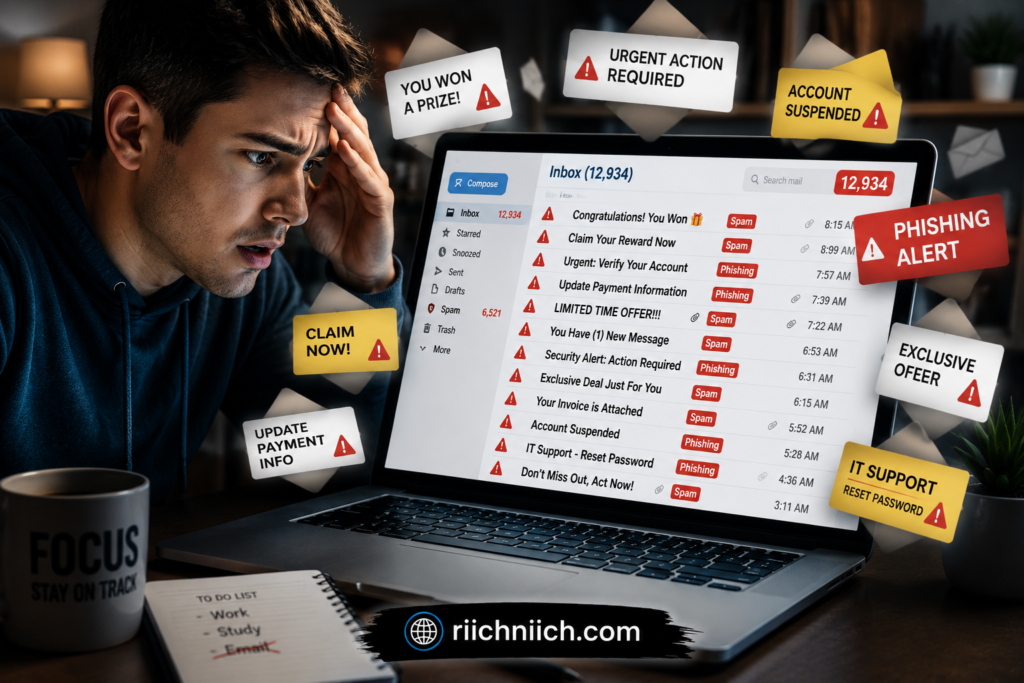
Your email address is one of the most valuable pieces of personal information online because it is often connected to your bank accounts, shopping accounts, social media profiles, work logins, cloud storage, and financial services. Hackers often combine exposed email addresses with other stolen personal information to launch larger cyberattacks. Learn more about How Hackers Get Your Personal Data and why protecting your online accounts is so important. Cybercriminals gain access to your email address so they can use it to launch phishing attacks, attempt password resets, steal sensitive information, or target you with identity theft scams.
This is one reason why how hackers get your email address has become such an important cybersecurity topic. A single exposed email address can open the door to multiple types of online fraud, especially if your email is connected to weak passwords or reused login credentials.
Hackers and scammers often use stolen email addresses to:
- Send phishing emails designed to steal passwords or banking information
- Launch fake password reset requests
- Deliver malware through malicious attachments or links
- Target victims with scam messages and fake tech support emails
- Attempt credential stuffing attacks using leaked passwords from old data breaches
- Build detailed profiles using personal data collected from multiple sources
Many cybercriminals also combine email addresses with information purchased from data broker websites and dark web marketplaces. This allows scammers to create more convincing phishing attacks using your real name, phone number, location, or even family member information.
According to the Cybersecurity and Infrastructure Security Agency (CISA), phishing remains one of the most common cyberattack methods used to steal sensitive information and compromise online accounts. You can learn more about phishing protection from CISA.gov.
If your email address exposed online is linked to important accounts, hackers may also try to gain access to financial accounts, cryptocurrency wallets, cloud backups, or work-related systems. That is why protecting your email address is now considered a critical part of online privacy and identity protection.
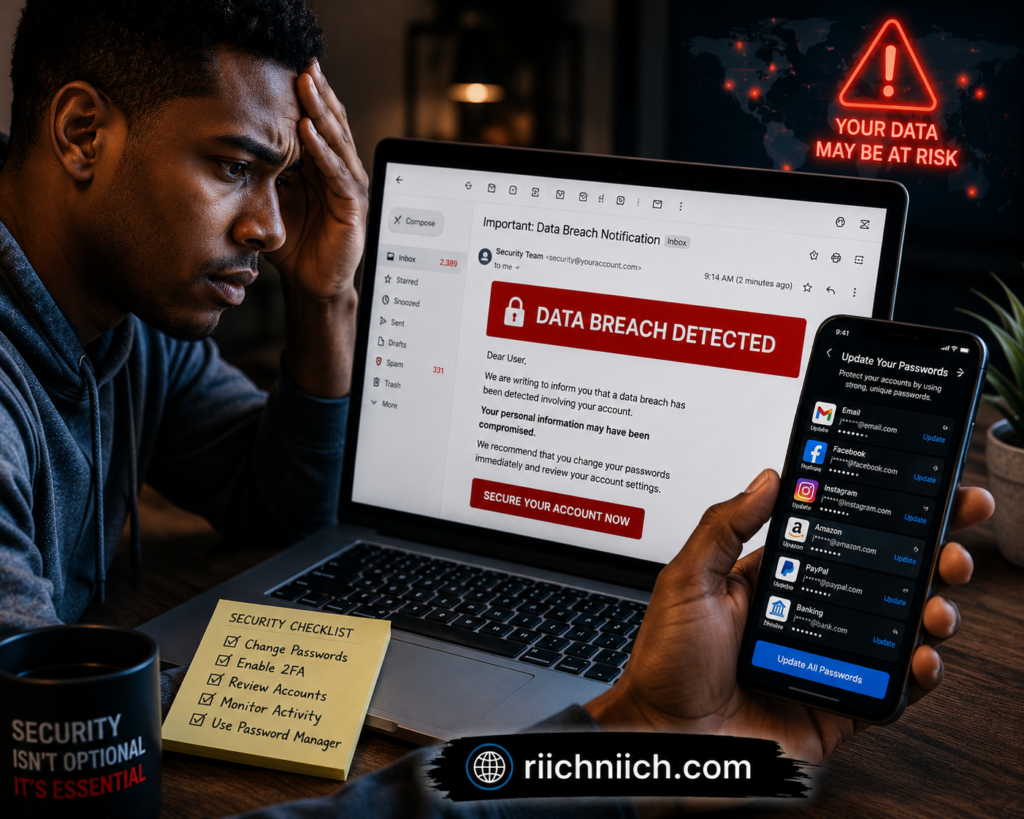
Data Breaches Are One of the Biggest Sources of Stolen Email Addresses
One of the biggest reasons how hackers get your email address has become such a major cybersecurity concern is because of large-scale data breaches. Every time a company, app, online store, or social media platform gets hacked, millions of email addresses can be exposed, leaked, or sold online.
When hackers breach a company database, they often steal:
- Email addresses
- Passwords
- Phone numbers
- Home addresses
- Financial information
- Login credentials
These stolen databases are frequently shared on hacker forums and dark web marketplaces where cybercriminals buy and sell personal information. In many cases, people have no idea their email address exposed online until they suddenly start receiving phishing emails, spam messages, suspicious login alerts, or fake password reset requests.
Hackers also use data breaches to launch “credential stuffing” attacks. This happens when cybercriminals take leaked email addresses and passwords from one breach and try them on other websites like banking apps, PayPal accounts, streaming services, and social media platforms. If someone reuses passwords across multiple accounts, hackers can sometimes gain access to several accounts using a single leaked login.
This is why learning how email addresses get leaked is so important for protecting your online identity.
You can check whether your email address has appeared in known data breaches by using tools like Have I Been Pwned, which monitors publicly exposed breach databases and compromised account information.
If your email has been exposed in a breach, experts recommend:
- Changing your passwords immediately
- Using unique passwords for every account
- Enabling multi-factor authentication
- Monitoring financial accounts for suspicious activity
- Using identity protection or dark web monitoring tools
Data breaches are becoming more common every year, which means protecting your email address is no longer optional. Once your information enters breach databases, scammers may continue targeting you with phishing campaigns and fraud attempts for years.
Hackers Collect Email Addresses From Social Media Profiles
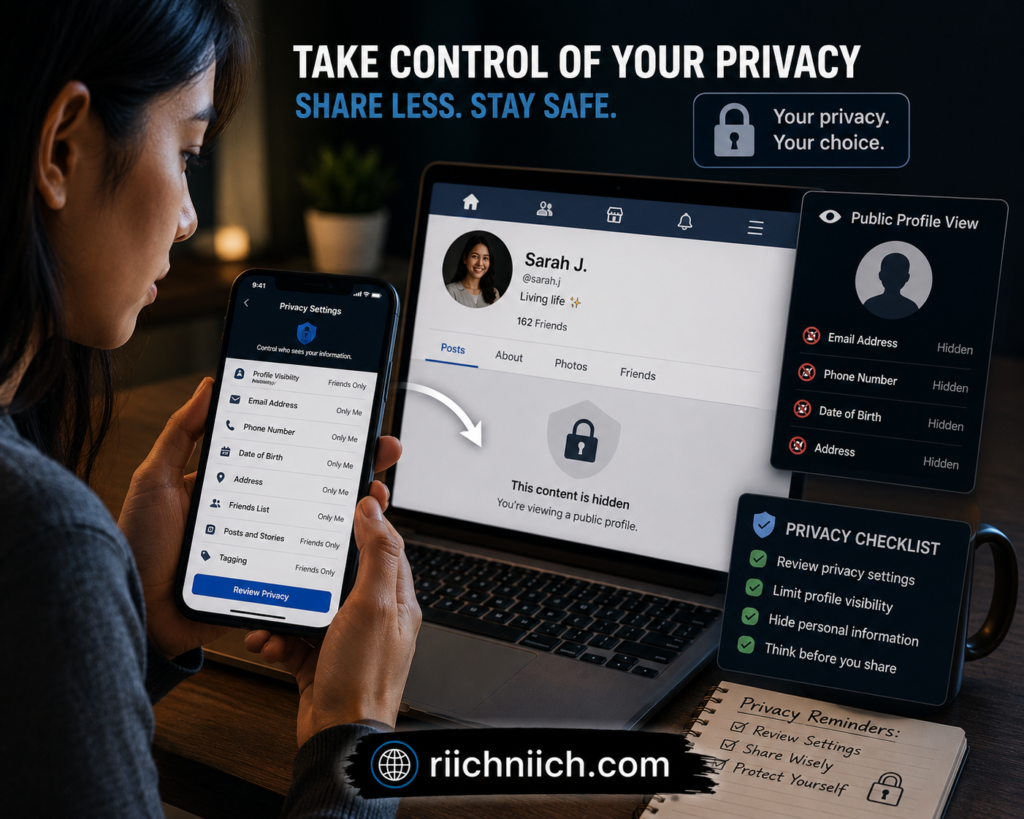
Social media platforms are one of the easiest places for cybercriminals to collect personal information, including email addresses. Many people unknowingly expose sensitive details online by sharing public profiles, contact information, work history, birthdays, locations, and other personal data that hackers can use for phishing attacks and identity theft scams.
When discussing how hackers get your email address, social media exposure is often overlooked. Hackers and scammers regularly search platforms like Facebook, Instagram, LinkedIn, TikTok, and X for publicly visible contact information or clues that can help them discover email addresses connected to online accounts.
Some cybercriminals use automated scraping tools to collect email addresses from:
- Public business pages
- Social media bios
- Comment sections
- Giveaway entries
- Public friend lists
- Online communities and forums
Even if your email address is not directly visible, hackers may still connect your social media profile to leaked data from previous breaches or data broker databases. This allows scammers to create highly targeted phishing emails using your real name, employer, interests, or personal connections.
For example, if a scammer knows where you work and which social platforms you use, they may send fake emails pretending to be:
- Your bank
- A coworker
- A delivery company
- A social media platform
- A password reset request
This is one reason phishing emails have become much more convincing in recent years.
The National Cyber Security Centre (NCSC) recommends limiting the amount of personal information shared publicly online and reviewing your privacy settings regularly to reduce online exposure.
To reduce the risk of your email address exposed online through social media:
- Keep profiles private whenever possible
- Avoid posting contact information publicly
- Be cautious with online quizzes and giveaways
- Limit location sharing
- Review app permissions connected to social accounts
- Remove old or unused accounts
The more personal information available online, the easier it becomes for cybercriminals to build detailed profiles for phishing campaigns, spam attacks, and account takeover attempts.
Data Broker Websites Can Expose Your Email Address Online
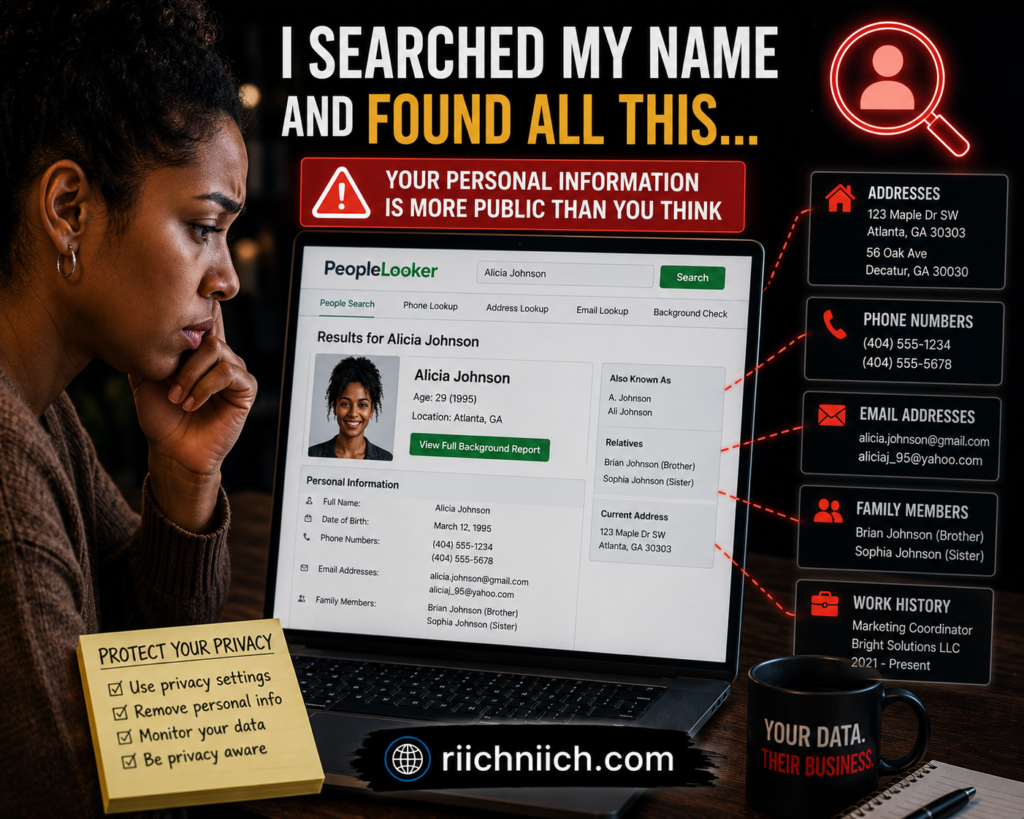
Data broker websites are one of the most overlooked reasons how hackers get your email address has become such a serious online privacy problem. These companies collect personal information from public records, apps, websites, social media platforms, loyalty programs, and online purchases, then organize and sell that data to advertisers, marketers, and other third parties. Many people are surprised by how much personal information is already circulating online. You can learn more about How Your Personal Data Ends Up Online and the risks that come with online data exposure.
In many cases, data broker websites may contain:
- Email addresses
- Phone numbers
- Home addresses
- Family member information
- Employment history
- Age and birthdates
- Social media profiles
Some people-search websites make this information publicly searchable online, which means scammers and cybercriminals can easily find exposed personal details in just a few minutes. Many of these websites also expose phone numbers publicly. Here is a guide explaining How to Remove Your Phone Number From Data Broker Sites to reduce spam calls and scam risks.
Hackers often combine information from data broker databases with leaked passwords from data breaches to build detailed profiles on potential victims. This can make phishing emails and scam attempts look much more believable because attackers may already know your real name, address, employer, or other personal details.
This is one reason why many people wonder why they suddenly start receiving more spam emails, scam messages, or suspicious login attempts after their information appears online.
According to the Electronic Frontier Foundation (EFF), data brokers collect massive amounts of personal information with very little transparency, making online privacy increasingly difficult for consumers to control. You can learn more about data privacy concerns from Electronic Frontier Foundation (EFF).
If your email address exposed online appears on data broker sites, cybercriminals may use it to:
- Send phishing emails
- Launch identity theft scams
- Build spam email lists
- Attempt account takeovers
- Deliver malware attachments
- Target you with personalized fraud attempts
Removing your information from data broker websites can help reduce your online exposure and lower the chances of becoming a target for phishing scams and identity theft. Many people choose to manually submit opt-out requests, while others use privacy services that automatically monitor and remove exposed information from multiple broker databases.
Phishing Scams and Fake Websites Can Steal Your Email Address
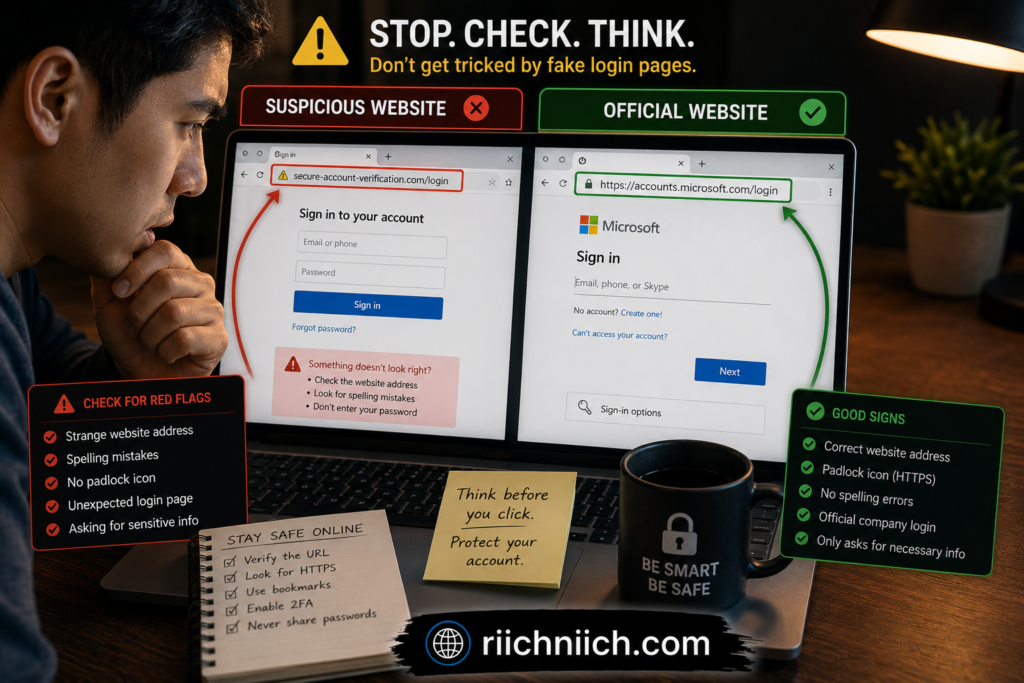
Phishing scams and fake websites are some of the most common ways cybercriminals collect personal information online. Many people searching for how hackers get your email address do not realize that simply entering an email into a fake login page, giveaway form, or scam website can expose them to spam attacks, identity theft, and account takeover attempts.
Hackers often create fake websites that look almost identical to trusted companies such as:
- Banks
- Streaming services
- Social media platforms
- Online stores
- Delivery companies
- Cryptocurrency exchanges
These fake websites are designed to trick users into entering their email addresses, passwords, phone numbers, or financial information. Once submitted, the information can be stolen instantly and added to spam databases or phishing campaigns.
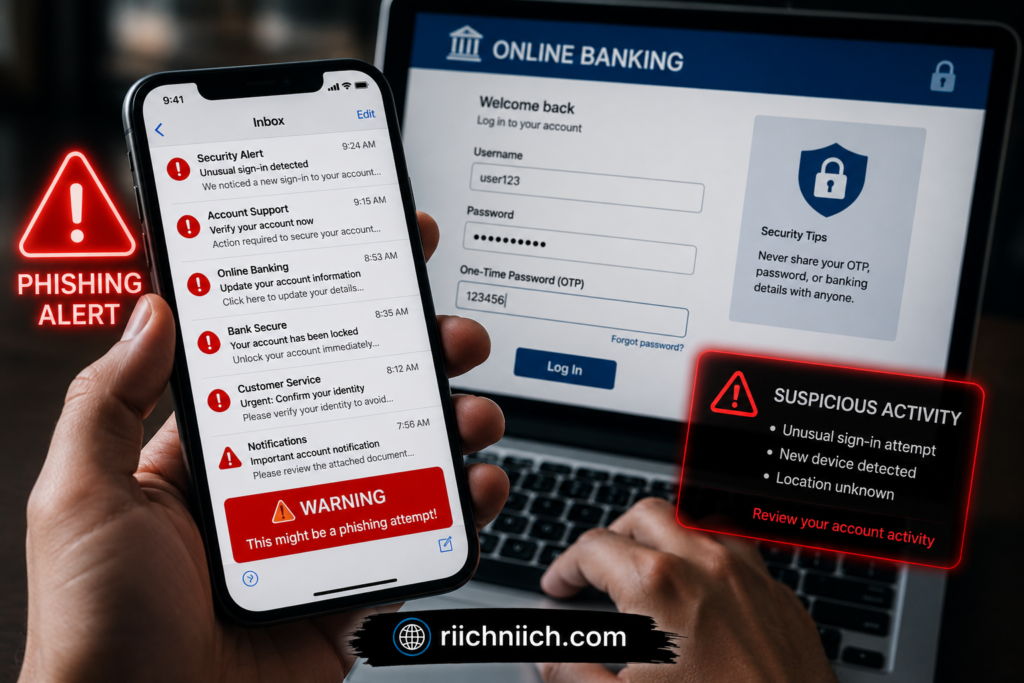
Scammers commonly send phishing emails that create urgency by claiming:
- Your account has been locked
- A package delivery failed
- Suspicious login activity was detected
- You must reset your password immediately
- A payment failed
When users click these links, they may be redirected to fake login pages designed to steal credentials and collect personal data.
In some cases, cybercriminals also use fake contests, surveys, coupon offers, or “free download” pages to harvest email addresses from unsuspecting users. These scams often lead to an increase in spam emails, scam messages, and malicious phishing attempts over time.
The Anti-Phishing Working Group (APWG) tracks global phishing activity and reports that phishing attacks continue to rise across financial services, social media, and e-commerce platforms. You can learn more about phishing trends and online scams from APWG.org.
To help protect your email address exposed online:
- Avoid clicking suspicious links in emails or text messages
- Double-check website URLs before logging in
- Never enter passwords on unfamiliar websites
- Use multi-factor authentication whenever possible
- Keep browsers and security software updated
- Avoid downloading attachments from unknown senders
Learning how scammers get your email and recognizing phishing attempts early can significantly reduce your risk of identity theft, financial fraud, and hacked online accounts.
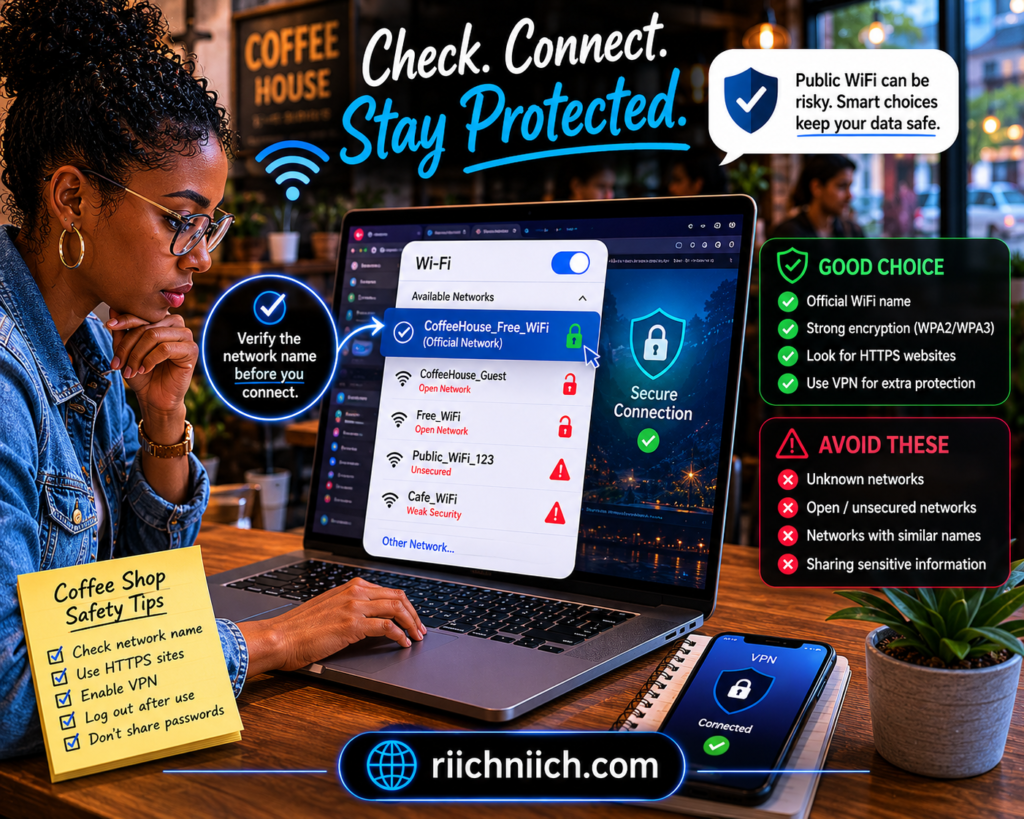
Public WiFi Networks Can Put Your Email Address at Risk
Public WiFi networks may seem convenient, but they can also create serious privacy and security risks if used carelessly. When discussing how hackers get your email address, unsecured public WiFi is often one of the easiest ways cybercriminals intercept personal information from unsuspecting users.
Free WiFi networks in places like:
- Coffee shops
- Airports
- Hotels
- Restaurants
- Shopping centers
- Libraries
can sometimes expose your online activity if the connection is not properly secured. Hackers may use fake WiFi hotspots or monitoring tools to capture sensitive information transmitted across public networks. Using unsecured public networks can expose much more than just your email address. Learn more about common Public WiFi Dangers and how to stay protected online.
For example, cybercriminals sometimes create fake networks with names similar to legitimate WiFi connections, hoping users will accidentally connect to them. Once connected, attackers may attempt to monitor traffic, redirect users to fake websites, or collect login information such as email addresses and passwords.
If someone logs into an email account, banking app, or social media platform on an unsafe connection, hackers may be able to steal:
- Email addresses
- Login credentials
- Browsing activity
- Personal messages
- Financial information
This can eventually lead to phishing scams, spam campaigns, identity theft, or account takeover attempts.
The Federal Communications Commission (FCC) warns users to avoid accessing sensitive accounts on public WiFi without proper protection because attackers may intercept unsecured communications. You can learn more about public WiFi safety from FCC.gov.
To help reduce the risk of your email address exposed online while using public WiFi:
- Avoid logging into financial accounts on public networks
- Verify the official WiFi network name before connecting
- Use websites with HTTPS encryption
- Turn off automatic WiFi connections
- Keep devices updated with security patches
- Use a trusted VPN to encrypt your internet traffic
Using a VPN on public WiFi can help protect your online activity by encrypting your connection and making it more difficult for hackers to intercept sensitive information. This is especially important for people who travel frequently or regularly work from public locations.
Hackers actively target unsecured public WiFi networks in places like airports, hotels, and coffee shops. 👉 NordVPN helps encrypt your internet traffic and adds an extra layer of protection against hackers trying to steal sensitive information online.
Malware and Spyware Can Harvest Your Email Address
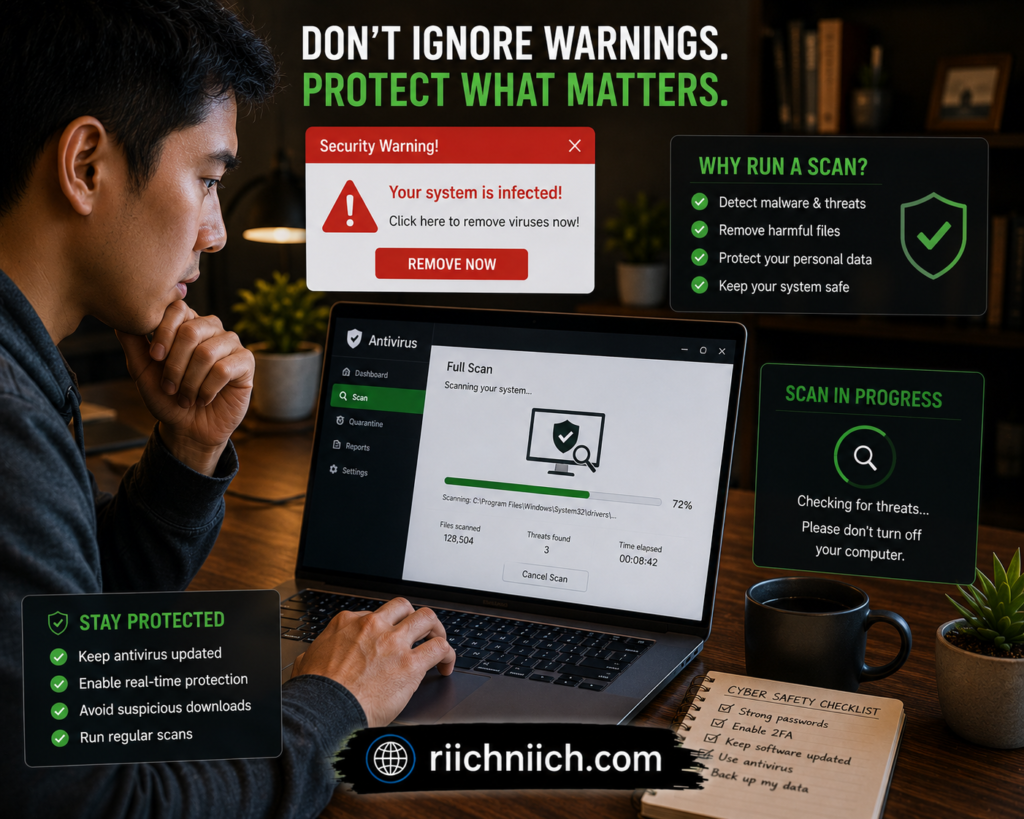
Malware and spyware are dangerous types of malicious software that hackers use to steal personal information from infected devices. When people search for how hackers get your email address, they often overlook how easily malware infections can expose sensitive data stored on phones, tablets, and computers.
Cybercriminals commonly spread malware through:
- Fake email attachments
- Phishing links
- Malicious downloads
- Fake software updates
- Infected mobile apps
- Unsafe websites
Once malware is installed on a device, it may secretly collect personal information such as:
- Email addresses
- Passwords
- Saved browser logins
- Financial information
- Contacts
- Browsing history
Some spyware programs are specifically designed to monitor user activity in the background without being noticed. In more advanced attacks, hackers may even capture keystrokes or login sessions to gain access to email accounts and other online services.
This is one reason why people may suddenly experience:
- Increased spam emails
- Unauthorized login attempts
- Suspicious password reset requests
- Fake security alerts
- Strange activity on online accounts
In some cases, infected devices can also become part of larger spam networks that send phishing emails to other victims using stolen contact information.
The Cybersecurity & Infrastructure Security Agency (CISA) recommends avoiding suspicious downloads, keeping software updated, and using reputable security tools to reduce malware risks. You can learn more about malware protection from CISA Malware Guidance.
To help protect your email address exposed online from malware and spyware threats:
- Avoid downloading files from unknown sources
- Keep operating systems and apps updated
- Use trusted antivirus software
- Be cautious with browser extensions
- Do not click suspicious email links
- Enable multi-factor authentication on important accounts
Protecting your devices from malware is an important part of preventing identity theft, phishing attacks, and unauthorized access to your personal accounts.
Hackers Buy and Sell Email Addresses on the Dark Web
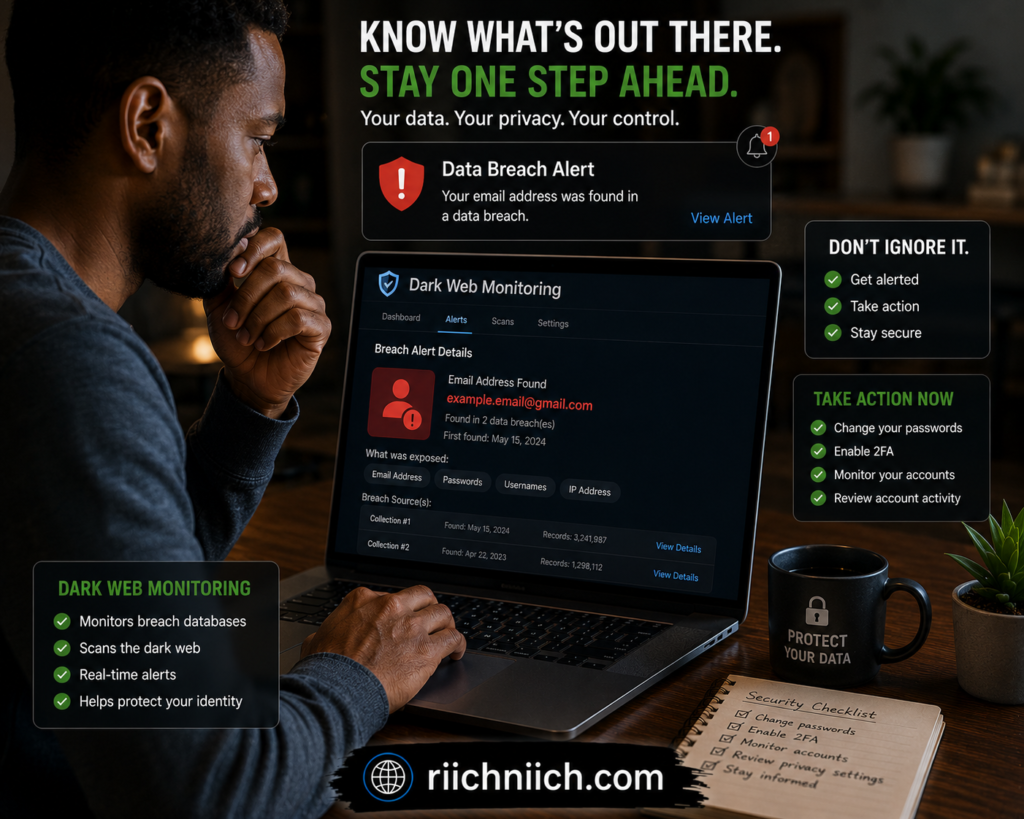
One of the biggest reasons how hackers get your email address has become such a widespread problem is because stolen personal information is constantly being bought and sold on dark web marketplaces. After data breaches, phishing attacks, or malware infections occur, cybercriminals often package stolen email addresses into massive databases that can be sold to other scammers online.
The dark web is a hidden part of the internet where cybercriminals frequently trade:
- Stolen email addresses
- Password databases
- Credit card information
- Banking credentials
- Social Security numbers
- Personal identity information
In many cases, hackers sell lists containing millions of exposed email addresses gathered from previous breaches and online scams. These lists are then used for phishing campaigns, spam attacks, identity theft, financial fraud, and account takeover attempts.
This is why people sometimes notice a sudden increase in:
- Spam emails
- Fake password reset requests
- Scam text messages
- Suspicious login attempts
- Phishing emails pretending to be trusted companies
Even if you have never personally interacted with hackers, your information may still appear in dark web databases if a company you used experienced a data breach. You can also learn How to Check If Your Information Is on the Dark Web to see whether your email address or personal data has already been exposed.
The U.S. Department of Justice explains that cybercriminal marketplaces on the dark web are commonly used to distribute stolen personal information and hacking tools. You can learn more about cybercrime and dark web activity from Justice.gov Cybercrime Resources.
If your email address exposed online appears on dark web marketplaces, cybercriminals may attempt to:
- Access your online accounts
- Launch phishing attacks
- Impersonate trusted companies
- Steal financial information
- Commit identity theft
- Spread malware through scam emails
To reduce your risk:
- Use unique passwords for every account
- Enable multi-factor authentication
- Monitor your accounts for suspicious activity
- Avoid reusing old passwords from breached websites
- Use identity protection or dark web monitoring tools
Regularly monitoring your online accounts and removing exposed personal information from public databases can help reduce the chances of becoming a target for future cyberattacks.
Your Email Address May Already Be on Spam Lists
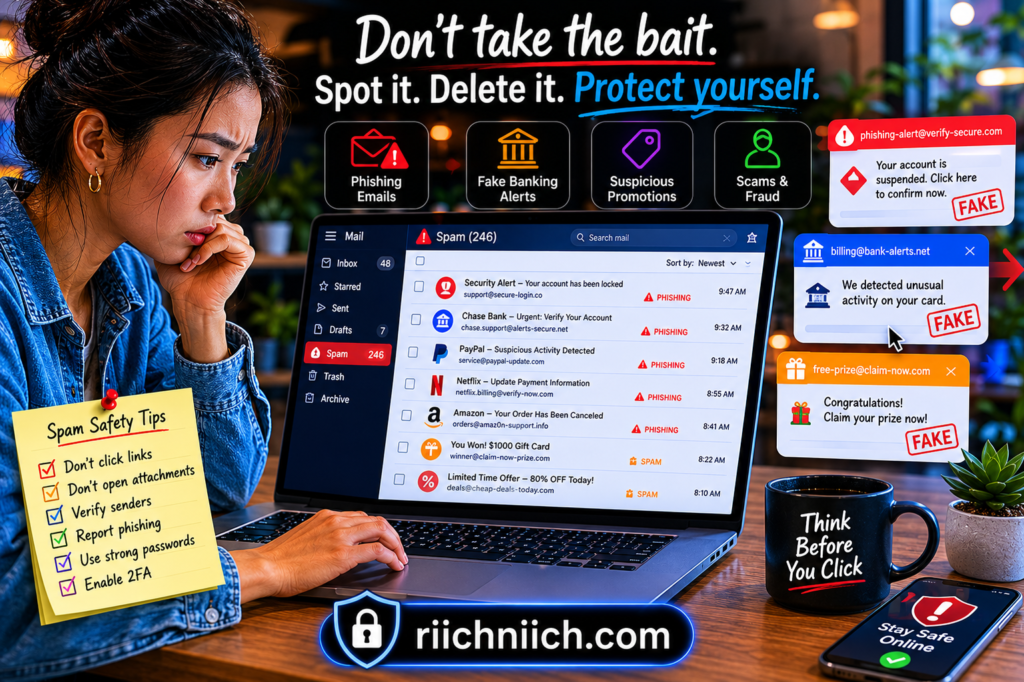
If you receive constant spam emails, phishing messages, or suspicious promotions, there is a good chance your email address is already included on spam lists shared between scammers, marketers, and cybercriminals. Many scammers also target victims through robocalls and text scams. Here are practical tips on How to Stop Spam Calls and Scam Messages before they become a larger problem. For many people researching how hackers get your email address, discovering that their information may already be circulating online can be surprising.
Spam lists are large collections of email addresses gathered from sources such as:
- Data breaches
- Phishing scams
- Fake websites
- Public online profiles
- Data broker databases
- Malware infections
- Online giveaways and surveys
Once an email address gets added to spam databases, it may continue spreading between cybercriminal groups for years. Some hackers even sell verified “active” email addresses to other scammers because they know the account is regularly used.
This is one reason spam and phishing emails often become more frequent over time.
Cybercriminals use spam lists to:
- Send phishing emails
- Distribute malware
- Promote fake products
- Launch financial scams
- Steal login credentials
- Trick users into revealing sensitive information
In many cases, scammers design phishing emails to appear urgent or trustworthy by pretending to come from:
- Banks
- Government agencies
- Online retailers
- Streaming services
- Delivery companies
- Social media platforms
The Canadian Centre for Cyber Security warns that phishing campaigns and spam attacks are commonly used to steal passwords, financial information, and personal data from victims worldwide.
Signs your email address exposed online may already be on spam lists include:
- A sudden increase in junk emails
- Frequent phishing attempts
- Strange password reset emails
- Emails from companies you never signed up for
- Scam messages with personal information included
To reduce future spam and lower your exposure:
- Avoid clicking suspicious links
- Unsubscribe carefully from unknown emails
- Use spam filters
- Avoid posting your email publicly online
- Remove personal information from data broker websites
- Use separate email addresses for shopping, banking, and personal accounts when possible
Protecting your email address early can help reduce phishing risks, identity theft attempts, and online scams before they become more serious.
Signs That Hackers May Have Your Email Address
In many cases, people do not immediately realize their email address has been exposed online. However, there are several warning signs that may indicate cybercriminals already have access to your information. Understanding these warning signs is important for anyone researching how hackers get your email address and trying to protect themselves from phishing scams, identity theft, and account takeover attacks.
One of the most common signs is a sudden increase in spam emails or phishing messages. If your inbox suddenly fills with suspicious emails from unknown senders, fake invoices, password reset requests, or scam promotions, your email address may already be circulating on spam lists or dark web databases.
Other common warning signs include:
- Unexpected password reset emails
- Login alerts from unfamiliar devices or locations
- Spam messages using your real name
- Fake security alerts from banks or online services
- Emails asking you to verify account information
- Messages containing suspicious links or attachments
- Notifications about data breaches involving accounts you use
If your information has already appeared in a data breach, cybercriminals may already be targeting your accounts.
👉 Identity Guard helps monitor for suspicious activity and alerts you when your personal information may be at risk online.
Hackers often use stolen email addresses to launch targeted phishing attacks that appear legitimate. Some scammers may already know personal details such as your name, employer, or shopping activity, making the scam emails look more convincing.
You may also notice that your email address exposed online begins receiving:
- Cryptocurrency scams
- Fake delivery notifications
- Tech support scams
- Tax refund scams
- Social media impersonation attempts
The National Institute of Standards and Technology (NIST) recommends monitoring account activity regularly and enabling multi-factor authentication to help protect against unauthorized access attempts.
If you suspect hackers may already have your email address:
- Change important passwords immediately
- Use unique passwords for every account
- Enable multi-factor authentication
- Monitor financial and online accounts closely
- Check whether your email appears in known data breaches
- Remove personal information from public people-search websites
Recognizing these warning signs early can help reduce the risk of identity theft, financial fraud, and hacked online accounts before more serious damage occurs.
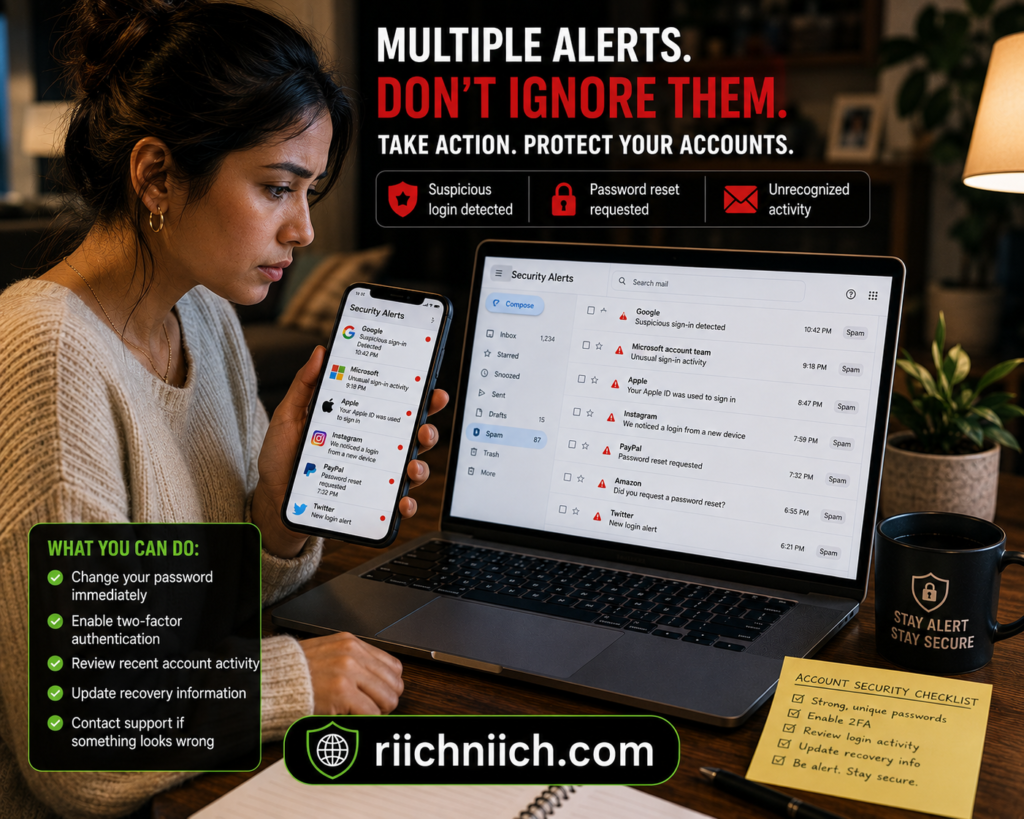
What Happens After Hackers Get Your Email Address?
Once hackers obtain your email address, they may use it for much more than simply sending spam messages. Understanding what happens after cybercriminals gain access to your information is an important part of learning how hackers get your email address and why protecting your online accounts matters.
In many cases, hackers immediately add stolen email addresses to spam and phishing databases used for large-scale scam campaigns. This often leads to:
- Increased phishing emails
- Fake password reset requests
- Scam messages pretending to be trusted companies
- Malware attachments
- Fraudulent account verification emails
Cybercriminals may also attempt “credential stuffing” attacks, where leaked email addresses and passwords from old data breaches are tested across multiple websites. If someone reused passwords on different accounts, hackers may gain access to:
- Email accounts
- Banking apps
- Shopping accounts
- Social media profiles
- Streaming services
- Cryptocurrency platforms
Once an email account becomes compromised, the risks can become much more serious.
👉 Services like Coveron can help monitor for data breaches, suspicious account activity, and identity theft risks connected to your personal information before problems become more serious.
Attackers may use access to your inbox to:
- Reset passwords for other accounts
- Steal financial information
- Access sensitive documents
- Impersonate you in scam emails
- Target friends and family members
- Commit identity theft
Hackers may also combine your email address exposed online with personal information gathered from social media profiles, data broker sites, or dark web databases. This allows them to create highly targeted phishing attacks that appear more convincing and personalized.
Once your information reaches dark web databases, the risks of phishing scams, identity theft, and financial fraud can increase quickly. Aura helps monitor your personal information for suspicious activity, dark web exposure, and identity theft threats before they become more serious.
According to the Identity Theft Resource Center (ITRC), phishing scams and compromised accounts remain major contributors to identity theft and online fraud. You can learn more about data breaches and identity protection from Identity Theft Resource Center.
If you believe hackers may already have your email address:
- Change passwords on important accounts immediately
- Use strong, unique passwords
- Enable multi-factor authentication
- Monitor bank and credit activity closely
- Watch for suspicious login alerts
- Consider using identity theft protection or dark web monitoring services
The faster you respond after noticing suspicious activity, the better your chances of preventing more serious financial damage or identity theft problems.
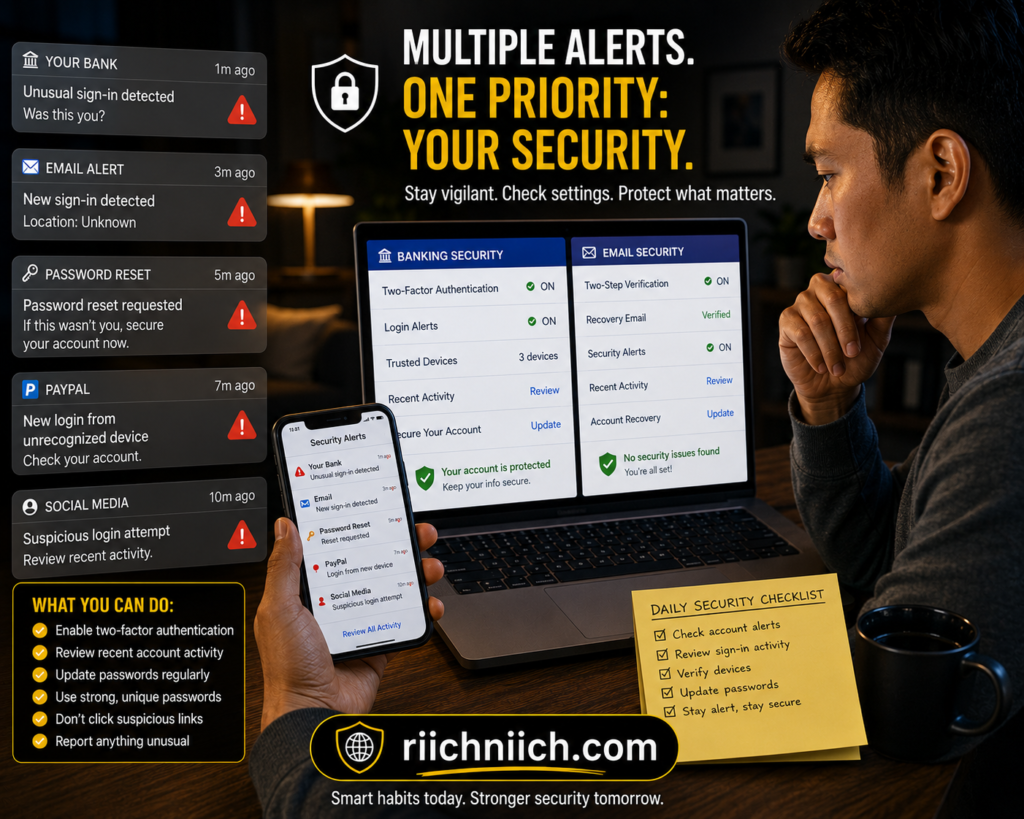
How to Protect Your Email Address From Hackers
Protecting your email address is one of the most important steps you can take to improve your online privacy and reduce the risk of phishing scams, identity theft, and hacked accounts. Since how hackers get your email address often involves data breaches, phishing attacks, malware, and public online exposure, reducing your digital footprint can make you a much harder target.
One of the best ways to protect your email address exposed online is to avoid sharing it publicly whenever possible. Many scammers collect email addresses from social media profiles, forums, blog comments, and people-search websites.
Here are some important ways to help protect your email address from hackers:
- Use strong and unique passwords for every account
- Enable multi-factor authentication (MFA)
- Avoid clicking suspicious email links or attachments
- Keep devices and apps updated
- Use spam filters and antivirus protection
- Limit the amount of personal information shared online
- Avoid entering your email on untrusted websites
- Remove personal information from data broker sites
- Use separate email addresses for shopping, banking, and personal use
It is also important to monitor your accounts regularly for suspicious login activity or password reset requests. The earlier you catch unusual activity, the easier it may be to stop hackers before serious damage occurs.
Another helpful strategy is using a password manager to generate and store secure passwords. This reduces the risk of credential stuffing attacks that occur when hackers reuse leaked passwords from previous data breaches.
The National Cybersecurity Alliance recommends enabling multi-factor authentication and practicing strong password security to better protect online accounts from phishing and cyberattacks.
If your information is already circulating online, data removal services and identity monitoring tools may help reduce your exposure by monitoring breach activity and removing personal data from broker websites.
Protecting your email address is not just about reducing spam. It can also help protect your financial accounts, social media profiles, personal documents, and online identity from long-term cyber threats.
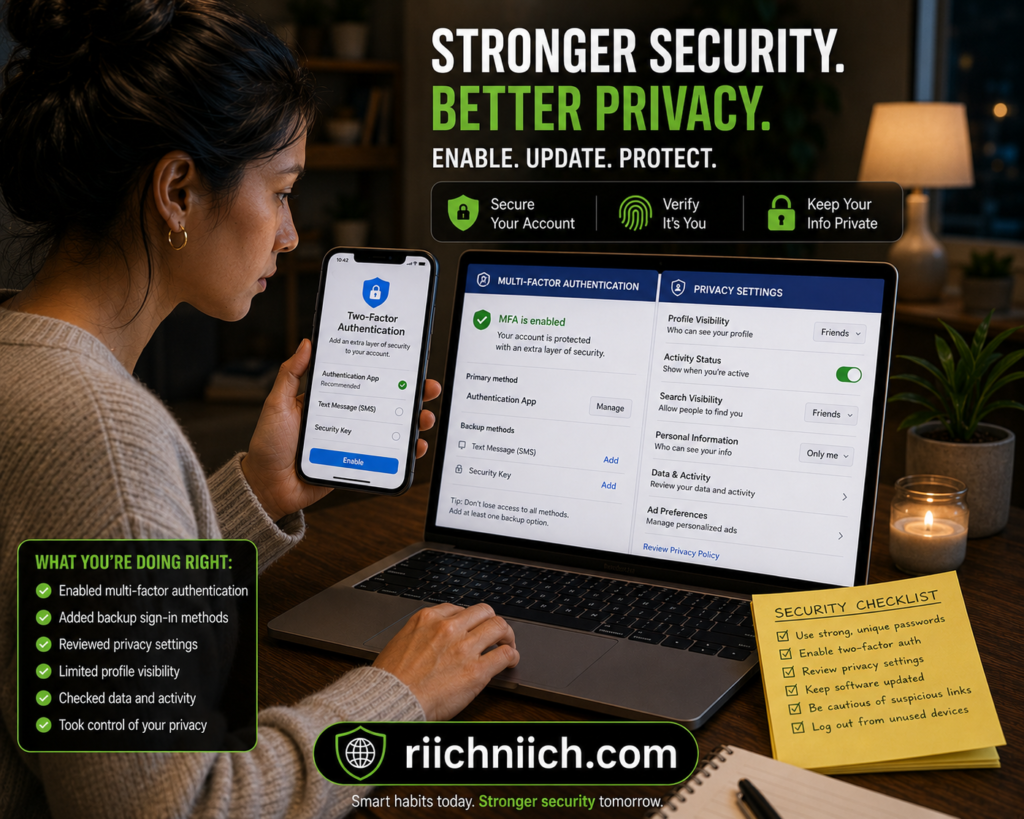
Should You Remove Your Information From Data Broker Sites?
Yes, removing your personal information from data broker websites can help reduce your online exposure and make it more difficult for hackers, scammers, and identity thieves to target you. Since how hackers get your email address often involves data brokers and people-search websites, reducing the amount of publicly available information connected to your identity is an important step toward improving online privacy.
Data broker companies collect information from:
- Public records
- Social media accounts
- Online purchases
- Mobile apps
- Marketing databases
- Website tracking systems
- Loyalty and rewards programs
If you are unfamiliar with how these companies operate, here is a detailed guide explaining what a data broker is and how they collect personal information.
They then organize and sell this information to advertisers, marketers, and other third parties. In some cases, your email address exposed online may appear alongside your:
- Full name
- Phone number
- Home address
- Age
- Relatives
- Employment history
This creates a much easier target for phishing scams, spam attacks, and identity theft attempts because cybercriminals can combine multiple pieces of personal information to create highly convincing scams.
Removing your information from people-search and data broker websites may help:
- Reduce spam emails
- Lower phishing risks
- Limit scam targeting
- Reduce identity theft exposure
- Improve overall online privacy
If you want to reduce your digital footprint even further, here is a step-by-step guide on How to Remove Your Personal Information from the Internet.
The Privacy Rights Clearinghouse explains that consumers often have little control over how personal information is collected and shared online, making opt-out requests and privacy monitoring increasingly important.
There are generally two ways to remove your information from data broker websites:
- Manual Opt-Out Requests
You can individually contact data broker websites and request removal of your information. However, this process can be time-consuming because many sites require separate requests and may republish information later. - Automated Data Removal Services
Some privacy services continuously monitor broker databases and submit removal requests automatically on your behalf. These tools can help simplify the process for people who want ongoing privacy monitoring.
If your personal information is already appearing on people-search websites, scammers may already have access to your email address, phone number, and home address.
👉 Incogni helps automatically remove your exposed information from data broker databases before it spreads even further online.
While removing your information will not completely eliminate all online risks, it can significantly reduce the amount of personal data available to scammers and cybercriminals.
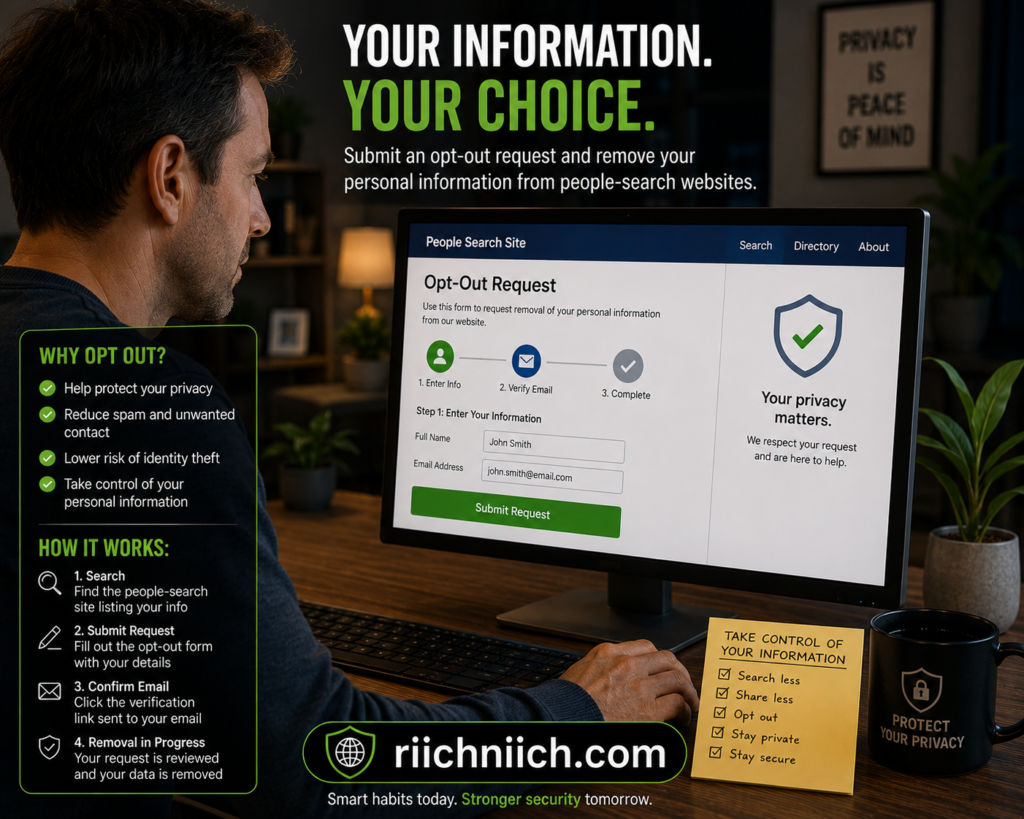
Best Tools to Help Protect Your Email Address and Online Privacy
If you are concerned about how hackers get your email address, using the right privacy and cybersecurity tools can help reduce your risk of phishing attacks, spam campaigns, identity theft, and account takeovers. While no tool can guarantee complete protection, combining multiple layers of security can make it much harder for cybercriminals to access your personal information.
Here are some of the best types of tools to help protect your email address exposed online and improve your online privacy:
Password Managers
Password managers help generate and store strong, unique passwords for every online account. If you struggle to manage secure passwords across multiple accounts, here are some of the Best Password Managers for improving online security and privacy. This reduces the risk of hackers accessing multiple accounts through leaked credentials from old data breaches.
A good password manager can also help protect against credential stuffing attacks, which happen when cybercriminals reuse stolen email addresses and passwords across multiple websites.
You can learn more about password security recommendations from Cybersecurity & Infrastructure Security Agency (CISA) Password Tips.
VPN Services
VPNs (Virtual Private Networks) encrypt your internet traffic and help protect your online activity from hackers, especially when using public WiFi networks. This can reduce the chances of cybercriminals intercepting login information or monitoring your browsing activity.
VPNs are especially useful for:
- Public WiFi protection
- Privacy while traveling
- Securing sensitive online activity
- Reducing online tracking
If you regularly browse online, shop, bank, or use public WiFi, using a VPN like Surfshark can help reduce tracking, encrypt your connection, and improve your overall online privacy.
Identity Theft Protection Services
Identity protection services monitor personal information for suspicious activity, data breaches, and dark web exposure. If you want additional protection against phishing scams and account takeovers, here are some of the Best Identity Theft Protection Services available today. Some services also provide alerts for compromised email addresses, fraudulent account activity, and identity theft risks.
These tools may help users react faster if hackers gain access to sensitive information connected to their email accounts.
Data Removal Services
Data removal services help reduce the amount of personal information available online by removing exposed details from people-search and data broker websites. Since scammers often use publicly available information to create phishing attacks, reducing your digital footprint can improve your overall privacy.
These services may help remove:
- Email addresses
- Phone numbers
- Home addresses
- Family member information
- Public profile listings
If your email address or other personal details appear on data broker and people-search websites, explore DeleteMe’s plans to see whether its ongoing removal assistance and detailed privacy reports fit your needs.
Antivirus and Anti-Malware Protection
Security software can help detect malware, spyware, and malicious downloads that may attempt to steal email addresses, passwords, and sensitive personal information from infected devices.
Keeping devices protected and updated is an important part of preventing phishing scams and cyberattacks.
Using a combination of privacy tools, strong passwords, multi-factor authentication, and data monitoring services can significantly reduce your risk of becoming a victim of online fraud or identity theft.
Final Verdict: How Hackers Get Your Email Address and How to Stop Them
Understanding how hackers get your email address is one of the most important steps toward protecting your online privacy and reducing your risk of phishing scams, identity theft, malware infections, and account takeovers. Cybercriminals use many different methods to collect email addresses, including data breaches, phishing websites, malware, social media scraping, public WiFi attacks, and data broker databases.
In many cases, people do not realize their email address exposed online has already been shared across spam lists, dark web marketplaces, or people-search websites until they begin receiving suspicious emails and scam attempts.
The good news is that there are several ways to reduce your risk and improve your online security:
- Use strong and unique passwords
- Enable multi-factor authentication
- Avoid suspicious links and attachments
- Keep devices updated
- Use antivirus and privacy protection tools
- Limit public exposure of personal information
- Remove your information from data broker websites
- Monitor accounts for suspicious activity
While no online security strategy is perfect, reducing the amount of personal information available online can make it significantly harder for scammers and hackers to target you.
The Cybersecurity & Infrastructure Security Agency (CISA) recommends practicing good cyber hygiene and using layered security protections to reduce phishing and identity theft risks.
If you are serious about protecting your online identity, combining password security, identity monitoring, VPN protection, and data removal services can provide much stronger protection against modern cyber threats.
The more proactive you are about protecting your email address today, the lower your chances of dealing with phishing scams, spam attacks, financial fraud, and identity theft in the future.
Pingback: How to Protect Your Email From Hackers - Riich Niich
Pingback: What Happens After a Data Breach? - Riich Niich
Pingback: How to Know If Someone Stole Your Identity - Riich Niich
Pingback: How Phishing Scams Work (And How To Avoid Becoming A Victim) - Riich Niich
Pingback: Why Am I Getting So Many Spam Emails? - Riich Niich
Pingback: Best Email Protection Tools (2026 Buyer's Guide) - Riich Niich